
The Best Acrolinx Alternative for Editorial Teams
TL;DR: Acrolinx is an enterprise content governance platform, built for organizations that apply one set of writing standards across every tool and channel they publish through.
If your team mainly needs consistency and house style checked in Word documents, PerfectIt is the best alternative to Acrolinx.
PerfectIt works inside Word and applies your rules the same way every time, so you get the same result on every check. Because PerfectIt is not AI, it never uses your confidential documents for training. PerfectIt for Windows also works entirely offline and never sends your documents anywhere.
The seven alternatives below are compared on confidentiality, consistency and house style, how they work inside Word, setup time, and pricing. PerfectIt ranks first for teams that write proposals and clinical study reports in Word, and it has users in 72 countries.
| Rank | Tool | Best for | Price |
|---|---|---|---|
| 1 | PerfectIt | Consistency and house style in Word, offline on Windows, checked without AI | Annual per user, with Enterprise pricing on the site |
| 2 | Writer | Enterprise AI platform with style guides and guardrails | Starter per seat for up to five users; Enterprise by quote |
| 3 | Grammarly Enterprise | Company-wide grammar and style guide suggestions | By quote through sales |
| 4 | editGPT | AI edits returned to Word as tracked changes | Free plan; Pro from $8 a month, billed yearly |
| 5 | VisibleThread | Government proposal teams that need compliance matrices and air-gapped deployment | Annual per user, by quote |
| 6 | Congree | Controlled language and terminology for technical documentation | On request |
| 7 | Vale | Free, local prose linting for docs-as-code teams | Free and open source |
How the Alternatives Were Evaluated
The seven Acrolinx alternatives are judged on five criteria an editorial team weighs when it replaces Acrolinx.
Confidentiality and data handling: This criterion comes first because IT and compliance teams approve a tool based on whether it sends document text to a cloud service or an AI model, or keeps it offline.
Consistency and house style: The tool must hold your rules and check an entire document against them the same way every time.
Where it works: Some tools run inside Word, while others need a separate editor, a content management system (CMS), or the command line.
Setup time: Measure how long a team waits for its first check, from an out-of-the-box install to enterprise onboarding.
Team size and pricing: The check is whether a tool publishes a price for a team of your size or requires a sales quote before you can compare costs. For example, choosing Writer as an Acrolinx alternative would mean you only get published pricing for up to five users. A larger team has to request an Enterprise quote. On PerfectIt’s pricing page, you can enter any number of users and get the price right away, Enterprise included.
The Best Acrolinx Alternatives, Ranked
PerfectIt is the first pick for editorial teams that need consistency and house style checked in Word documents. Writer and Grammarly Enterprise take second and third place. The other four tools are built for different tasks, which places them lower on the list.
1. PerfectIt
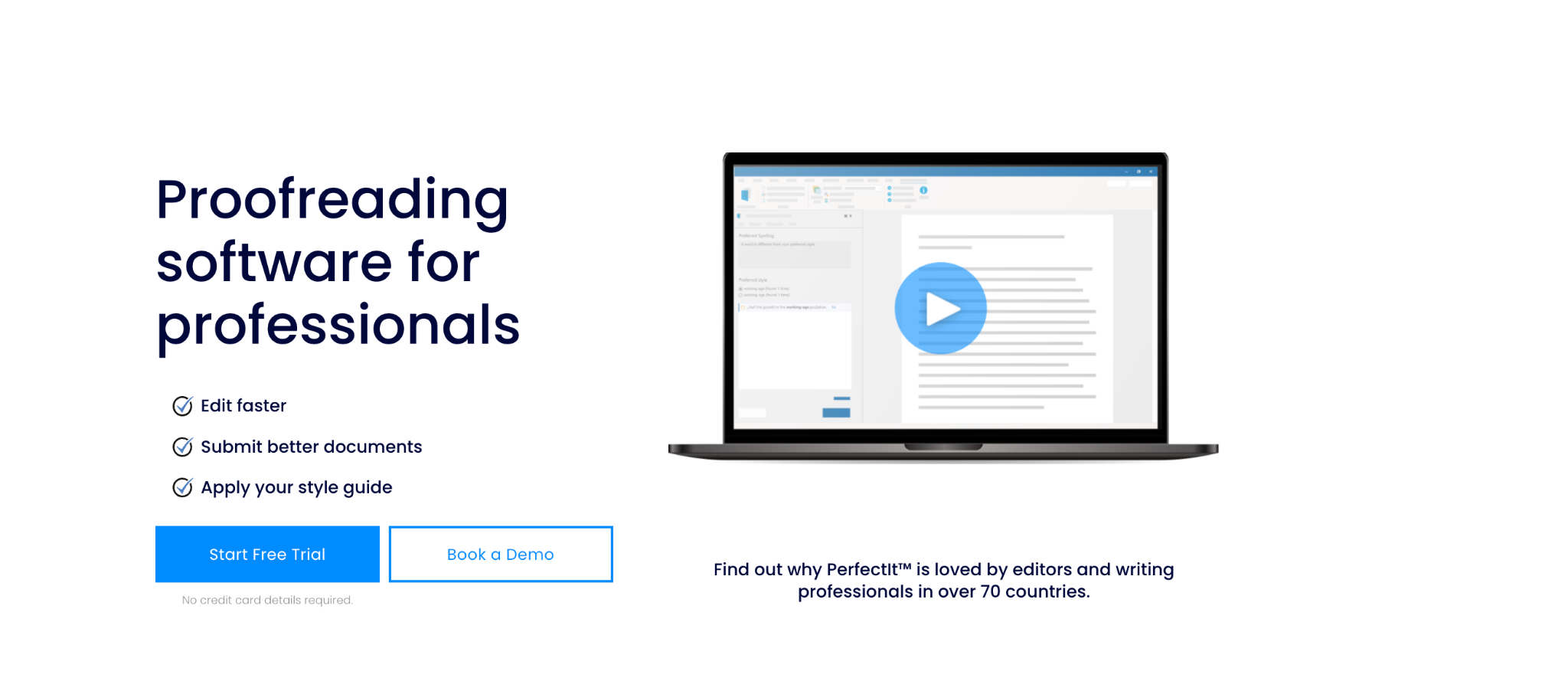
PerfectIt
Best for: editorial, proposal, medical writing, and government publications teams that need consistency and house style checked in Word documents.
PerfectIt is the best Acrolinx alternative for teams whose main need is consistency and house style in Word. It checks a document for consistency and against your own house style. Grammar sits outside its checks, and PerfectIt never writes or rewrites your text.
PerfectIt is not AI, and that matters because AI is the biggest differentiator when compared to Acrolinx. Since the move to Markup AI, Acrolinx runs Content Guardian Agents that use AI to score your content and suggest edits. PerfectIt applies your rules the same way every time, so the same document gives the same result on every check.
To get started, click PerfectIt in the Word ribbon, then click Launch PerfectIt to start its checks. PerfectIt reads the whole document and shows each issue in one sidebar. Then you decide whether to make changes at each location it flags.
Who it’s for
PerfectIt was designed for professional editors. But PerfectIt is used by a wide variety of professionals, including translators, lawyers, and technical writers. In particular, three groups rely on PerfectIt for long documents written by many contributors.
Medical writers. “Participant” and “subject” are not interchangeable in a clinical study report, and PerfectIt keeps terms like these consistent so medical writers can focus on the science. The medical writing teams at 80% of the world’s largest pharmaceutical firms use PerfectIt, as do the medical writers at Cancer Research UK.
Proposal teams. A proposal written by many subject-matter experts needs to be read with one voice. PerfectIt flags terms and acronyms that contributors wrote in different ways, and BidExecs reports cutting its proofreading time by 30%.
Government publications teams. PerfectIt checks each document against the team’s style guide, with built-in styles for the US Government Publishing Office and the United Nations, as well as a formal partnership with The Chicago Manual of Style, so reviewers can spend their time reading the content.
Key features
These PerfectIt features help you run focused checks across the whole document so you always know what kind of issue you are deciding on.
Acronym definitions
Acronym checking is one of the strongest reasons proposal teams choose PerfectIt. Without using any AI, it flags acronyms used before they are defined, acronyms defined twice, and acronyms that haven’t been defined. For example, if “NSAID” appears in a clinical study report without a definition, PerfectIt flags it in the sidebar. PerfectIt can also generate a table of acronyms for you.
Capitalization
PerfectIt flags a term with initial capitals in one location and lowercase in another, such as “Steering Committee” and “steering committee.”
Hyphenation
PerfectIt flags a term hyphenated in one location and unhyphenated in another, such as “e-mail” and “email.”
Bullets and lists
PerfectIt checks whether bullets and lists are capitalized and punctuated consistently.
Spelling
The spelling check flags mixed US and UK spellings, such as “color” and “colour,” and checks words against your preferred spellings.
Numbers in sentences
PerfectIt flags a number spelled out in one sentence (“six”) and written as a digit in another (“7”).
Tables and figures
Tables and figures are checked for consistent titles and to confirm they appear in numerical order.
Each check covers one of the most common consistency mistakes in long documents.
Pros
The strengths below explain why PerfectIt ranks as the best Acrolinx alternative for consistency and house style in Word.
Consistency checking works straight out of the box. You don't need to configure any settings first.
Your team builds its house style preferences into PerfectIt once (using Styleworks). Then every team member can check every document for those preferences without having to remember anything.
PerfectIt for Windows works entirely offline. It is easier to get corporate approval for a product like PerfectIt because it doesn’t send documents anywhere. Kimberli Balfour, Senior Proposal Manager at Microsoft Corporation, said: “PerfectIt’s inexpensive pricing and security model made it easy to get corporate approvals.”
PerfectIt is the only official proofreading software of The Chicago Manual of Style and of Microsoft Writing Style. Checking against Chicago needs a separate CMOS Online subscription.
PerfectIt has users in 72 countries. It is rated 4.9 out of 5 on Capterra from 371 reviews and 4.8 out of 5 on G2 from 164 reviews (as of October 20, 2026).
Cons
PerfectIt does not check grammar or rewrite sentences. It's designed to focus on errors that advanced language professionals seek to find. If teams want sentence-level suggestions then it’s easy to use a grammar tool alongside it.
Pricing: PerfectIt is an annual per-user subscription with four plans: Professional, Elite, Team, and Enterprise. Team and Enterprise are the plans built for editorial teams, and PowerPoint checking is included from the Elite plan up.
Check the current Enterprise pricing available on the site.
2. Writer
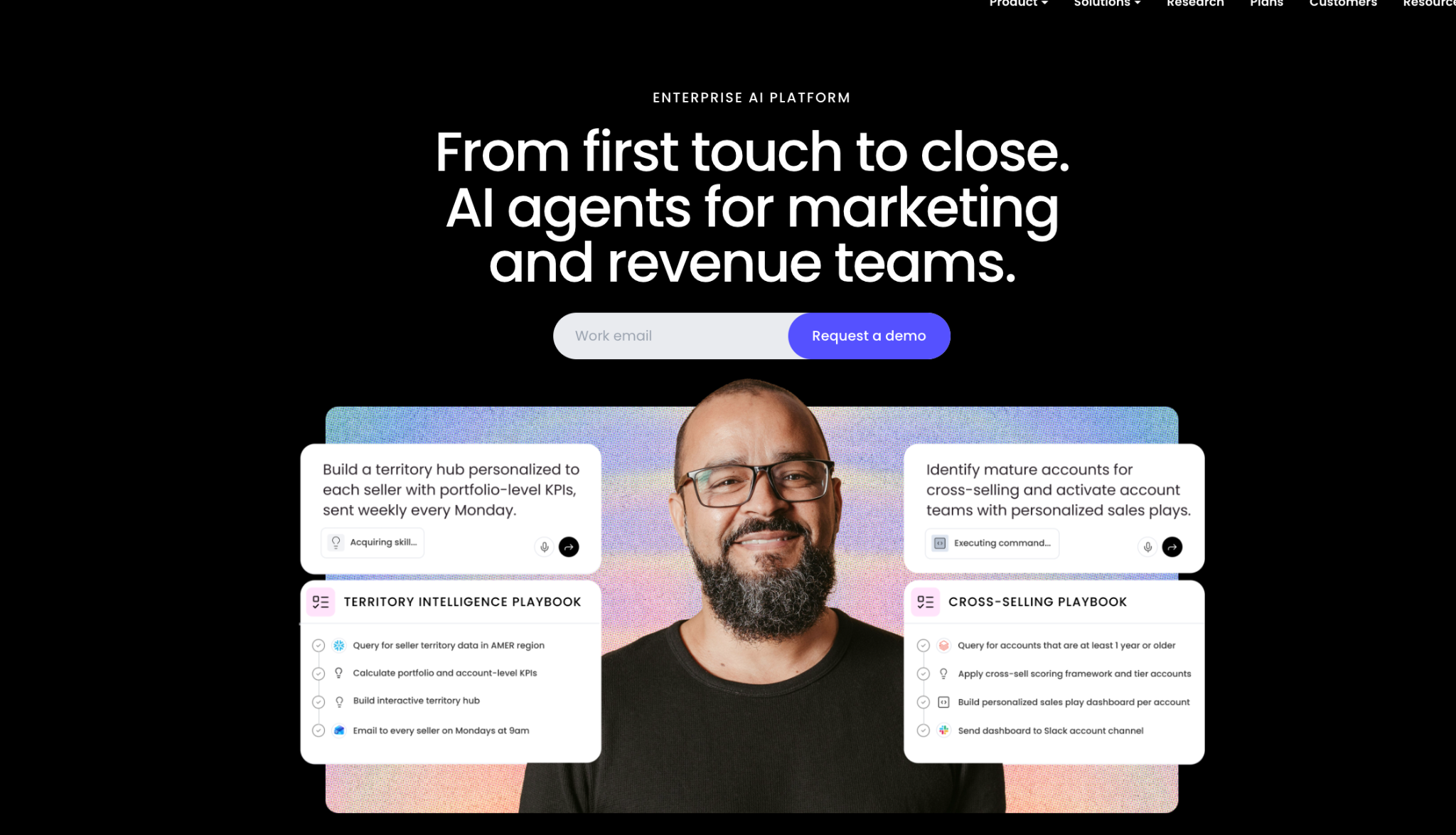
WRITER Enterprise AI platform
Best for: organizations that want an enterprise generative AI platform that applies their style guides to everything its agents produce.
Writer is an enterprise AI platform built around WRITER Agent, which turns multi-step work into repeatable workflows. Personality profiles and style guides carry your brand voice into each draft the AI produces, and that is where Writer overlaps with Acrolinx.
Key features
Each feature works on content that Writer’s AI generates to let you apply your brand rules as the AI generates the draft.
WRITER Agent: Describe the outcome you want, and the agent plans the steps and carries them out across connected tools such as SharePoint and HubSpot.
Company standards: Share sample documents so Writer can infer your tone and compliance requirements, with no manual setup. Its agents apply those standards to their outputs, including Financial Industry Regulatory Authority (FINRA) Rule 2210 for marketing content.
Guardrails: With the Enterprise plan, you can add guardrails that admins configure to check what goes into the AI and what comes out of it, using providers such as Amazon Bedrock and Azure.
Pros
Writer’s strengths as an Acrolinx alternative are in data handling and governance, which matter to organizations that already use AI on their content.
Writer mentions that, by default, it doesn’t train or improve its models on customer data.
Enterprise adds agent governance and audit controls, letting admins approve workflows and review what each agent did.
Enterprise has no cap on active connectors, which means Writer’s agents can work with every system your team links to the platform.
Cons
Writer’s limits matter most to editorial teams that check finished documents in Word, because the platform is built around generating new content.
Writer applies style through its AI models, which makes it a poor fit for teams whose policy rules out AI in their documents.
Starter is capped at five users. Larger teams must go through Writer’s sales team for an Enterprise quote.
Pricing: Starter is billed per seat with a 14-day free trial, and Enterprise is quote-only.
3. Grammarly Enterprise
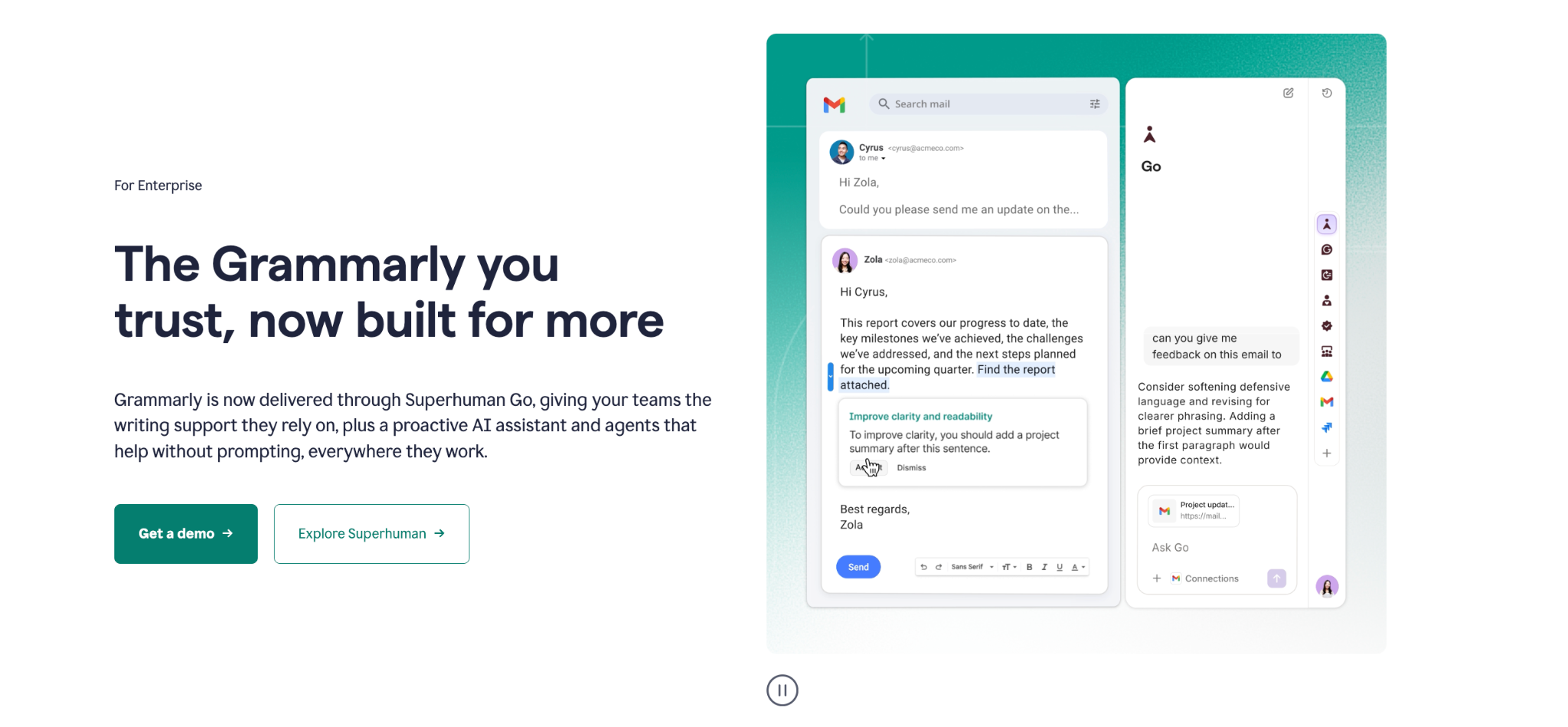
Grammarly Enterprise
Best for: organizations that want one shared style guide applied to writing suggestions in every app their teams use.
Grammarly Enterprise gives your organization Grammarly’s writing suggestions in the apps your team already uses, such as email and browsers. Grammarly’s parent company is now Superhuman, and Grammarly says the Enterprise plan is “now delivered through Superhuman Go,” Superhuman’s AI assistant.
Key features
Grammarly Enterprise overlaps with Acrolinx on shared style guides, since both apply your company’s writing rules across many writers.
Writing suggestions: Grammarly checks grammar and tone as people type in its browser extension and desktop app, and it can rewrite a full sentence on request. Enterprise members also get unlimited AI prompts for generating text.
Style guides: An admin uploads the company style guide or adds custom rules, such as how to spell branded terms and partner names. Writers see suggestions based on those rules as they type. Enterprise allows unlimited style guides, so each team can keep its own rules.
Brand tones: A team can build a tone profile that marks which tones fit its brand. Grammarly shows writers when a message reads off-brand so they can adjust the tone before it goes out.
Pros
Grammarly Enterprise works inside the apps your organization already uses to provide writers with the suggestions without changing tools.
Enterprise gives IT teams SAML single sign-on, so staff sign in with their company credentials, and IT controls access from one place.
You can encrypt your stored Grammarly data, including style rules and documents, with a key your organization holds.
The suggestions appear inline as people type, so writers have no major learning curve to start using it.
Cons
The limits become visible when the task is checking consistency and house style across a long specialist document.
Grammarly lists consistency issues alongside its grammar and tone suggestions. To check a long specialist document for consistency, you have to work through every other suggestion to find them, which adds time to the final review.
Because Grammarly processes document text in its cloud, teams that keep confidential documents, such as clinical study reports, may not be able to use it for those documents.
Pricing: Grammarly Enterprise is priced by quote through Grammarly’s sales team.
4. editGPT
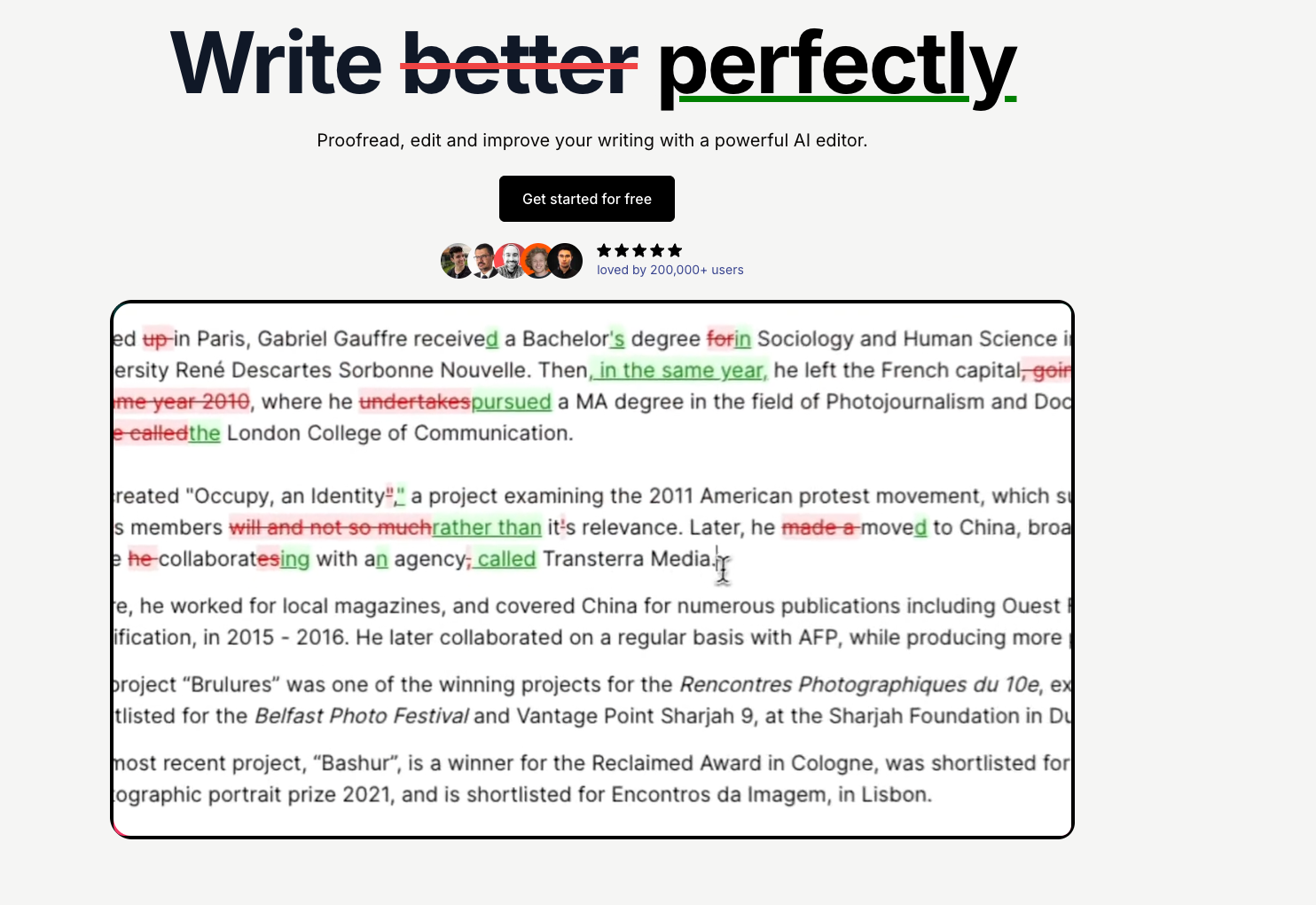
editGPT
Best for: writers who want AI edits to existing text, returned to Word as tracked changes.
editGPT is an AI editor powered by OpenAI that edits text you already have. You can work in its web editor or in its browser extension that runs on the ChatGPT website. For a Word document, you’d need to import the .docx into editGPT, edit it there, and export it back to Word with the edits shown as tracked changes.
Key features
editGPT belongs to a different category from the rule-based tools on this list, because an AI model makes its edits.
Editing levels: Choose how deep the edits go, from Fix Grammar, which changes about 5% of the text, up to Rewrite, which changes about 40%.
Word round trip: Import a Word document, edit it with AI, and export it back to .docx with every edit kept as a tracked change.
Language coverage: It edits in more than 80 languages and can detect the language for you.
Pros
editGPT suits writers who want AI to edit their text but still want to review each change before it stays in the document.
Every edit appears as a tracked change, so you can accept or reject each one in Word.
editGPT states that neither it nor the OpenAI APIs it uses train on your text.
The free plan covers 20,000 words a month, so you can test it on real documents before paying.
Cons
editGPT sends your text to an OpenAI model for every edit. That affects how it handles house style and whether your IT team will approve it for confidential documents.
Its edits come from an AI model following your prompt, which means it has no fixed set of house style rules to check a document against.
Word documents have to leave Word, because you import the .docx into editGPT’s web editor and export it back to see the edits as tracked changes.
Pricing: A free plan covers 20,000 words a month. Pro costs $8 a month, and Business costs $60 a month for four seats, both billed yearly.
5. VisibleThread
VisibleThread
Best for: government contracting and proposal teams that need compliance matrices and secure deployment.
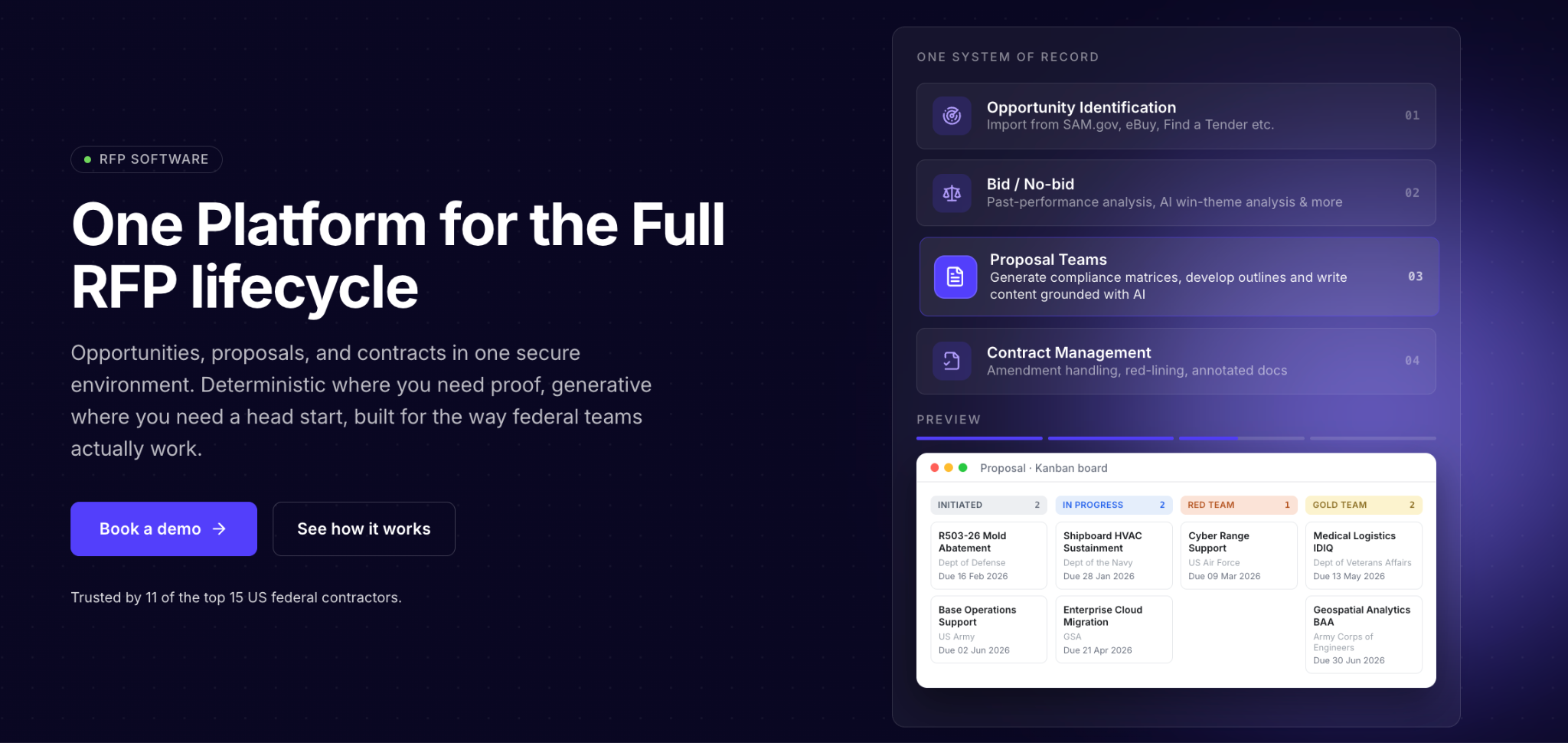
VisibleThread is a request for proposal (RFP) platform that follows a bid from solicitation to a signed contract. Its rule-based engine pulls requirements out of a solicitation and checks contract language for risk, while a separate generative AI engine helps with drafting.
Key features
VisibleThread is the only platform on this list built specifically around bids, so its features track a proposal from start to finish.
Compliance matrices: It pulls out every obligation the solicitation places on bidders, such as a sentence that begins “The contractor shall provide…,” and lists them in a compliance matrix.
Acronym checks: It flags acronyms that are undefined, defined in conflicting ways, or used before they are explained, and delivers the findings as an Excel report or an annotated Word document. PerfectIt makes similar checks inside Word, where its sidebar takes you to each location it flags and offers the fix there.
Watchword lists: It flags banned terms and inconsistent language across a set of documents, with a count and location for each hit.
Pros
Organizations that prepare RFP documents and teams bidding on government work can benefit greatly from VisibleThread’s strengths.
Teams with strict security rules can host it in AWS GovCloud, which meets FedRAMP Moderate standards, or install it on their own servers, including air-gapped facilities.
Its acronym and requirement checks use pattern matching, so the same document produces the same report every time.
Pricing is per user and there's no charge based on how much content you analyze.
Cons
VisibleThread is built to help teams win bids, so editorial teams whose documents go beyond proposals get less use from it.
Its focus is bid compliance and contract risk, so house style across a team’s other documents, such as reports and publications, remains outside its main purpose.
A team that only needs consistency checking would be buying a full RFP platform, including capture and contract tools it may never use.
Pricing: VisibleThread is sold as an annual per-user subscription, quoted by team size and deployment type, with a free trial.
6. Congree
Congree
Best for: technical documentation teams in large manufacturing companies that enforce controlled language and terminology.
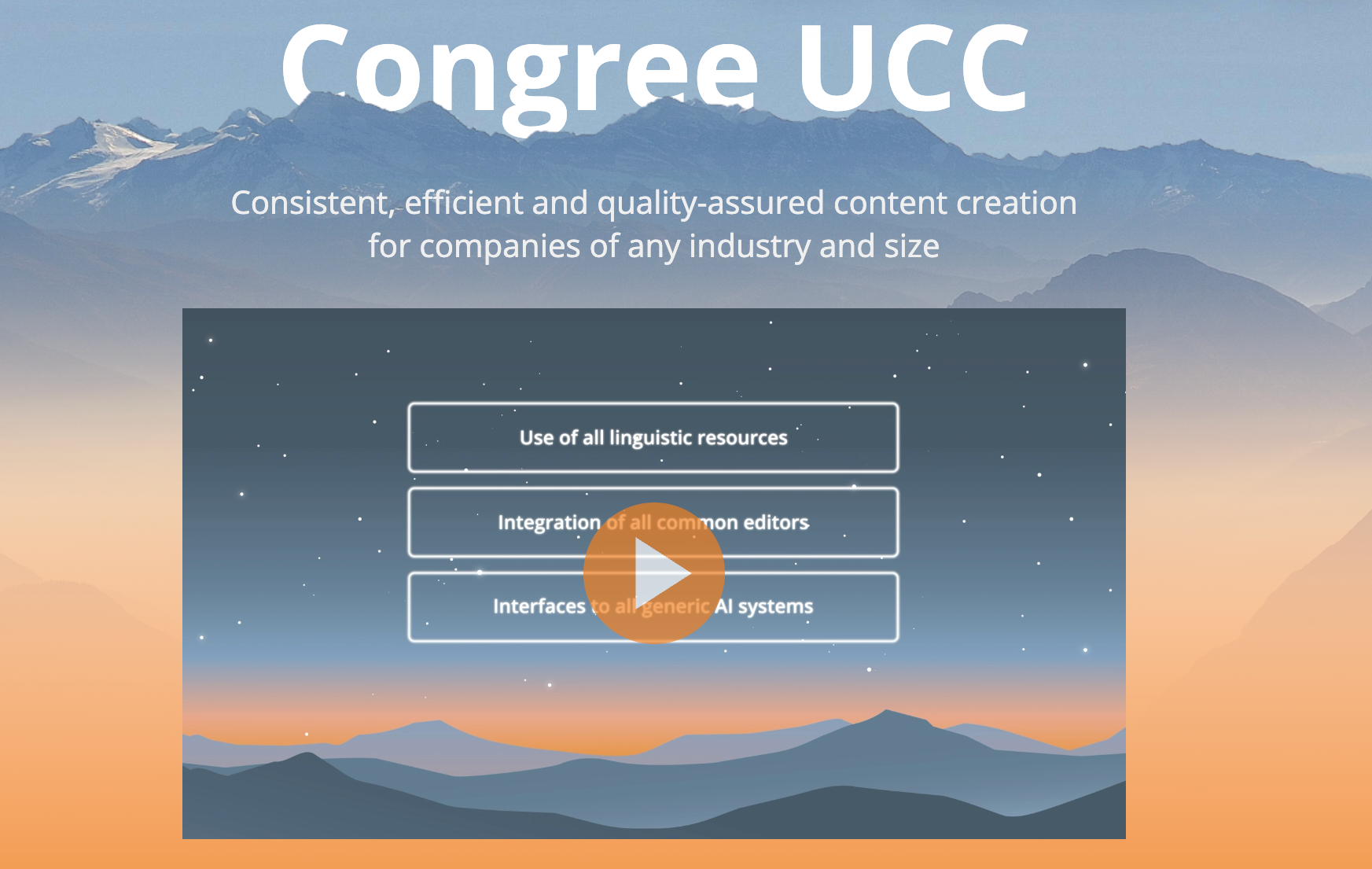
Congree is a German company, and its platform, Congree UCC, combines rule-based linguistic checks with generative AI. It features a linguistic engine that checks text against your writing rules and terminology, and generative AI proposes rewrites within those rules.
Key features
If you compare how these Acrolinx alternatives are set up, Congree comes closest to Acrolinx because both tools run from a central installation.
Language Check: It checks text against writing goals your company sets, such as your own style guide or Simplified Technical English.
Editor integrations: The Authoring Client runs as a plugin in Microsoft Word and Adobe FrameMaker. It also plugs into dozens of XML editors and content systems, including Oxygen XML Editor and AEM Guides.
Central AI control: You decide centrally where generative AI is allowed and whether content may be AI-created or only AI-assisted.
Pros
Large documentation teams that also manage translation can leverage Congree’s strengths.
The linguistic rules need no training data. This means you can trace back each result to the rule that produced it.
Authors see matching sentences from your translation memory as they write, which helps reuse existing translations.
Congree reports that more than 300 large corporate customers use its authoring assistance.
Cons
Congree pays off for organizations that run company-wide documentation and terminology programs. A team that only needs consistency checks in Word would spend time and budget on a server setup that it might not require.
It runs on the Congree Authoring Server, so setup is an enterprise implementation, closer to Acrolinx than installing a Word add-in.
Prices aren't published, so you can compare costs only after a sales conversation.
Pricing: Congree’s prices are available on request.
7. Vale
Vale
Best for: docs-as-code teams that want free, local prose linting in their code editor and CI pipeline.
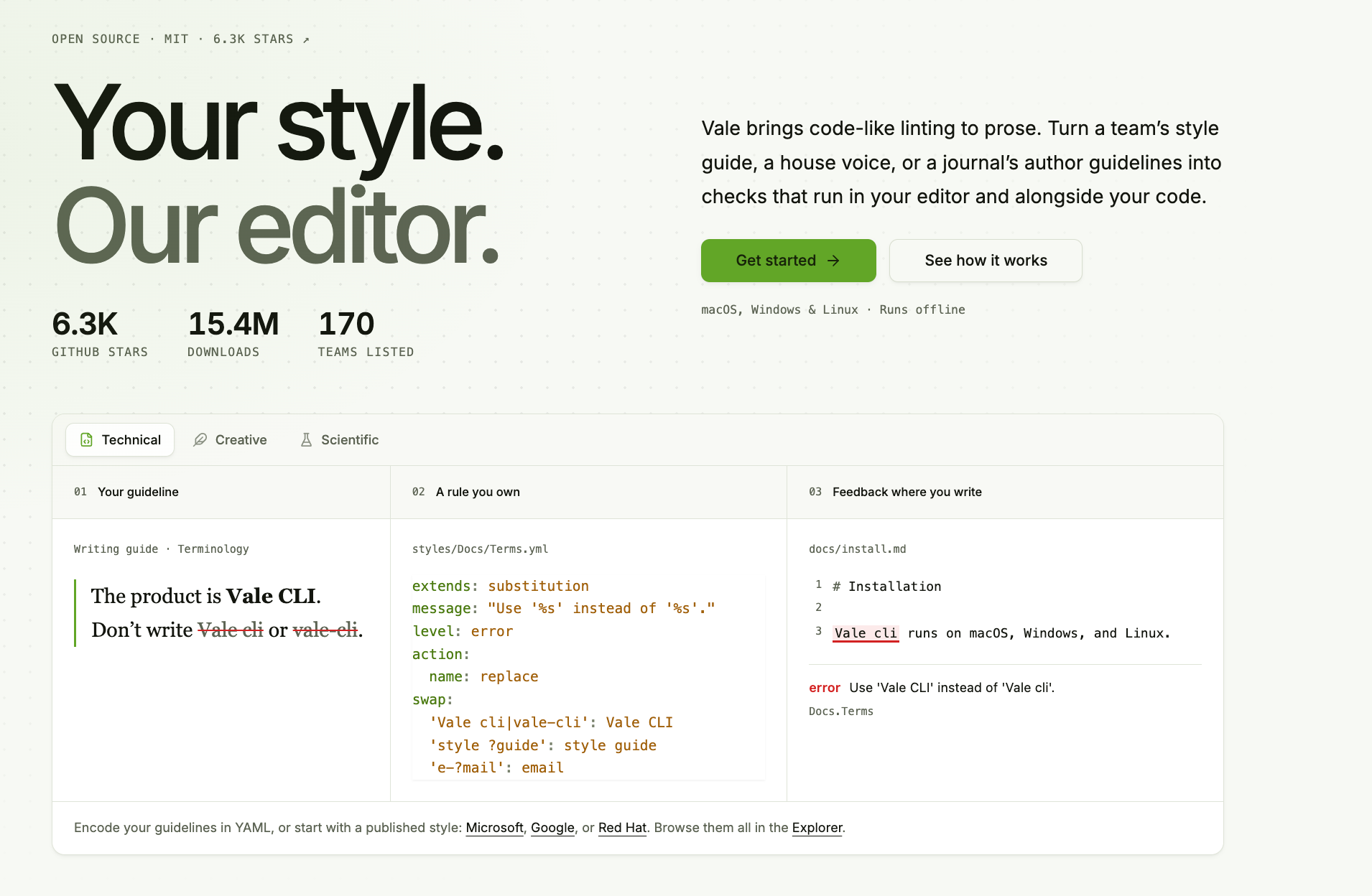
Vale is an open-source command-line tool that checks prose the way a linter checks code. It turns a style guide into rules that run offline in your editor and in your build pipeline.
Key features
Vale keeps a team’s style rules in files that live in the code repository, alongside the content they check.
Rule files: You write each rule in YAML, or you start from a published style such as the Microsoft or Google package.
Markup-aware checks: It reads Markdown, AsciiDoc, DITA, and other markup formats, and it skips code blocks.
CI integration: A GitHub Action checks every pull request to catch style issues before content merges.
Pros
Vale suits writers who already work like developers.
It is free and open source under the MIT license.
It runs offline, so your text stays on your machine.
Cons
Vale’s limits show for teams that work outside a docs-as-code workflow.
Word documents aren't supported, which rules it out for teams whose documents live in Word.
Rules are written in YAML and run from the command line or a code editor, so setup needs technical skills.
Pricing: Vale is free.
Acrolinx Review: Where It Is Strong and Why Editorial Teams Look Elsewhere
Acrolinx
Acrolinx is a strong enterprise content governance platform. Editorial teams look for an alternative when they need a tool focused on consistency and house style that is quicker to set up and easier to get approved.
On September 17, 2025, Acrolinx rebranded as Markup AI and announced $27.5 million in new financing. Its CEO, Matt Blumberg, called the change “more of a restart than a rebrand.” The platform now runs Content Guardian Agents, which use AI to score content against your brand standards and suggest edits. Teams can reach the agents through an API and the Model Context Protocol (MCP), and the Acrolinx sidebar still works in Word.
Acrolinx’s real strength is governance at scale. Its Enterprise plan connects to authoring tools such as AEM Guides and MadCap Flare, which lets one set of standards apply across every tool a large organization publishes from.
Why Editorial Teams Switch
Each reason below matters more to an editorial team than to a company-wide content operation.
Setup and scale
The Acrolinx-powered standards come only with the Enterprise plan, which adds enterprise onboarding, custom review criteria, single sign-on (SSO), and System for Cross-domain Identity Management (SCIM) provisioning. That package suits a company-wide rollout, but an editorial team that needs to start with checks immediately needs a tool it can install fast.
An AI-native direction
Markup AI’s agents use AI to score content and suggest edits, and writers decide which edits to accept. Teams that have chosen to keep AI away from confidential documents want rules applied the same way every time, which is how PerfectIt checks a document.
Enterprise pricing
Markup AI’s published Starter and Business plans cover its own review features, while the Acrolinx-powered standards sit only in the Enterprise plan, which is priced by quote. A team that only needs consistency and house style ends up paying for governance across every channel.
If those are the reasons your team is looking, PerfectIt is the strongest Acrolinx alternative.
Acrolinx Pricing
Markup AI publishes prices for its Starter and Business plans and offers a 30-day free trial.
Starter: $249 a month with the annual discount, for unlimited users and 12 million words a year.
Business: $999 a month with the annual discount, for unlimited users and 50 million words a year.
Enterprise: Priced by quote. This is the only plan that includes the advanced style and content standards powered by Acrolinx.
PerfectIt is an annual per-user subscription, and every plan, including Enterprise, is priced and sold on its pricing page without a sales quote.
Acrolinx vs PerfectIt at a Glance
Acrolinx and PerfectIt both check consistency and house style inside Word. Here’s where they differ and how.
| What your team needs | Acrolinx (Markup AI) | PerfectIt |
|---|---|---|
| Checks consistency and house style | Yes, within enterprise governance | Yes, its whole focus |
| Uses AI | Yes, Content Guardian Agents | No. Applies your rules the same way every time |
| Works offline | Cloud platform | Yes, PerfectIt for Windows works entirely offline |
| Works inside Word | Yes, Acrolinx sidebar | Yes, Word add-in |
| Setup | Enterprise onboarding for the Acrolinx-powered standards | Install the add-in, and consistency checks work out of the box |
| Pricing | Published Starter and Business plans, Enterprise by quote | Annual per user, with every plan priced on the site. |
How to Choose an Acrolinx Alternative for Your Team
To pick an Acrolinx alternative, list the tasks your team actually used Acrolinx for and also determine gaps you ran into. This could include a long setup, or AI checks your IT team won’t approve for confidential documents.
Each question below tests a tool against one of those gaps.
Where can your documents go?
If your documents can’t leave your computers, start with tools that work offline, because that rule removes every cloud platform from the list. PerfectIt’s Windows edition checks documents without connecting to the internet, and VisibleThread and Vale can run on your own servers or machines.
Do you need governance everywhere or consistency in Word?
Acrolinx and Writer apply standards across many channels, which suits organizations that publish through many systems at once. If your team’s high-stakes documents, such as proposals and clinical study reports, are written in Word, then you may benefit from a tool that checks the whole document inside Word for inconsistent terms and undefined acronyms before it goes out.
Consistency across those documents is a large part of what makes a great corporate house style.
Can it hold your house style without a project?
Acrolinx’s custom standards come with enterprise onboarding. With PerfectIt, you build your preferences once in Styleworks and apply them to every document. If you are writing a style guide from scratch, take a published guide as the base and record only the points where your organization differs.
| What your team needs | Why PerfectIt is a strong choice |
|---|---|
| Confidential documents | PerfectIt for Windows checks documents without an internet connection. |
| House style | You build your preferences once in Styleworks, and PerfectIt checks every document against them. |
| Word workflow | PerfectIt runs as a Word add-in and shows each issue in one sidebar. |
| Transparent team pricing | Every plan, including Enterprise, is priced on the site and bought without a sales quote. |
Final Verdict
Acrolinx suits organizations that want governance across every channel they publish in. For editorial teams that want consistency and house style in Word documents checked without AI, PerfectIt is the best Acrolinx alternative.
It doesn’t check grammar or rewrite sentences, so teams that want sentence-level suggestions can pair it with a grammar tool.
Frequently Asked Questions
What happened to Acrolinx?
In September 2025, Acrolinx rebranded as Markup AI and relaunched as an AI-native platform built on Content Guardian Agents. The Acrolinx name continues in the Enterprise plan’s standards and in the Acrolinx sidebar for Word.
What is the best Acrolinx alternative for editorial teams?
For consistency and house style in Word documents, the best alternative is PerfectIt because it applies your rules the same way every time without using AI.
How much does Acrolinx cost?
Acrolinx pricing now runs through Markup AI. With the annual discount, Starter costs $249 a month, and Business costs $999 a month. The Enterprise plan with the Acrolinx-powered standards is priced by quote.
Is PerfectIt an AI tool?
No. PerfectIt checks your document against the preferences you define, and it never generates or rewrites text, so the writing stays yours.
Can PerfectIt enforce our house style?
Yes, once you build your preferences into PerfectIt in Styleworks. From then on, PerfectIt checks every document your team runs through against those preferences.
Is PerfectIt safe for confidential documents?
Yes. PerfectIt for Windows works entirely offline, so your documents remains on your computer and are never used to train an AI model.