

Master Word wildcards.
Find and fix patterns in seconds.
Wildcard search is one of the most powerful features in Microsoft Word, but one of the least used.
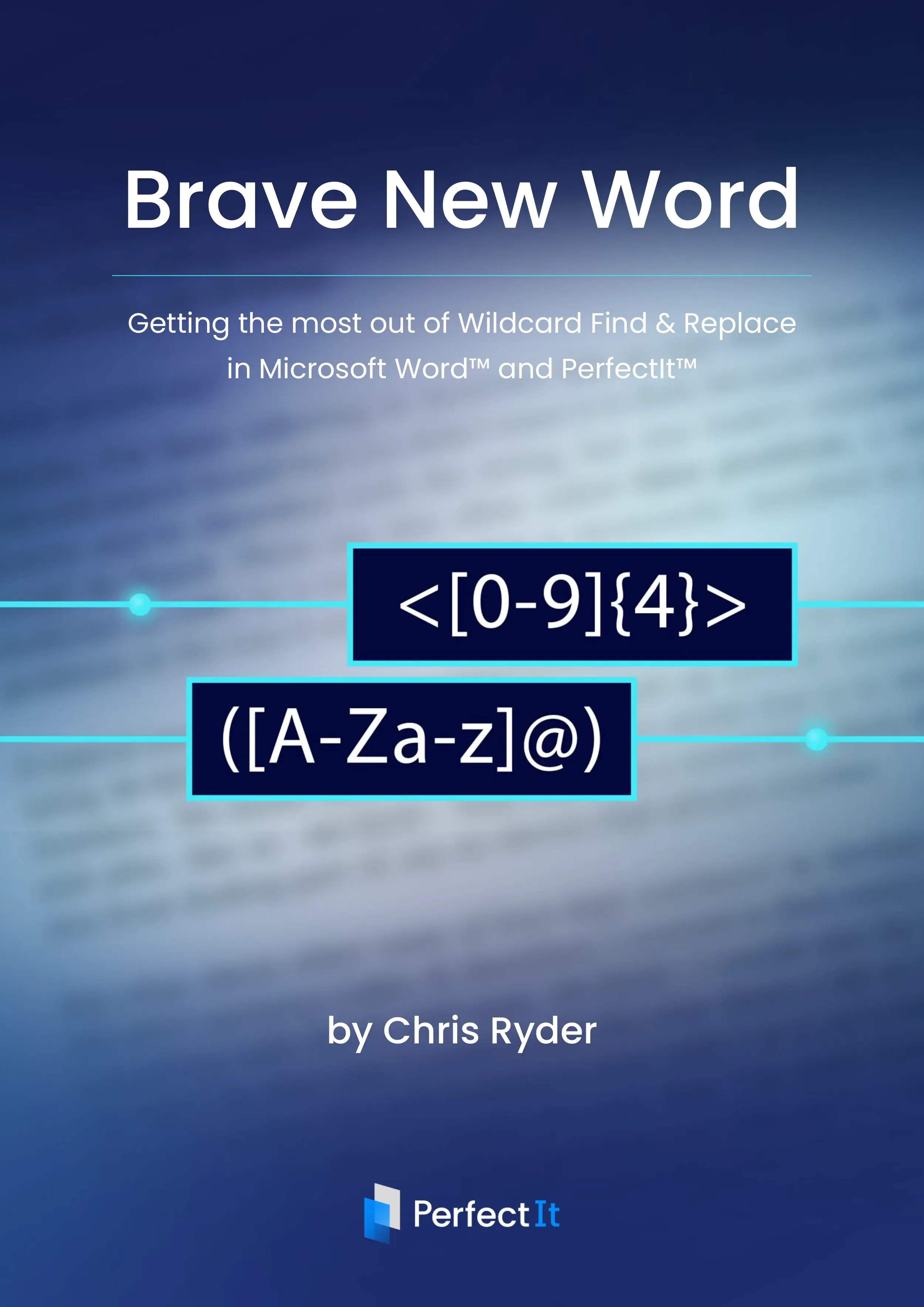
Brave New Word is a free guide showing you how to use wildcards to find patterns, fix inconsistencies, and make changes across entire documents in seconds. Whether you’re editing reports, manuscripts, academic writing, legal documents, or long-form content, wildcard search can save you hours of manual work.

Learn how Wildcards actually work
Brave New Word explains wildcard search in a way that’s clear and practical. You’ll learn:
What wildcard characters are and how they behave
How to build effective search patterns
How to use Find and Replace with confidence
How to troubleshoot when results aren’t what you expect
You don’t need any programming knowledge, just the ability to recognise patterns in your text.

Use wildcards alongside PerfectIt
Brave New Word also shows how wildcard searches can support your work in PerfectIt. You can:
Build checks based on patterns
Include them in your style settings
Run them automatically as part of a document check
Review each suggestion before making changes
PerfectIt doesn’t replace wildcards, it helps you apply consistent checks across entire documents.

Written for professional editors and writers
This practical guide is for anyone working seriously with text in Microsoft Word, including:
Editors and proofreaders
Academic and technical writers
Legal and medical professionals
Communications and proposal teams
If your work involves long or complex documents, wildcard search can make a measurable difference.

About the author
Chris Ryder works as an Analytical Linguist at Intelligent Editing, where he works on language and pattern recognition to improve tools like PerfectIt and Draftsmith.
Previously, he taught and conducted research at the University of Reading while completing his PhD in Linguistics.
Start using Word wildcards today
Download Brave New Word and learn how to find patterns, fix issues, and edit more efficiently in Microsoft Word.