
PerfectIt is the best proofreading software for pharmacovigilance teams that need consistency and house style checked across safety reports in Word. It reads a whole periodic safety update report (PSUR) and finds each acronym that appears before its definition and each term that writers spell two ways. Within the same pass, it also finds a number written as a word in one sentence and as a digit in another.
All of these checks run inside Word. Your document remains on your computer, because PerfectIt for Windows doesn’t connect to the internet or to any local network.
The EU PSUR follows the format of the periodic benefit-risk evaluation report (PBRER), which holds sections from several writers along with tabulations of the safety data.
A PSUR is due within 70 calendar days of the data lock point for intervals up to 12 months, and within 90 calendar days for longer intervals.
For a development safety update report (DSUR), the deadline is 60 calendar days from its own data lock point. Quality control (QC) review falls in the final days before submission, where time spent on acronyms and terms comes out of the time left for the safety evaluation.
The tools below were compared first on where your data goes, because narratives hold case details on patients and aggregate reports hold safety data that is not yet public. PerfectIt comes in first for medical writers who do the final consistency check on aggregate reports and safety narratives.
| Rank | Tool | Best for | Price |
|---|---|---|---|
| 1 | PerfectIt | Pharmacovigilance teams that check consistency and house style across PSURs, DSURs and safety narratives in Word[cite: 8] | Annual per user, with all four plans priced on the site. 14-day free trial.[cite: 8] |
| 2 | Acumen E-Style Guide and QC Module | Regulatory writing teams that need an unofficial AMA-aligned dictionary of drug names and QC checklists inside Word[cite: 8] | Contact Acumen to buy. QC Module free trial for individuals.[cite: 8] |
| 3 | Trinka AI | Writers who want AI language suggestions with unofficial AMA style built in for medical and academic manuscripts[cite: 8] | Free Basic plan. Premium, Premium Plus and Confidential Data plans. Teams by quote.[cite: 8] |
| 4 | Grammarly Enterprise | Organizations looking for shared style guides and AI writing assistance in the apps their teams already use[cite: 8] | Enterprise by quote through Grammarly's sales team.[cite: 8] |
| 5 | Microsoft Editor and Copilot in Word | Teams on Microsoft 365 that require grammar checks in Word and AI help with drafting[cite: 8] | Editor is included in Microsoft 365. Copilot is a paid add-on.[cite: 8] |
What Should Proofreading Software Check in a Pharmacovigilance Document?
Proofreading software for a pharmacovigilance document should check that the whole report uses the same acronyms and terms in every section.
Aggregate report writing splits one PSUR or DSUR among several writers, and each section can spell an acronym or term differently from the others. The QC reviewer then has to find every instance of each form before submission.
Differences between sections appear in these parts of a pharmacovigilance document:
Acronyms: E2F, the DSUR guideline from the International Council for Harmonisation (ICH), uses more than a dozen acronyms. Check out PerfectIt’s guide to managing medical abbreviations, which helps set the rule for defining each acronym at first use.
Trial terms: ICH E2F writes “clinical trial subjects” in one section and “trial participants” in another. A DSUR that borrows from both carries two terms for the people in a trial, even though the January 2025 update to ICH’s Good Clinical Practice guideline moved from “subjects” to “participants”.
Product names: A report can give a drug’s brand name in one section and its generic name in another. Software should check that brand and generic drug names are spelled correctly, because the two names identify the manufacturer’s product and its active ingredient.
Tabulations: Software should check that each tabulation title carries its number in sequence. Matching the counts in the text with the tabulations is a separate data check.
Carried-over text: The international PBRER guideline lets a new PBRER reuse unchanged sections from the previous one. Reused text keeps the spelling of the report it came from, which means software should check old and new sections together.
How the Tools Were Evaluated (and How to Choose)
Choosing a tool for pharmacovigilance writing starts with where you can store your safety data. After that, the choice depends on whether your team needs consistency checks across the whole report or sentence-level language suggestions.
Tools in this guide were compared based on the following criteria:
Where text is processed: Each tool was sorted by whether it processes text on your computer or in the vendor’s cloud, along with what cloud vendors state about AI training.
Consistency across the whole report: This criterion asks whether a tool compares acronyms and terms across every section of a report.
The same findings on every draft: This criterion asks whether a tool returns the same findings each time it checks the same text, which a QC reviewer needs when comparing one round with the next.
House style and AMA: This criterion separates tools with American Medical Association (AMA) conventions built in from tools where your team adds AMA rules to its own house style, such as writing numbers as numerals.
Word and buying: This criterion records whether a tool runs inside Word and whether the vendor publishes its prices or offers a free trial.
Taken together, the criteria above set the needs of a safety writing team. Next to each need, the table names the PerfectIt check or setting that meets it.
| What your safety writing team needs | Why PerfectIt fits |
|---|---|
| Narratives that stay on your computer | PerfectIt for Windows doesn't connect to the internet or any local network.[cite: 9] |
| Acronyms defined once and used correctly | PerfectIt finds acronyms used before they are defined, defined twice, defined two ways or never defined.[cite: 9] |
| One spelling of each term across writers | Capitalization of Phrases and Hyphenation Consistency compare every writer's sections in one pass.[cite: 9] |
| Numbers and table titles in order | Numbers in Sentences reads every number in the text, and Table/Box/Figure Order reads every tabulation title.[cite: 9] |
| AMA preferences and safety writing conventions | PerfectIt applies the preferences that you build in, which can include preferences from AMA and your MedDRA and drug name conventions.[cite: 9] |
| The same findings on every draft | A QC reviewer can launch PerfectIt again on the next draft and confirm that each issue from the last round is resolved.[cite: 9] |
1. PerfectIt
PerfectIt
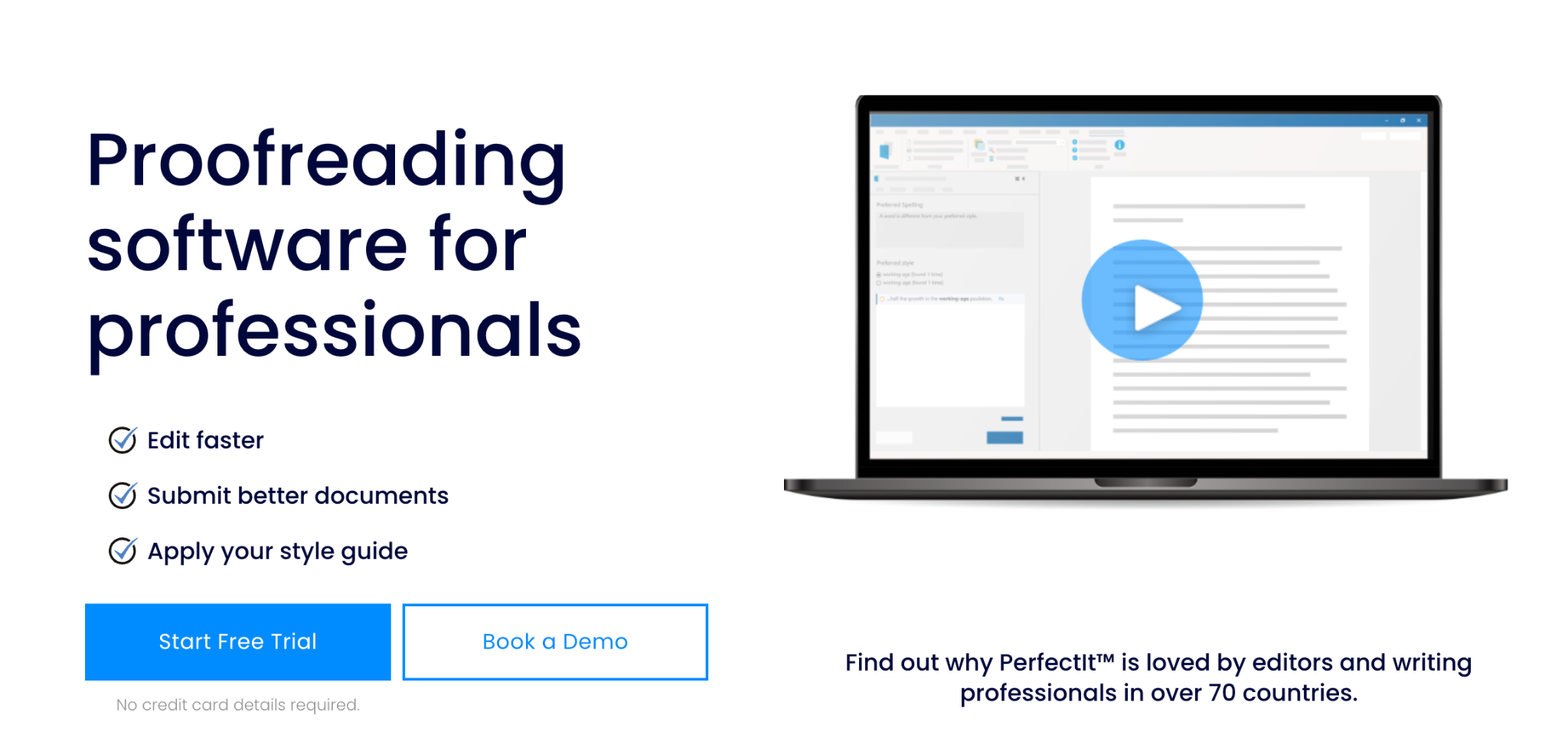
Best for: pharmacovigilance medical writing teams that check consistency and house style across aggregate reports and safety narratives in Word.
PerfectIt ranks first among proofreading software for pharmacovigilance because it checks an entire report for consistency and the house style your team builds into it. House style means the list of spelling, capitalization and terminology choices your team has agreed to follow.
PerfectIt isn’t a grammar checker, and it doesn’t write or rewrite your text. No AI runs in PerfectIt’s checks, which means the same report returns the same issues at the same locations each time.
How PerfectIt Checks a Safety Report
PerfectIt runs as an add-in inside Word. To check a report, click PerfectIt in the Word ribbon and then click Launch PerfectIt to start its checks. On first use, PerfectIt checks consistency and then reads the whole document and lists each issue in one sidebar.
Coding in the Medical Dictionary for Regulatory Activities (MedDRA) stays outside PerfectIt’s checks. Matching case counts with the safety database and the summary tabulations is also outside those checks. Both stay with the writer and the QC reviewer.
Quoted material, such as the reporter’s own words in a case narrative, stays exactly as written. Some terms are written two ways on purpose and can stay too. Case narratives can quote the reporter’s “hepatotoxicity” beside the coded term “Hepatotoxicity” from MedDRA. When PerfectIt flags those locations, the writer decides whether the difference is deliberate or a mistake.
Teams choose when to launch PerfectIt during report drafting and review. On an early draft, its checks show how each writer spells terms and acronyms before merging sections. Before the QC review, writers can run a check to resolve their own acronym and term issues and then hand the reviewer a cleaner document to start from. At Cancer Research UK’s Centre for Drug Development, the medical writing team launches PerfectIt after QC review and before external submission.
Who It Is For
PerfectIt has 20,000 users in 72 countries. In pharmacovigilance writing, users fall into three groups based on the part of a report each group owns.
Safety medical writers: The medical writing teams at 80% of the world’s largest pharmaceutical firms use PerfectIt. In a safety report, terms and acronyms change from one writer’s section to the next. PerfectIt’s acronym and capitalization checks find each change across the whole report.
Regulatory medical writers: These writers share product names and terms with the safety team, which makes one house style worth building for both groups. Christine Barlow, Medical Writing Manager at Cancer Research UK’s Centre for Drug Development, describes her team’s work this way: “We work on complex, high-stakes clinical documents involving multiple contributors and evolving drafts.”
QC reviewers: A QC reviewer carries the final check of a report’s text, tables and terminology before it goes out. With PerfectIt, the reviewer starts from one list of acronym and term issues across the whole report and resolves each issue at every location where it occurs.
Key Features
Each PerfectIt check looks for one type of inconsistency and lists every location in the report where it occurs.
Acronym Definitions
Acronym checking starts from the report’s definitions. PerfectIt’s checks find acronyms used before they are defined, defined twice, defined two ways or never defined. A PBRER can define International Birth Date (IBD) in one section and inflammatory bowel disease (IBD) in another. PerfectIt's check of abbreviations defined two ways will catch that and make the writer aware. Abbreviations written in more than one form and acronyms defined but never used also get their own checks, and PerfectIt can also generate a table of acronyms.
Terms, Numbers and Tables
Other checks compare terms, numbers and table titles across every section of the report.
Capitalization of Phrases: Finds a phrase written with capitals in one section and in lowercase in another, such as “Data Lock Point” and “data lock point” in a PBRER whose writers copied wording from two sources.
Hyphenation Consistency: Checks for a word that the report hyphenates in one location and doesn’t hyphenate in another, such as “post-marketing” and “post marketing” (or even “postmarketing”). The international PBRER guideline hyphenates this word, while the running text of the Food and Drug Administration (FDA) guidance closes it up.
Numbers in Sentences: Shows each location where a number is spelled out in one sentence (“five”) and written as a digit in another (“5”).
Table/Box/Figure Order: Finds a table numbered out of sequence, such as Table 12 placed before Table 11.
House Style for Safety Writing
A house style for safety writing usually starts from the AMA Manual of Style. The American Medical Association publishes that guide for medical authors and editors, and your house style records only the decisions your team adds on top of it.
One such decision follows MedDRA’s convention, which capitalizes only the first word of each coded term. “No adverse effect” is one of those terms, and a coder can add it when a report states that an exposure to a drug had no clinical consequences.
Another decision can set the capitalization of drug names. PerfectIt’s advice on capitalizing drug names, for example, explains why a team can write a brand name as “Kydatid” even when the manufacturer prints it as “KYDATID”.
PowerPoint
Slides for safety review and signal committee meetings get the same checks through PerfectIt for PowerPoint.
Pros
The strengths of PerfectIt for a safety writing team are apparent in how PerfectIt checks a report and how it applies the team’s rules.
PerfectIt for Windows works entirely offline. It is easier to get corporate approval for a product like PerfectIt because it doesn’t send documents anywhere.
Consistency checking works straight out of the box. You don’t need to configure any settings first.
Your team builds its house style preferences into PerfectIt once (using Styleworks). A team that writes US spelling can record “anemia” as a preference in Styleworks, and PerfectIt then finds each UK spelling (“anaemia” or “anaemic”) for the writer to change.
Cons
AMA is not built in. Someone on your team has to build those AMA preferences in Styleworks before anyone can check a report for them.
Pricing: PerfectIt is an annual per-user subscription with four plans: Professional, Elite, Team, and Enterprise. Every plan, including Enterprise, is priced on the pricing page without a sales quote. The 14-day free trial asks for nothing but an email address.
2. Acumen E-Style Guide and QC Module
Acumen E-Style Guide and QC Module
Best for: regulatory writing teams that need an AMA-aligned dictionary of drug names and QC checklists inside Word.
Boston-based Acumen sells medical writing services to drug companies. Its two Word products check medical terms in a report and track each QC step on it, which suits a safety writing team.
The E-Style Guide by Acumen is a style checker for Word that scans a medical report for terms and style. Acumen’s QC Module adds a QC checklist made for that document to the Word file under review.
Key Features
Term checks and QC tracking make up Acumen’s features, which medical writers and QC reviewers can leverage inside the Word document they are already editing:
Medical dictionary: holds more than 25,000 medical and scientific terms in the cloud, including every FDA-approved commercial and generic drug name.
AMA conventions: runs checks that unofficially align with the AMA Manual of Style for medical and scientific writing.
Acronym table: provides an alphabetized table of the document’s acronyms and their definitions for the report’s list of abbreviations.
QC checklists: offers checklists inside Word that track each QC step and produce a timestamped PDF audit trail for the QC reviewer.
Pros
Writing teams that follow AMA get the most from Acumen’s built-in terms.
The E-Style Guide checks medical and scientific terms that standard Word dictionaries don’t contain.
AMA conventions and FDA-approved drug names come built in from the first day.
The PDF audit trail records when each QC task was completed.
Cons
Acumen limits safety teams through where it deploys its dictionary and how much of the QC work its checklists still leave to the reviewer of each report.
The dictionary is cloud-based, which means the E-Style Guide does not work fully offline.
The QC Module records which QC tasks the reviewer has completed. Reviewers still carry out each task on the checklist themselves, such as finding every location of an acronym in a long report.
Pricing: Acumen does not list its prices. Businesses need to contact Acumen’s sales team before they buy, and writers who work on their own can purchase the QC Module or try it for free.
3. Trinka AI
Trinka AI
Best for: writers who want AI language suggestions with AMA style unofficially built in for medical and academic manuscripts.
Trinka AI is an AI writing assistant for academic and medical writing. Trinka’s AI scans your document and identifies the subject area to suggest corrections for that subject. Its medical grammar checker is designed only for medical writing.
Writers can use Trinka in its cloud editor or inside Word and choose AMA style in either one. Journal publishers can also order a copyediting AI model that Trinka tailors to their own titles.
Key Features
Alongside language editing, Trinka runs checks written for medical documents.
AMA style: an option in Trinka’s AI-powered checker that shows corrections unofficially based on the 11th edition of the AMA Manual of Style.
Medical dictionary: offers a dictionary of medical terms that you can extend with your own drug names, which is useful when a report uses a drug name the dictionary doesn’t yet contain.
Consistency Check: lists variations under named checks such as Spellings and Number style. Every plan includes it, the free Basic plan among them.
Word add-in: provides a native Word app that shows Trinka’s suggestions inside the open document, from the Premium plan up.
Pros
Medical writers gain built-in AMA style from Trinka, along with a plan designed for sensitive content.
Your team doesn’t have to build AMA rules before its first check.
Trinka deletes your text immediately after processing when you opt for the Confidential Data plan.
Text from paid plans stays out of the training of Trinka’s AI models.
Cons
Limits in Trinka for safety writing come from its AI and from where it processes text:
Trinka’s corrections come from machine learning trained on published papers, and AMA style is one option within that checker. A team that needs the same AMA corrections on every draft has to test Trinka on its own reports first.
Only the Confidential Data plan includes an offline app, and text on the other plans goes to Amazon Web Services (AWS) servers in the United States.
You can explore PerfectIt’s non-AI alternative to Trinka for medical editing, which compares Trinka AI with PerfectIt in detail. Its sections compare the two tools on unpublished trial data and AMA style.
Pricing: Basic is free for up to 5,000 words of writing assistance a month. Paid plans are Premium, Premium Plus and Confidential Data, and teams request a quote.
4. Grammarly Enterprise
Grammarly Enterprise
Best for: organizations looking for shared style guides and AI writing assistance in the apps their teams already use.
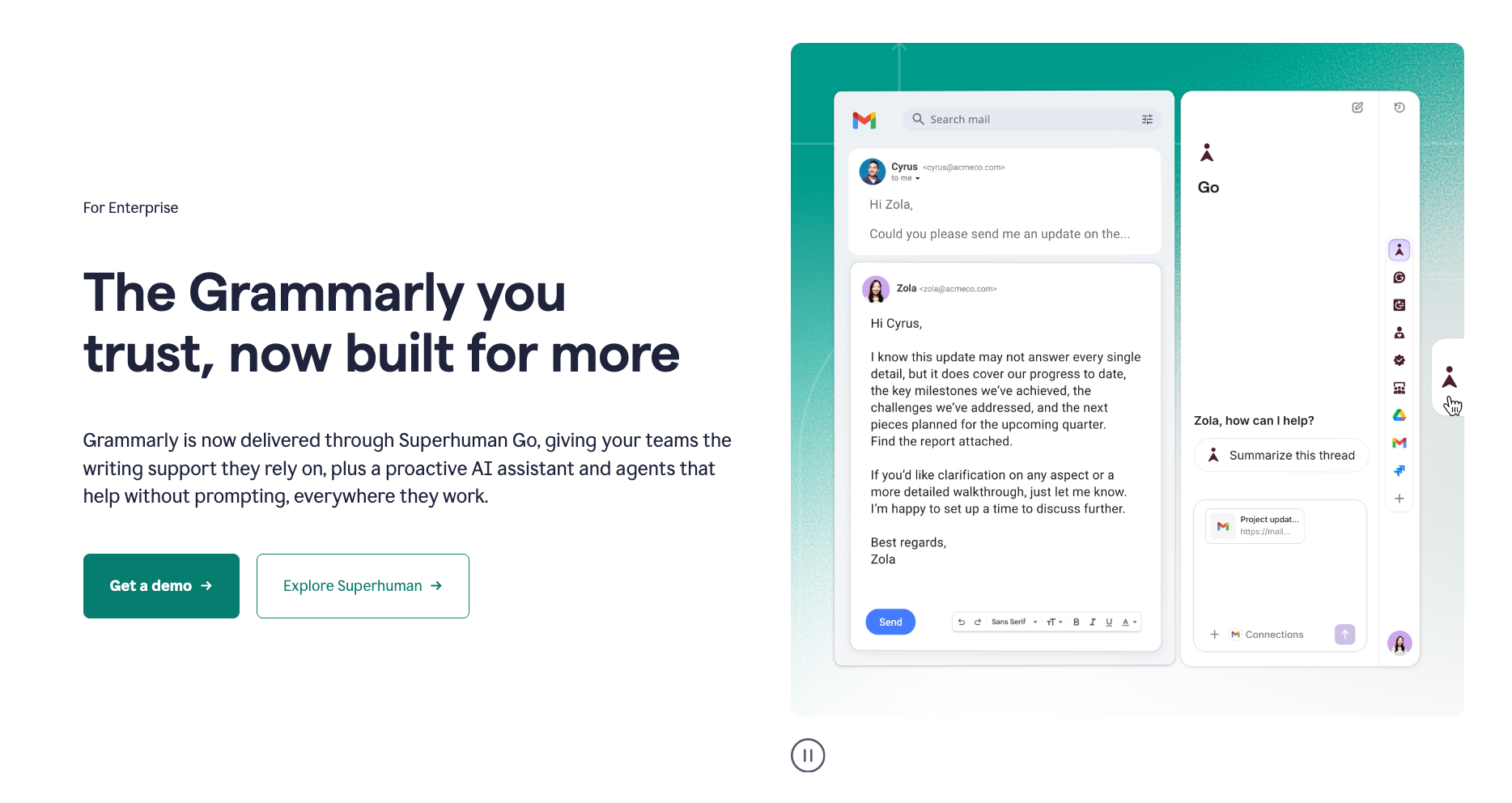
Grammarly Enterprise brings Grammarly’s writing suggestions and style guides into email, browsers, Microsoft Office and Google Docs. Since Grammarly became part of Superhuman, Enterprise has been available through Superhuman Go. For a medical writing team, unlimited style guides mean the safety group and the group that writes for regulators can each keep their own rules in Grammarly.
Key Features
Across an organization, writing teams can keep their rules and draft text with the following Enterprise features:
Style guides and brand tones: Enterprise allows an unlimited number of style guides and brand tones, while Pro caps them at one style guide and one brand tone.
AI prompts: Each member can send unlimited prompts to Grammarly’s AI every month to generate or rewrite text, compared with 2,000 a month on Pro.
Pros
Main strengths for Grammarly’s top plan lie in its reach across apps and in its data training default, which is off for every business customer.
Writers get to view suggestions in the apps they already use and have no new editing interface to learn.
None of your team’s drafts are used to train Grammarly’s AI models.
Enterprise is the only Grammarly plan with a business associate agreement under the Health Insurance Portability and Accountability Act, which a team must sign before it processes protected health information in Grammarly.
Cons
Grammarly’s limits matter for safety reports that hold unpublished data:
Grammarly describes itself as an online application, which means your computer must be connected to the internet while Grammarly checks text.
Consistency suggestions are shown in the same list as grammar and AI suggestions. A reviewer looking for acronym and term issues has to sort through both kinds of suggestions to reach them.
Pricing: Grammarly Enterprise is priced by quote through Grammarly’s sales team.
5. Microsoft Editor and Copilot in Word

Microsoft Editor and Copilot in Word
Best for: teams on Microsoft 365 that require grammar checks in Word and AI help with drafting.
Copilot in Word is Microsoft’s AI assistant inside Word, and it needs a paid add-on license. A safety writer can ask Copilot to draft text from notes or a referenced file and summarize a long report. Selected text can also go to Copilot for a rewrite in a different tone or a shorter form.
Key Features
Editor and Copilot cover different stages of writing a document in Word.
Editor: Useful for spelling and grammar suggestions that show up as you type in Word.
Copilot in Word: AI that drafts new text and rewrites existing text inside the open document.
Pros
You do not need any new tool if you’re on Microsoft 365, because Editor comes with it and Copilot runs inside the same Word window your team already uses.
Microsoft Editor needs no extra license to check spelling and grammar in Word.
According to Microsoft, Copilot prompts and responses aren’t used to train its foundation models.
Cons
Microsoft’s own help pages name the Copilot limits that matter for QC, where a check has to return the same findings on every draft.
The Copilot application card from Microsoft lists “inconsistent outputs under similar prompts” among the suboptimal outcomes that its evaluations look for. Two runs on the same draft can return different suggestions.
Microsoft’s privacy documentation says Copilot’s responses “aren’t guaranteed to be 100% factual”, and the application card lists medical use among the high-stakes cases to consider with care.
Copilot relies on an internet connection. Outside the EU, Microsoft may route prompts to data centers in other regions when the nearest ones are busy, while EU traffic stays within the EU Data Boundary.
Pricing: Editor is included in Microsoft 365, and Microsoft 365 Copilot costs $30 per user a month for enterprises (paid yearly). Business customers pay $21 per user a month for Copilot Business.
What About Manual QC Checklists?
Manual QC checklists find acronym and term issues if the reviewer has time to search for every instance of each acronym and term by hand. Working down the checklist, the reviewer runs Find in Word for each acronym and compares terms section by section.
Mechanical items on that checklist, such as term spellings and acronym definitions, can be checked by software that reads the whole report in one pass. Reviewers then have more time for the items that need a person’s judgment.
MedDRA coding, case counts, the benefit-risk evaluation and the match with the reference safety information stay with the writer and the QC reviewer.
Frequently Asked Questions
What is the best proofreading software for pharmacovigilance teams?
Top place goes to PerfectIt for pharmacovigilance teams that need consistency and house style checked across a PSUR, DSUR or safety narrative in Word.
Can proofreading software check a PSUR or DSUR for acronym errors?
Yes. PerfectIt finds acronyms used before they are defined, defined twice, defined two ways or never defined, and can generate a table of acronyms.
Is it safe to check safety narratives with proofreading software?
That depends on where the software processes the text. PerfectIt for Windows doesn’t go online, which keeps each narrative on your computer.
Does PerfectIt check MedDRA coding or case counts?
No. MedDRA coding stays with the writer and the QC reviewer, as does matching case counts with the tabulations. PerfectIt’s checks cover how the report spells and capitalizes terms and acronyms.
How long do you have to submit a PSUR?
EU rules make a PSUR due within 70 calendar days of the data lock point for intervals up to 12 months, and within 90 days for longer intervals.
Final Verdict
PerfectIt is the best proofreading software for pharmacovigilance teams whose PSURs, DSURs and safety narratives need consistency and house style checked in Word. Among the other four tools, Acumen suits teams that need an AMA-aligned dictionary of drug names with QC checklists, and Trinka suits writers who require AI language suggestions for medical writing. Companies that need AI writing help in the apps they use now can turn to Grammarly Enterprise and Copilot.
Safety writing teams face one limitation in PerfectIt: AMA is not built in. To follow AMA, build your AMA preferences in Styleworks, and PerfectIt will check each report against them.
