
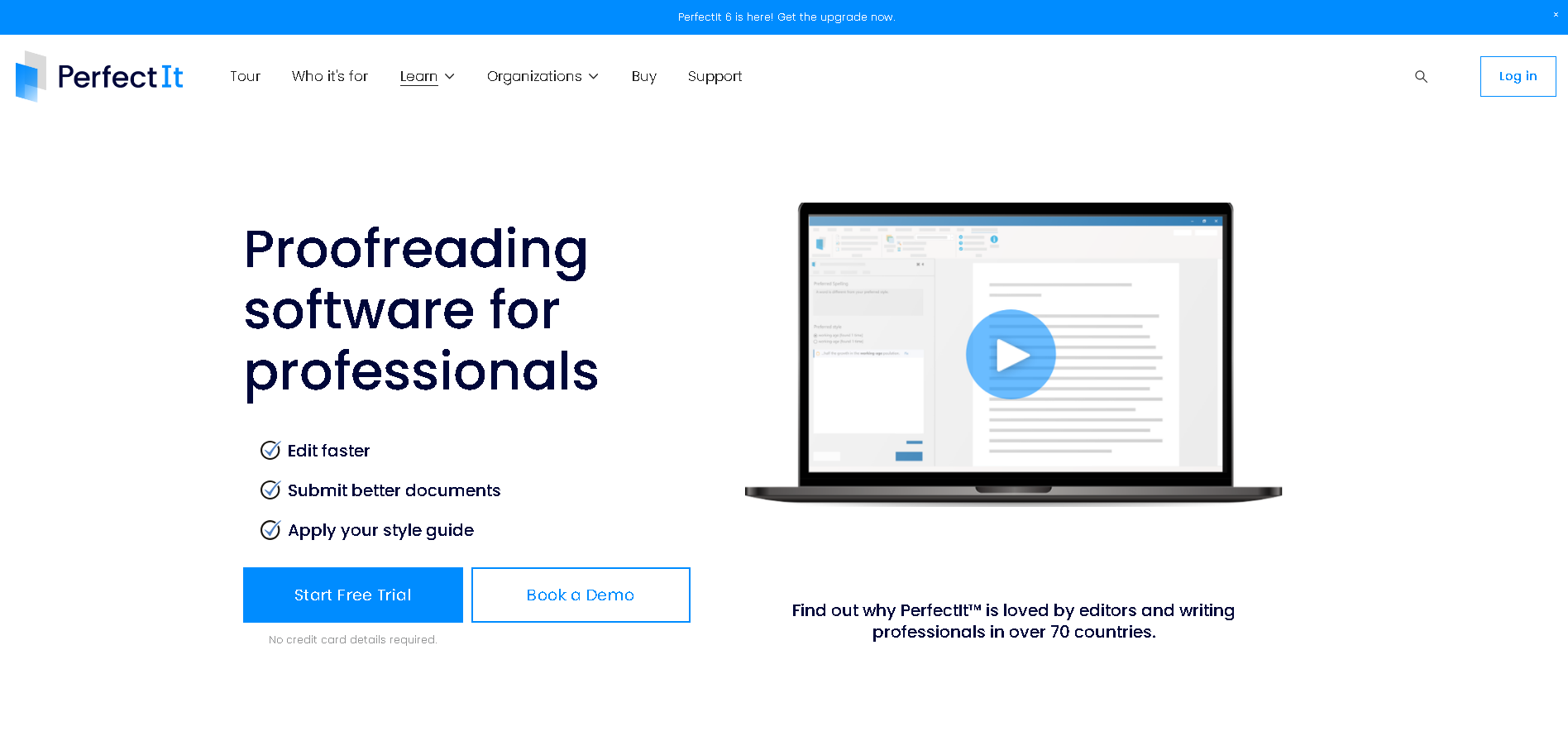
PerfectIt is built for professional teams that need consistency in long, specialist documents. This review explains how PerfectIt works, what each plan includes, and which teams it suits best.
PerfectIt works directly in Microsoft Word and PowerPoint, checking the entire document and flagging issues for you to review. It checks for consistent spelling, capitalization, hyphenation, and acronyms, and can apply rules from a style guide or a company’s house style. It doesn’t rewrite text or use AI.
Because PerfectIt applies the same checks every time you use it, teams can maintain consistent standards across multiple contributors, revisions, and documents.
The sections below cover what PerfectIt checks, how to launch it, and how the four subscription plans differ.
Here’s a summary of the article:
| Rating | Best for | Price | Standout feature | Downside |
|---|---|---|---|---|
| Capterra: 4.9/5 (371 reviews) G2: 4.8/5 (164 reviews) (as of November 2026) |
Professional teams that need specialist documents to be consistent and to follow their house style or style guide | Annual, per-user subscription across four plans. Current prices on the website. | Whole-document consistency and house style checks in Word and PowerPoint, applied the same way every time. | No Google Docs add-in, and PowerPoint checking only on Elite and above |
How This Review Assesses PerfectIt
This review judges PerfectIt on what it’s built to do: check consistency and house style or style guides in specialist documents.
The review applies six criteria:
Depth of the consistency checks: how many separate areas PerfectIt checks across the whole document, from acronyms to hyphenation to numbers.
House style: how reliably PerfectIt applies your house style or style guide rules to every document and contribution.
Confidentiality and document handling: where your documents go during a check. This is a critical criterion because it affects whether a tool gets corporate approval.
Fit with your workflow: how easily teams can incorporate PerfectIt into their existing workflow, given that PerfectIt runs as a Word and PowerPoint add-in.
Plan structure and value: what each of the four subscription plans includes.
Support and onboarding: what help your team gets when they purchase a subscription, and how that differs between plans.
What Is PerfectIt?
Intelligent Editing develops PerfectIt, which is editorial quality-control software that checks consistency and house style in Microsoft Word and PowerPoint. PerfectIt has two key benefits that work side by side.
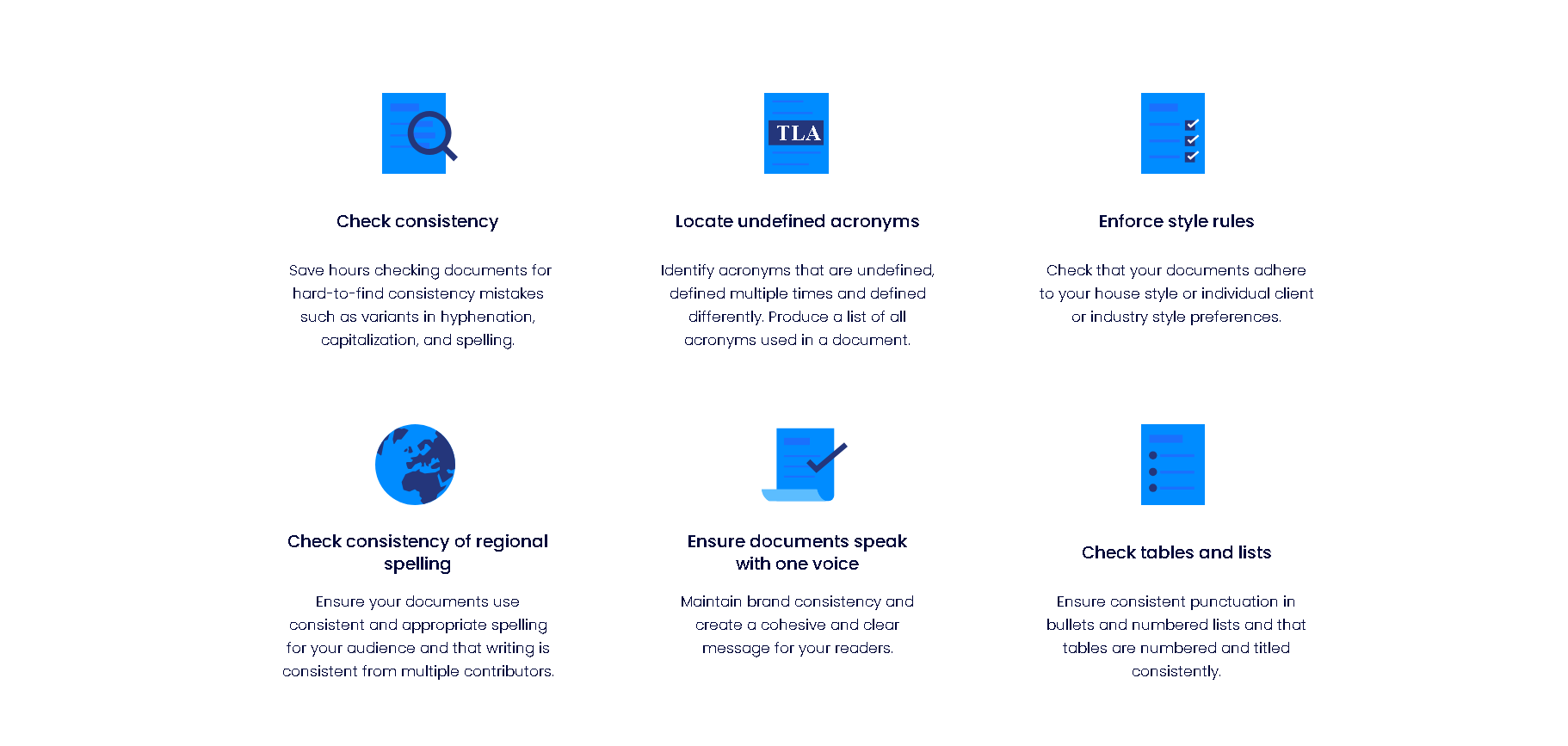
The first is consistency. PerfectIt finds the places where a document treats the same thing in different ways, such as “email” in one location and “e-mail” in another. It checks capitalization, hyphenation, spelling variations, numbers in sentences, acronyms, bullet and list capitalization and punctuation, and table and figure titles.
The second is house style. Your house style is your organization’s own set of editorial rules. It’s often based on a published guide, such as The Chicago Manual of Style, then sets out the points where your organization does something different, such as how to write particular brand names or when to avoid certain words.
You build those preferences into PerfectIt once, and it checks every document against them. Consistency checking needs no setup at all, so you can start with that and add your house style when you’re ready.
What PerfectIt Is Not
PerfectIt isn’t a grammar checker, and it’s not an AI writer. It never changes text on its own. Instead, it presents inconsistencies in a sidebar next to your document and you use your professional judgment to decide which is correct.
How PerfectIt Works
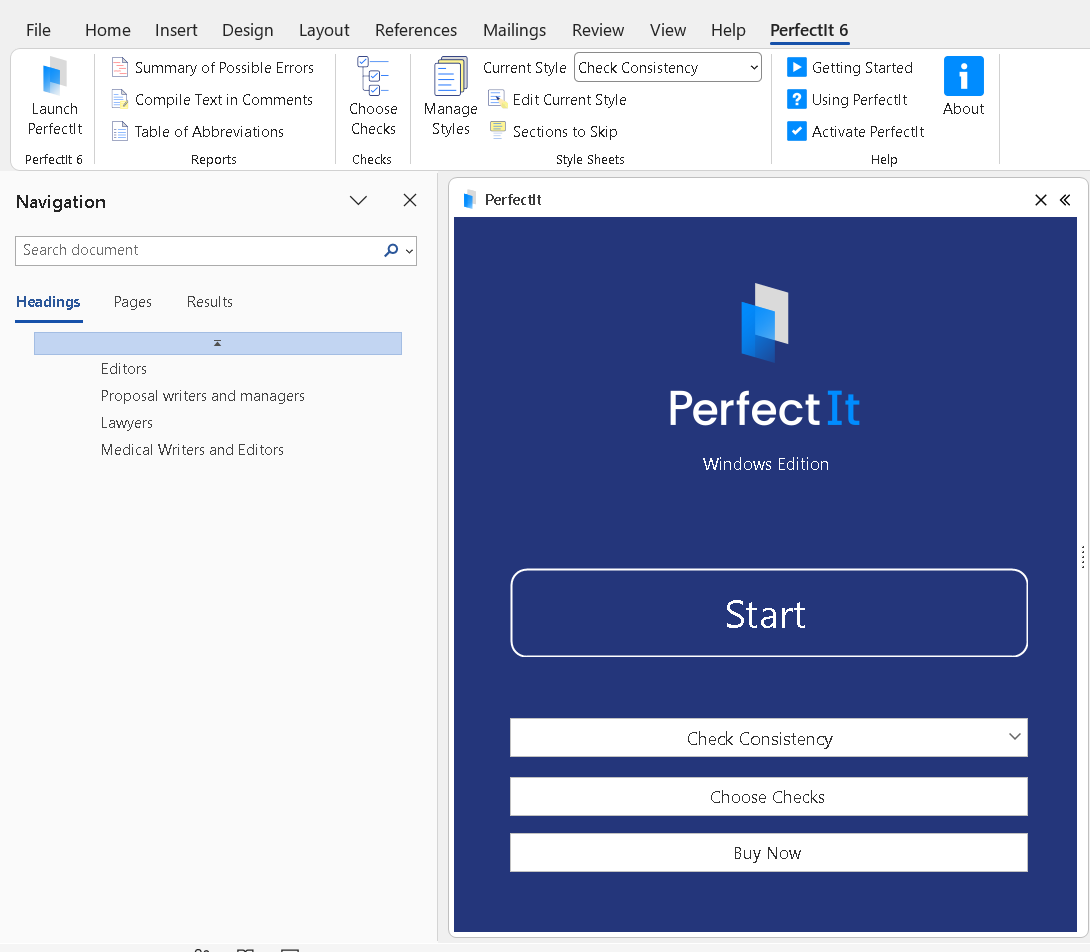
You install PerfectIt as a Word or PowerPoint add-in and launch it from the ribbon. It then checks the whole document and presents each inconsistency in the sidebar next to your text.
On Windows, you can get PerfectIt by running the installer. And on Mac, you get it from Microsoft AppSource. PerfectIt for Windows supports Windows 11 or above with Office 2021 or Microsoft 365.
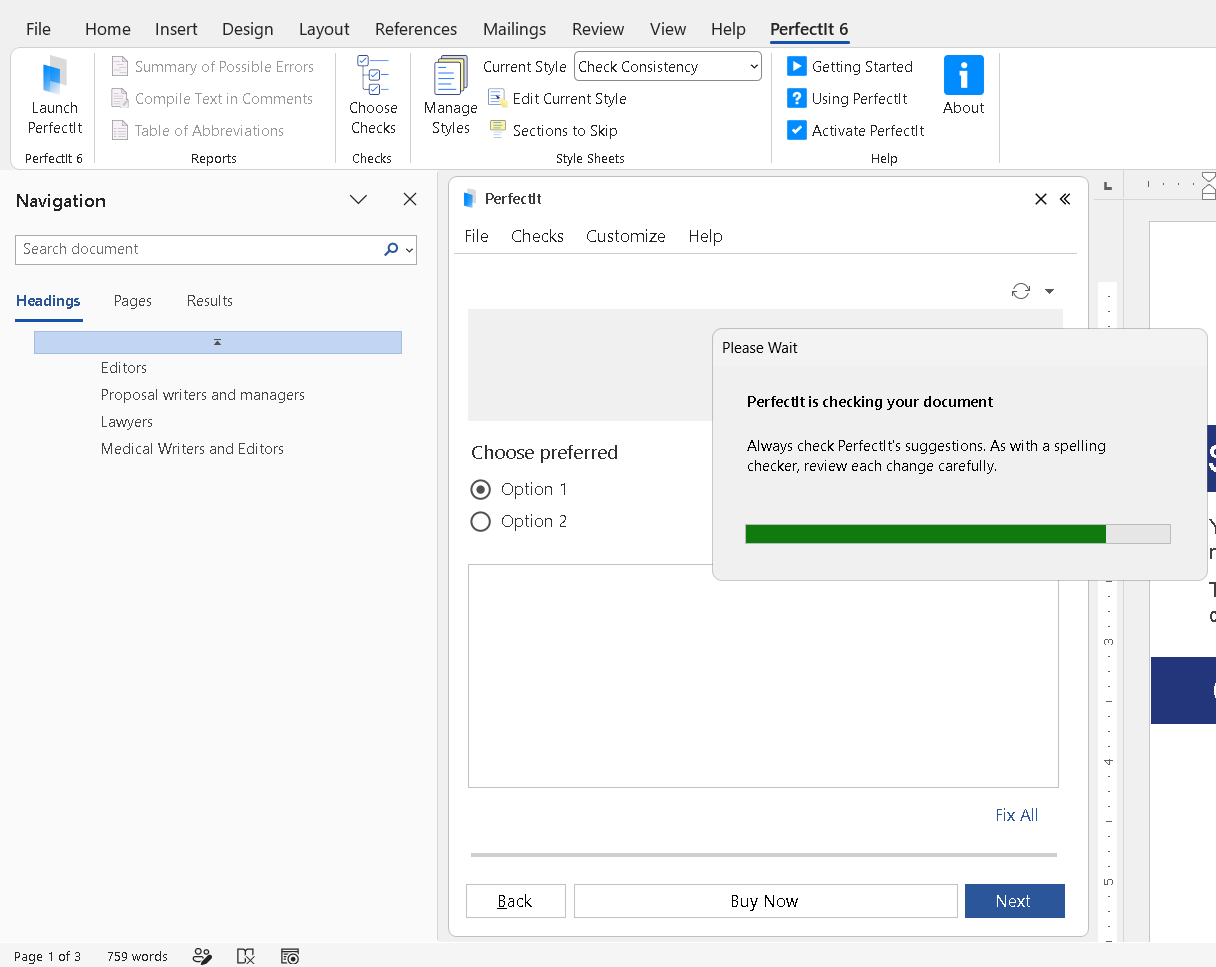
To start a check, click PerfectIt in the ribbon, then click Launch PerfectIt. It opens with the default style, Check Consistency. PerfectIt groups each type of issue, and shows you where in the document these inconsistencies are, so you can check every location before changing the text.
When to Launch PerfectIt
PerfectIt can be used at different points in your workflow. Some teams run PerfectIt at the start, to fix a draft before anyone begins editing it. Others wait until the end, performing final proofreading checks before a document is published. Some teams run PerfectIt multiple times: an early check cleans up a draft, and a final check catches any inconsistencies introduced during revisions.
The Consistency Checks
PerfectIt has several separate checks, and each one looks for something different.
Capitalization: PerfectIt flags a term with initial capitals in one location but lowercase in another, such as Project Manager on one page and project manager on the next.
Hyphenation: PerfectIt finds words and phrases that are hyphenated in one location but not in another, such as “long-term” and “long term”.
Bullet and list capitalization and punctuation: PerfectIt checks that bullets and lists are capitalized and punctuated consistently. It flags lists that are inconsistent, not lists that differ for a good reason, such as an item that starts with a name.
Spelling: PerfectIt catches spelling variations, such as “color” in the same document as “colour”.
Numbers: PerfectIt flags when spelled-out numbers are mixed with digits, such as “six” in one location and “7” in another.
Tables and figures: PerfectIt checks that tables and figures are titled consistently and appear in numerical order.
For a closer look at the types of issues that PerfectIt can fix, see the most common consistency mistakes.
Acronym Checking
Acronym checking is one of the main reasons proposal teams and medical writers buy PerfectIt. It finds acronyms used before they’re defined, acronyms defined two ways, and acronyms that haven’t been defined. It reaches over 90% accuracy without using any AI, and it can generate a table of acronyms for you.
Picture a proposal document written by 12 subject-matter experts, or a clinical study report with many contributors. Each author defines an acronym the first time they use it, unaware that another author already did. PerfectIt flags every location, so you can keep the first definition and remove the rest.
House Style
Your team already has a house style, so the work is in enforcing it. PerfectIt makes that easier across every contributor and every revision.You build your house style directly into PerfectIt once, then apply it to every document.
Built-in styles give you a starting point. You can check against The Chicago Manual of Style or the Microsoft Writing Style Guide. To use The Chicago Manual of Style checks, you’ll need a separate CMOS Online subscription.
Other built-in styles include regional spelling (US, UK, Canadian, and Australian) and organizational styles such as GPO (US Government Publishing Office), European Union, United Nations, WHO, and Australian Government. AMA isn’t built in, so medical writers build their AMA preferences into PerfectIt instead.
For more on setting up rules that work, read what makes a great corporate house style. Consistency checking needs no setup at all and catches mistakes straight out of the box.
Context and Exceptions
Not every inconsistency should be changed, and PerfectIt leaves you to make that judgment. For example, quotes should be presented exactly as written.
Only the person proofreading the document can tell a deliberate choice from a mistake. PerfectIt shows you every location, so you can check each one before you change anything.
PerfectIt Editions
PerfectIt is available in three editions, and the version you use depends on your platform and on whether you work in PowerPoint. All editions check consistency and house style*, so the choice comes down to where your documents live.
PerfectIt for Windows is the desktop add-in for Word on Windows. It works offline and never sends your documents anywhere. It needs the desktop version of Word.
PerfectIt Mac Edition works on Macs and iPads, and is used in Word Online. It keeps your documents on your computer.
Mac users can use Styleworks alongside PerfectIt to build and enforce house styles.

PerfectIt for PowerPoint enables you to check presentations. It works on Windows only, and it’s available on the Elite, Team, and Enterprise plans. If your team reviews slides as well as long documents, you can ensure consistency by using PerfectIt for PowerPoint.
Who PerfectIt Is For
PerfectIt began as an app for professional editors, and its customer base has grown well beyond that. PerfectIt is now used extensively by medical writing teams, proposal and bid teams, and government publications teams. Each group uses PerfectIt for a different reason.
PerfectIt has more than 20,000 users in more than 70 countries. It’s also the official proofreading software partner of The Chicago Manual of Style and the Microsoft Writing Style Guide. In practice, that means PerfectIt can ensure your documents adhere to these style guides.
Medical Writers
Medical writers depend on consistency in terminology. For example, in a clinical trial, “participant” and “subject” aren’t interchangeable. Someone who chooses to take part in a clinical trial is usually a participant. “Subject” is the traditional term, but many teams now prefer “participant” because “subject” can seem impersonal.
Whichever you choose, you need to keep it consistent.
PerfectIt helps medical writers keep important terminology consistent across a clinical study report, a protocol, or a regulatory submission. It’s used by the medical writing teams at 80% of the world’s largest pharmaceutical firms. You spend less time on mechanical checks and more on the science, while protecting the credibility of the document.
Proposal and Bid Teams
Proposal and bid teams have a different problem. A proposal written by many people needs to read as if it were written in one voice, and that’s hard to manage when subject-matter experts contribute to the document separately.
Acronym checking is a popular feature among proposal and bid teams, because it finds acronyms used before they’re defined, defined twice, or never defined. That means fewer review cycles, less time spent checking manually, a better impression on evaluators, and less review stress before submission.
Manisha Kaneri, Publishing Team Lead at BidExecs, puts it this way:
“For proposal work, PerfectIt is the best in its class.”
Government Publications Teams
Government publications teams need to strictly enforce document consistency and style guide rules. PerfectIt applies these standards the same way every time. Reviewers can then focus on the substance of the document rather than hunting for hard-to-spot inconsistencies.
For US teams, built-in checks for The Chicago Manual of Style and the GPO style are particularly useful.
PerfectIt Pricing and Plans
You can purchase an annual PerfectIt subscription, choosing from four different plans: Professional, Elite, Team, and Enterprise. The website lists current PerfectIt pricing for each plan.
| Plan | Who it suits | What it adds | Users | Price |
|---|---|---|---|---|
| Professional | Individuals and small teams | PerfectIt for Word. Includes all built-in styles, updates, and upgrades. | 1 to 3 users | $115 per user per year |
| Elite | Individuals and small teams that also work in PowerPoint | Everything in Professional, plus PerfectIt for PowerPoint | 1 to 3 users | $145 per user per year |
| Team | Professional organizations | Everything in Elite, plus live, expert-led training, personalized procurement support, and purchase order billing | 3 to 100 users | From $155 per user per year, with volume discounts |
| Enterprise | Professional organizations | Everything in Team, plus a dedicated account manager, personalized installation and deployment support, priority technical support, help building your style into PerfectIt, an installer portal, uninterrupted access at renewal, and live training tailored to your needs | 1 or more users | From $7,000 per year |
Check the website for current prices before budgeting.
How a PerfectIt Subscription Works
PerfectIt is an annual subscription, and how it renews depends on how you buy it.
If you buy on the website, your subscription renews automatically each year. You can cancel at any time in the Members Area, and PerfectIt keeps working until the end of the subscription period.
If you pay by invoice or purchase order, your subscription doesn’t renew automatically. The PerfectIt sales team will help you with your renewal.
Free Trial
You can test PerfectIt out with a 14-day free trial. The free trial gives you full access to PerfectIt. All you need to do is provide an email address. No purchase or credit card information is required.
During your free trial, you can test PerfectIt on a real specialist document, such as a proposal or a clinical study report, to ensure it meets your needs.
Is PerfectIt Safe for Confidential Documents?
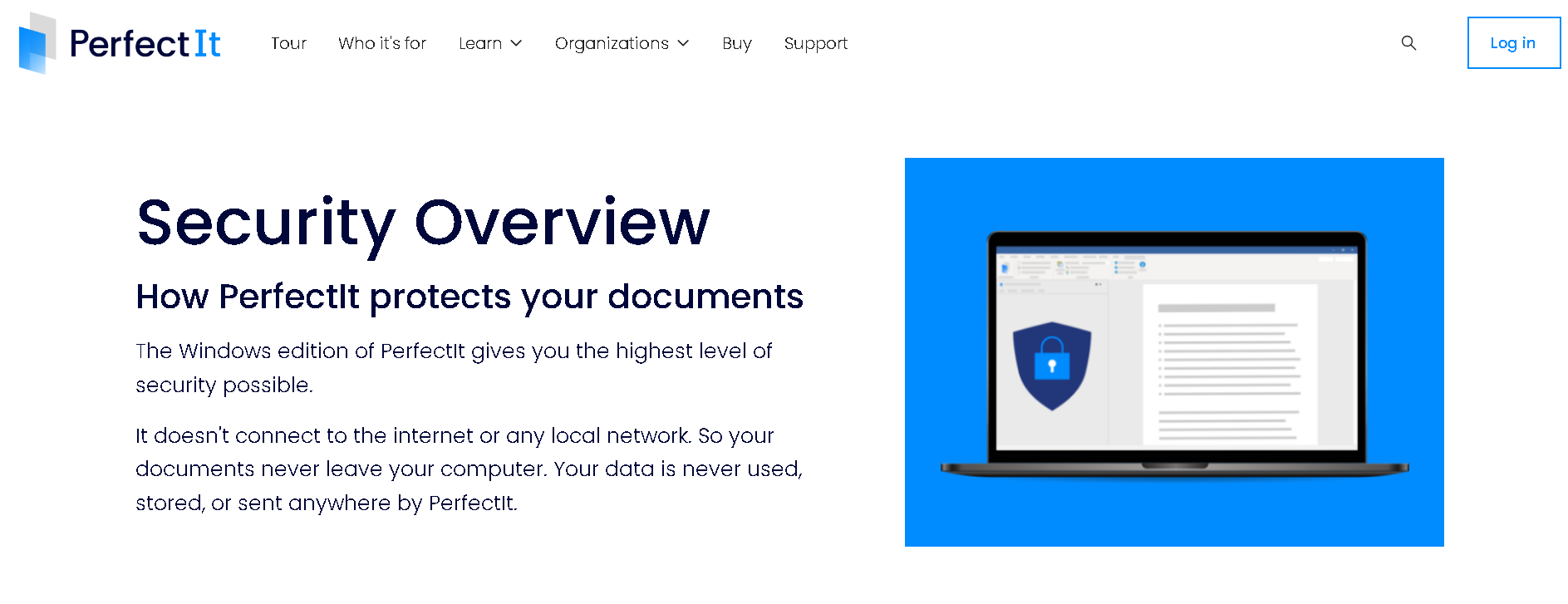
Yes. PerfectIt for Windows works offline, so it never sends your documents anywhere. PerfectIt Mac Edition connects to the internet only to authenticate your license, install software updates, and send diagnostic information. It doesn’t send your documents anywhere; documents are processed locally on your device.
PerfectIt doesn’t use AI, so your confidential documents are never used for training. The software only checks your document for consistency and against your house style, and it doesn’t generate or rewrite text.
These security protections matter to pharmaceutical, government, and proposal teams, who often need IT or legal approval before buying software. A tool that doesn’t store or share document data is simpler to approve.
Kimberli Balfour, Senior Proposal Manager at Microsoft Global Proposal Services, said:
“PerfectIt’s inexpensive pricing and security model made it easier to get corporate approvals.”
PerfectIt Pros and Cons
PerfectIt’s strengths come from its focus on consistency and enforcement of house style. PerfectIt’s limits come from the same place: it’s built for specialist documents.
Pros
PerfectIt checks the whole document and gives the same result on every check.
You build your house style into PerfectIt once and apply it to every document.
Acronym checking is extensive, and you can generate a table of acronyms within seconds.
It works inside Word and PowerPoint, so it can fit seamlessly into your existing workflow.
It provides the highest level of security. PerfectIt for Windows never sends your documents anywhere, and PerfectIt Mac Edition keeps documents on your computer.
You decide on every change, because PerfectIt never edits text on its own.
Cons
There’s no Google Docs add-in. You can download a Google document as a Word document, check it in Word, then re-upload it.
PerfectIt for PowerPoint is only available on the Elite tier and above, and only works on Windows.
PerfectIt doesn’t check grammar or rewrite text by design. It stays focused on hard-to-spot inconsistencies, ensuring professional writers can focus on what matters.
What Reviewers Say on Capterra and G2
PerfectIt is rated 4.9 out of 5 on Capterra from 371 reviews and 4.8 out of 5 on G2 from 164 reviews (as of November 2026). Both are third-party review platforms.
Reviewers on both sites describe saving time on consistency checks in long documents and proofreading for different clients or using different styles. Also, reviewers in medical writing mention using PerfectIt effectively on clinical study reports.
Capterra lists sub-ratings of 4.9 for ease of use and 4.9 for customer service.
See what users say about PerfectIt.
How PerfectIt Compares
Grammarly Pro, Grammarly Enterprise, and ProWritingAid are strong writing tools. The difference is focus: PerfectIt goes straight to consistency and house style in long specialist documents.
Grammarly Pro and Grammarly Enterprise
Grammarly Pro and Grammarly Enterprise are strongest at broad, fast writing help across almost any app. Both plans include a style guide feature, with one style guide on Pro and unlimited style guides on Enterprise.
Grammarly can also review a whole document and has consistency features. Those features sit alongside AI writing help and general grammar suggestions.
PerfectIt can check against your house style and focuses on consistency in long specialist documents. PerfectIt for Windows works offline, and PerfectIt doesn’t use AI.
ProWritingAid
ProWritingAid is strongest at deep style and readability reports for revising long prose. It also has a consistency check, an acronym report that lists the acronyms used, and the option to enter a client’s style guide rules.
ProWritingAid reports are built to improve an author’s own prose. PerfectIt is built to enforce consistency and your organization’s house style at scale.
Using PerfectIt Alongside a Writing Tool
Many teams use PerfectIt alongside other writing tools because they cover different tasks. A writing tool like ProWritingAid helps with how a document reads, while PerfectIt checks that the document is consistent and follows your house style.
Some teams ask if a general AI assistant could check consistency and house style instead of specialist software like PerfectIt. General AI assistants are useful for drafting, brainstorming, and revising, but often return different results each time they are used. PerfectIt gives the same result on every check, which matters when multiple documents must be consistent.
PerfectIt also works as the quality control step after AI drafting, and leaves the professional writer to make the editorial decisions.
For related reading, see whether AI can replace human copy editors.
Frequently Asked Questions
Is PerfectIt worth it?
Yes, for professional writers, editors, and teams that produce long specialist documents. PerfectIt checks consistency and adherence to house style across the whole document and gives the same result on every check.
How much does PerfectIt cost?
PerfectIt is an annual, per-user subscription. You can choose from four plans: Professional, Elite, Team, and Enterprise. Current prices are listed on the website.
Does the PerfectIt subscription renew automatically?
It depends on how you buy it. Website purchases renew automatically each year, and you can cancel at any time in the Members Area. Subscriptions paid by invoice or purchase order don’t renew automatically.
Is there a PerfectIt free trial?
Yes. You can get a 14-day free trial with full access to PerfectIt. There’s no purchase, credit card, or other personal information required. You only need to provide an email address.
Is PerfectIt AI?
No, PerfectIt isn’t AI. PerfectIt never sends your documents anywhere. Your documents remain on your computer.
Does PerfectIt work on Mac and in PowerPoint?
Yes. PerfectIt Mac Edition works on Macs and iPads via Word Online. PerfectIt for PowerPoint works on Windows only and is available on the Elite, Team, and Enterprise plans.
PerfectIt Review: Final Verdict
For professional teams that need to enforce consistency and house styles in long specialist documents, PerfectIt is a strong fit. It checks documents against your house style, checks consistency across the whole document, and leaves every decision to you.
PerfectIt suits medical writing teams, proposal and bid teams, and government publications teams best, and the Team and Enterprise plans are designed for these types of organizations because they include additional support and training to ensure teams are making the most of their subscription. Medical writers can keep terminology consistent across clinical study reports, while proposal teams get one voice from many contributors. Government publications teams ensure their style guide is applied across every document.
Against the six criteria above, PerfectIt performs as follows:
Depth of the consistency checks: PerfectIt has separate checks for capitalization, hyphenation, lists, spelling, numbers, and tables and figures, plus acronym checking, across the whole document.
House style: You build your house style into PerfectIt once and apply it to every document and contributor.
Confidentiality and document handling: PerfectIt for Windows works offline and never sends your documents anywhere. PerfectIt Mac Edition keeps your documents on your computer.
Fit with your workflow: PerfectIt runs inside Word and PowerPoint, so teams can keep working the way they already do.
Plan structure and value: Four plans cover individuals through to organizations, and Team and Enterprise add training and support for larger groups.
Support and onboarding: Team adds live, expert-led training, and Enterprise adds a dedicated account manager, help building your style into PerfectIt, priority technical support, and personalized installation and deployment support.
PerfectIt doesn’t check grammar, it has no Google Docs add-in, and PowerPoint checking starts at Elite. Teams that want grammar help can use a writing tool alongside it.
Book a demo or consultation to see how PerfectIt would work with your team’s house style.
