
The best Microsoft Writing Style Guide checker for a documentation team working in Word is PerfectIt, the only official proofreading software of the Microsoft Writing Style Guide. PerfectIt worked with Microsoft to build the Microsoft Writing Style Guide into a style that checks for around 3,000 individual issues in the Word document you already have open.
The Microsoft Writing Style Guide is Microsoft’s standard for writing about technology. It replaced the Microsoft Manual of Style. If you work on a documentation or proposal team, this style is often preferred, set by a client, a partner or your own leadership.
The Microsoft Writing Style Guide covers a lot, from terminology to bias-free language, and few writers remember all of it. Each person on a team may end up following it a little differently. PerfectIt checks every document against the guide, so your team gets Microsoft Writing Style Guide compliance without relying on memory alone.
If you want the rules themselves, start with the five things to check in Microsoft style.
This comparison looks at five tools, including where each one gets its Microsoft Writing Style Guide rules from and where your documents go while it checks them.
| Tool | Where its Microsoft Writing Style Guide rules come from | Where it works | Where your documents go |
|---|---|---|---|
| PerfectIt | The official Microsoft Writing Style Guide, built with Microsoft into a style that checks for around 3,000 individual issues. | Word add-in; PowerPoint on Elite, Team and Enterprise | Stay on your computer; PerfectIt for Windows works entirely offline |
| Vale | A free, community-built Microsoft package you add to Vale, neither maintained nor endorsed by Microsoft | Command line, editors and CI on plain-text formats | Stay on your machine; Vale runs locally |
| Grammarly Enterprise | Style rules your admins type in or import from a spreadsheet. | Browser extension, desktop app, Word and other apps | Cloud service |
| LanguageTool | Your own team style guide rules | Word add-in, browser add-on | Cloud by default; a self-hosted server is available without the AI-based rules |
| Microsoft Editor | None. Editor has no Microsoft Writing Style Guide option, only its own grammar and refinement categories | Word for Microsoft 365 | Online service; refinements need an internet connection |
How These Tools Were Evaluated
Each tool was judged on four things: where its Microsoft Writing Style Guide rules come from, where your documents go during a check, where it works, and whether it can hold your own house style on top.
PerfectIt built its rules with Microsoft through an official partnership. Vale relies on a community package. With Grammarly Enterprise and LanguageTool, your team writes the rules, and Microsoft Editor has no rules for the guide at all.
Where its Microsoft Writing Style Guide comes from
The source of the rules determines how much of the Microsoft Writing Style Guide a tool covers. PerfectIt built its rules through a partnership with Microsoft, the guide’s owner. Vale uses a community package that covers what its contributors have written. When your team writes the rules, coverage depends on how many of the guide’s rules your team adds.
Where your documents go during a check
Security teams approve a tool faster when it checks on your computer. Documentation for an unreleased product and proposals for open bids are both confidential, so your team will need to know where the confidential text is sent. PerfectIt for Windows works entirely offline, and PerfectIt Mac Edition keeps documents on your computer.
Fit with how your team writes
Choose the tool that works where your team writes. PerfectIt checks Word and PowerPoint documents, so it suits teams that work there. Teams that write Markdown or another plain-text format in a repository may prefer a tool like Vale.
Your own house style
Most teams already have a house style on top of the Microsoft Writing Style Guide, so the tool has to hold both. In PerfectIt, you can combine your style rules with the Microsoft Writing Style Guide. Vale, Grammarly Enterprise and LanguageTool let your team add its own rules. Microsoft Editor has no way to hold a house style.
1. PerfectIt
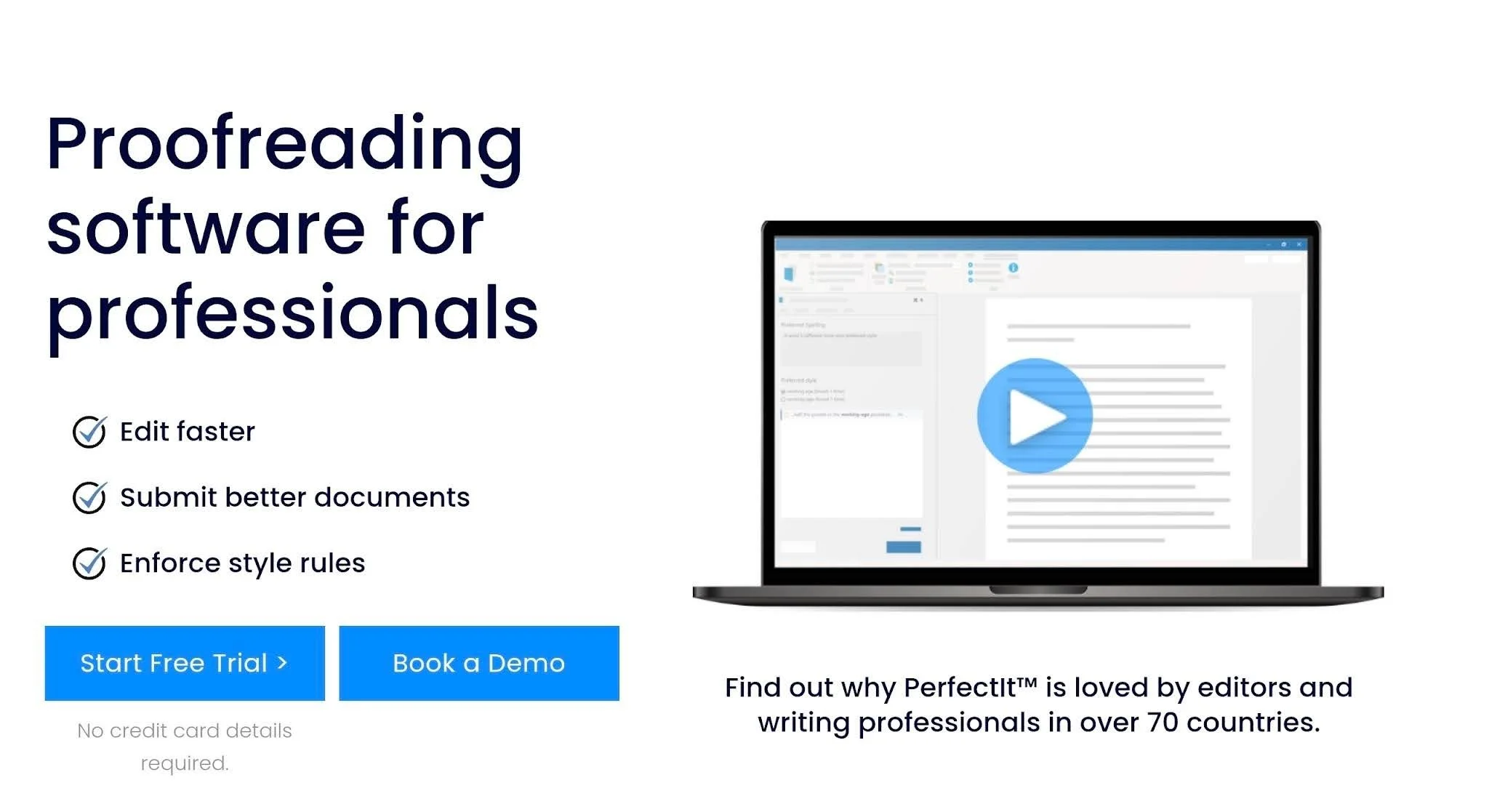
Best for: documentation and proposal teams that need the official Microsoft Writing Style Guide checked inside Word.
PerfectIt is the only official proofreading software of the Microsoft Writing Style Guide, and it checks consistency and house style in the Word document you already have open.
The team at PerfectIt worked directly with Microsoft and took guidance from some of the original authors to build the Microsoft Writing Style Guide into the software. It checks for around 3,000 individual issues, drawn from the A to Z word list, the term collections and other areas of the guide.
PerfectIt subscribers get it at no extra cost. You can read the full story on how PerfectIt brought Microsoft style into the software.
Just launch PerfectIt, choose the Microsoft style and start its checks. PerfectIt reads the whole document, works through it one check at a time in its sidebar, and flags each location for you to review.
PerfectIt’s Microsoft Writing Style Guide covers terminology from the A to Z word list and bias-free language, such as people-first wording. It also covers phrasing to avoid, including militaristic terms. PerfectIt has built in every part of the guide that it can check, so you don’t have to pick which rules to follow.
The Microsoft Writing Style Guide is one layer. PerfectIt also checks your document’s consistency including acronym definitions, capitalization, hyphenation, bullet and list capitalization and punctuation, spelling, numbers in sentences, and tables and figures. "Color" next to "colour" turns up in the Spelling check, and "six" in one place with "7" in another turns up in the Numbers in Sentences check.
Acronym checking is a common reason proposal teams buy PerfectIt. It finds acronyms used before they are defined, defined twice or never defined, and it can generate a table of acronyms.
PerfectIt for Windows works entirely offline and never sends your document anywhere. It’s not AI, so your documents are never used for training.
Microsoft's own global proposal team uses PerfectIt. Kimberli Balfour, Senior Proposal Manager at Microsoft Corporation, puts it this way: "PerfectIt's inexpensive pricing and security model made it easy to get corporate approvals."
PerfectIt has 20,000 users in 72 countries. It is rated 4.9 out of 5 on Capterra from 371 reviews and 4.8 out of 5 on G2 from 164 reviews.
Key features
Official Microsoft Writing Style Guide: checks for around 3,000 individual issues, built with Microsoft and included for PerfectIt subscribers.
Consistency checks: acronyms, capitalization, hyphenation, lists, spelling, numbers, and tables and figures.
House style: build your house style in Styleworks on top of the Microsoft Writing Style Guide, then apply that style to every document.
Acronym definitions and table of acronyms: find acronym inconsistencies and generate a table of acronyms.
PerfectIt for PowerPoint: available on Elite, Team and Enterprise.
Offline checking on Windows: PerfectIt for Windows doesn’t need an internet connection to check a document.
Pros
Official Microsoft Writing Style Guide rules, built with Microsoft
Works inside Word, where your documents already live
Documents stay on your computer
Your house style can be built on top of the Microsoft style
Cons
PerfectIt checks documents in Word and PowerPoint, so text written in Markdown or another plain-text format in a repository has to be checked in a Word document.
Pricing
PerfectIt is an annual, per-user subscription with four plans: Professional, Elite, Team and Enterprise. PowerPoint checking starts at Elite. Enterprise pricing is shown on the site. Check the live store for current prices.
The 14-day free trial gives you full access with just an email address, so there’s no purchase and no credit card required to try it. You can book a demo or a consultation to see how PerfectIt works with your documents.
2. Vale (with the Microsoft package)
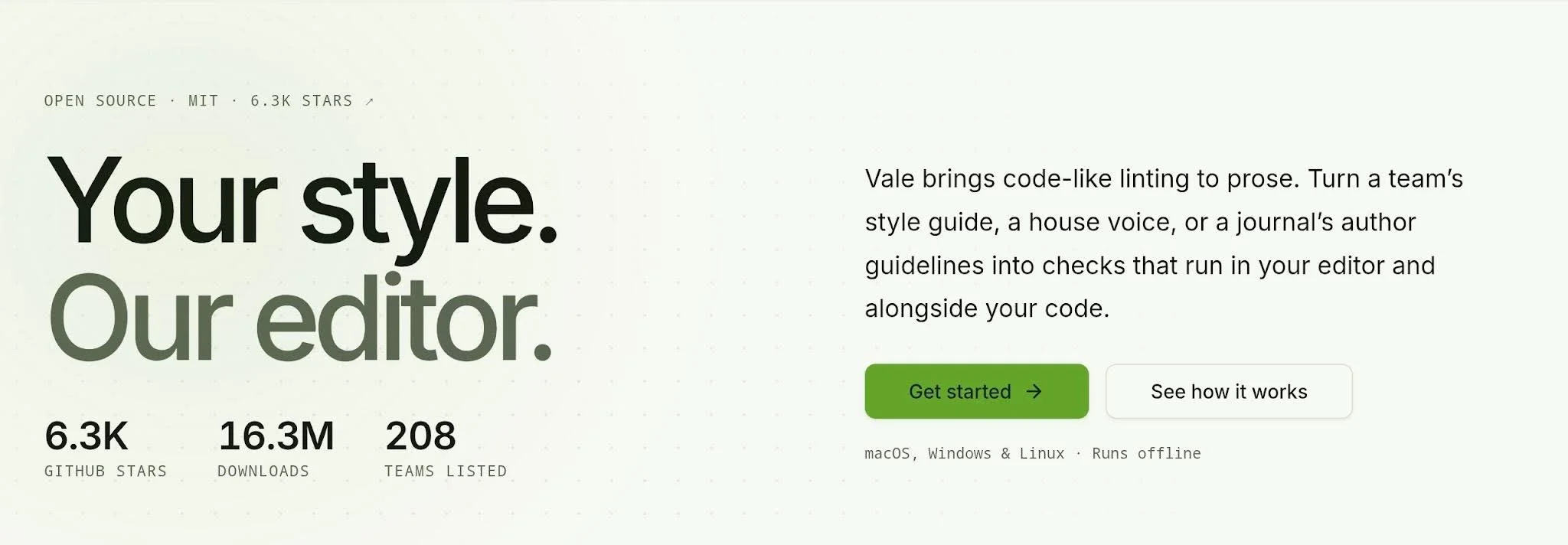
Best for: docs-as-code teams that lint Markdown, AsciiDoc or reStructuredText in a repository.
Vale checks prose the way developers check code: with a linter, a config file and a pull request check. If your documentation lives in a repository next to the product it describes, that setup will feel familiar.
Vale is a free, open-source (MIT) command-line prose linter for Windows, macOS and Linux. To add Microsoft style, you list the Microsoft package in a .vale.ini file and run vale sync to install it. Vale supports Markdown, AsciiDoc, reStructuredText, HTML, XML, DITA and other plain-text formats, and it connects to editors through a language server.
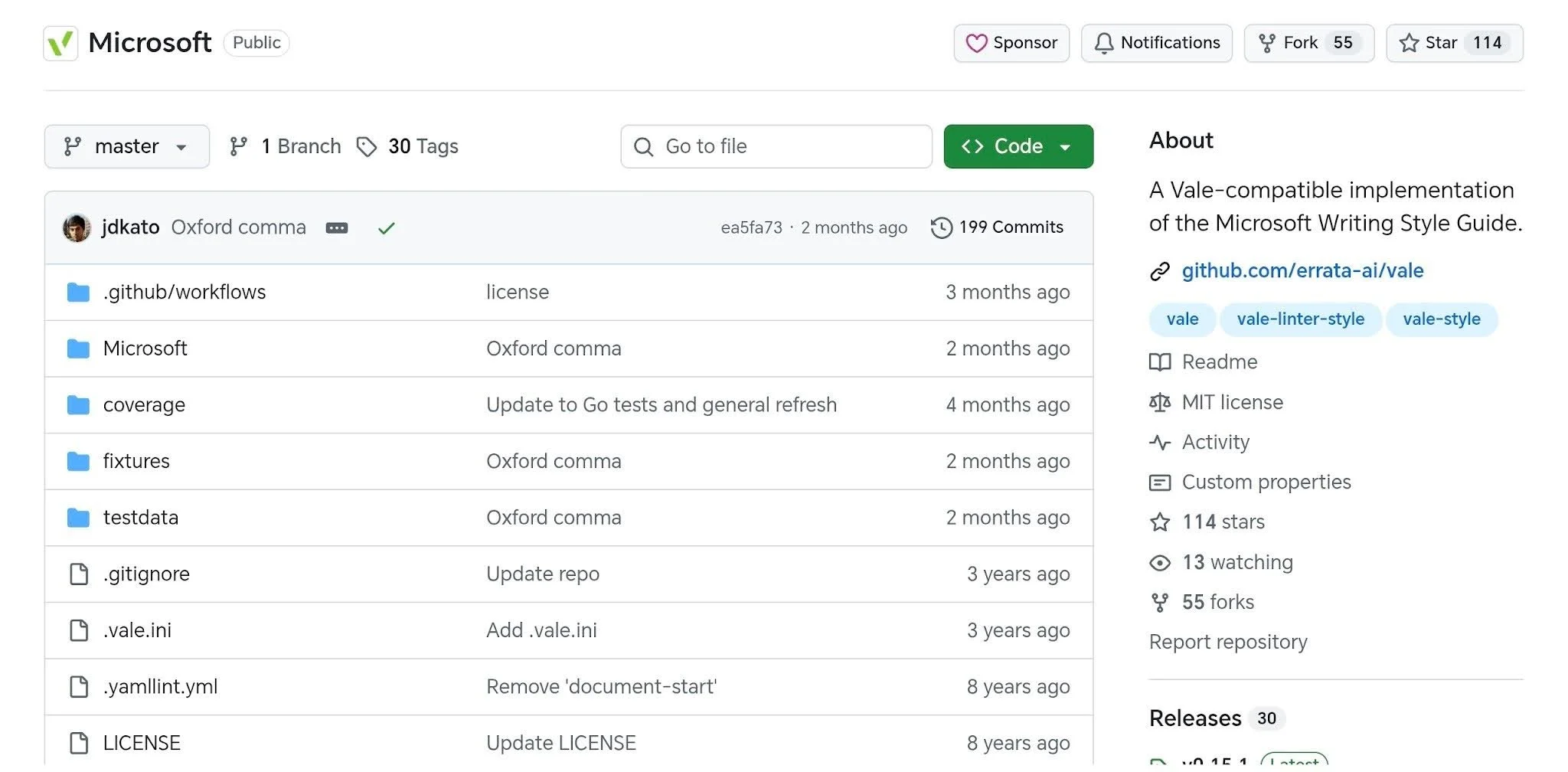
Where it runs is its real strength. Vale works locally, fits into continuous integration, and lets your team write its own rules in YAML.
A writer opens a pull request, the check runs, and the results are there before a reviewer reads a word. For a team that already reviews documentation the way it reviews code, a free tool like this one is easy to justify.
Key features
Rule packages: Microsoft is one of several you can add.
Custom YAML rules: your team writes its own rules for terms and style.
CI and pull request checks: run Vale automatically when someone proposes a change.
Editor integration: check text in your editor through a language server.
Cross-platform command line: the same tool on Windows, macOS and Linux.
Pros
Free
Runs locally
Fits a docs-as-code workflow
Highly configurable
Cons
The Microsoft package is community-built. Its README says it is neither maintained nor endorsed by Microsoft, and its coverage report lists 37 of 64 guidelines and 106 of 849 A to Z word list entries.
Setup means editing a config file and running commands in a terminal, which not every writer on a team will want to do.
Microsoft Word documents are not in Vale's list of supported formats.
Pricing
Vale is free and open source.
3. Grammarly Enterprise
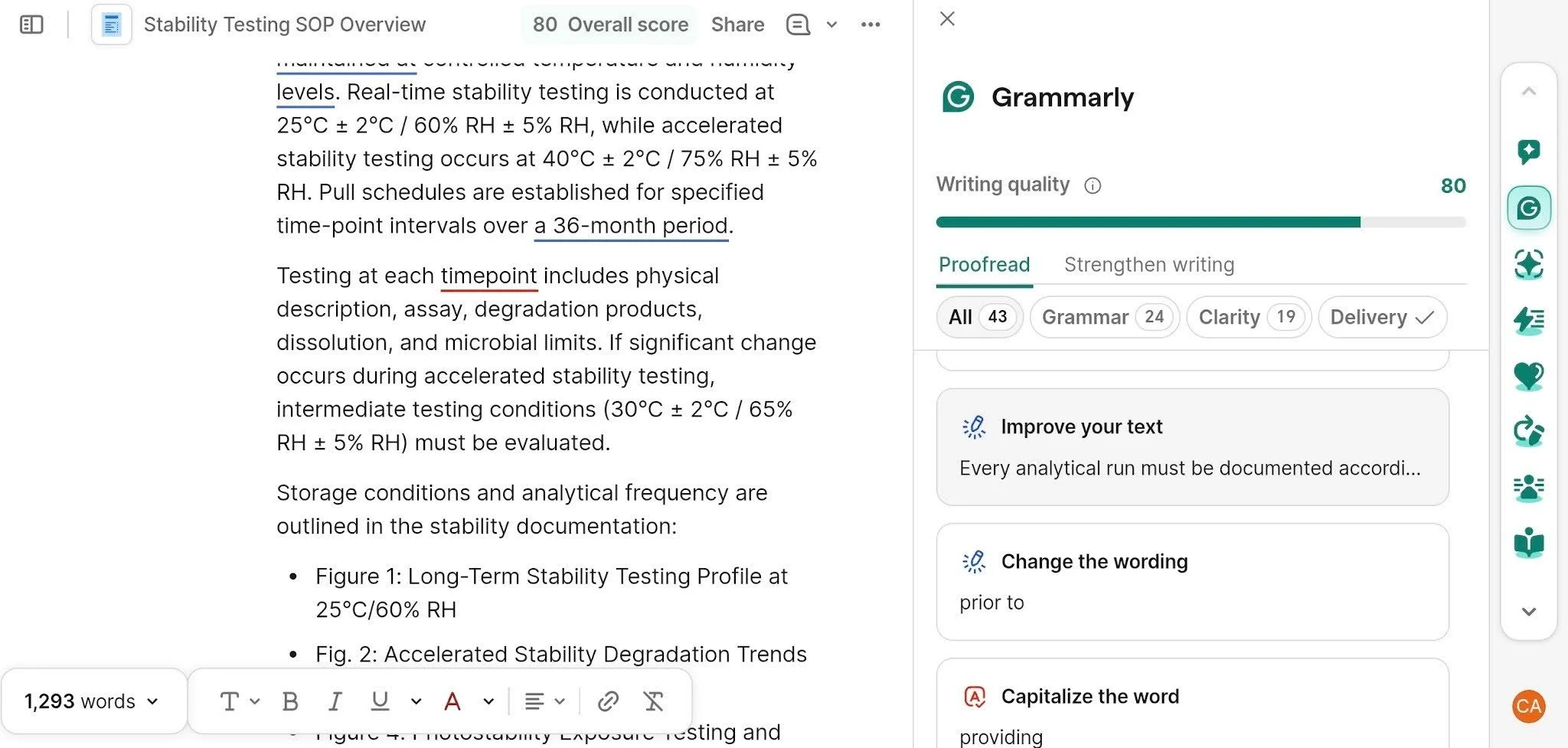
Best for: organizations that want one set of company style rules used across email, chat and browser apps.
Grammarly Enterprise goes where your team already writes. It is Grammarly's organization plan, and it works through a browser extension, a desktop app and integrations that include Word. Enterprise includes unlimited style guides, brand tones and Knowledge Share, which surfaces relevant company information as people type.
Admins can add style rules for the whole team, and writers get suggestions based on those rules as they write. Reach is where it does best. Almost every app your team writes in is covered, so one set of rules follows people from an email to a chat message to a browser form without anyone opening a separate checker.
Grammarly Enterprise checks consistency too. The difference is focus: it’s built for general writing help across apps. For compliance with the Microsoft Writing Style Guide, that means your team builds the rules it needs from your own style guide.
Key features
Style rules: admins add word and phrase rules for the team, one at a time or imported from a spreadsheet.
Brand tones: set the tone your organization wants in its writing.
Broad app coverage: browser extension, desktop app and integrations including Word.
Admin controls: admins manage style guides and brand tones for the whole organization.
Pros
Wide reach across apps
Familiar to many writers
Strong admin and security controls on Enterprise
Cons
Grammarly's style guide page doesn’t list the Microsoft Writing Style Guide as a built-in option, so a team has to build the rules it needs.
Text is processed in Grammarly's cloud, which some documentation and proposal teams cannot approve for confidential documents.
Pricing
Grammarly Enterprise is priced through Grammarly's sales team. Grammarly Pro is limited to one style guide.
4. LanguageTool
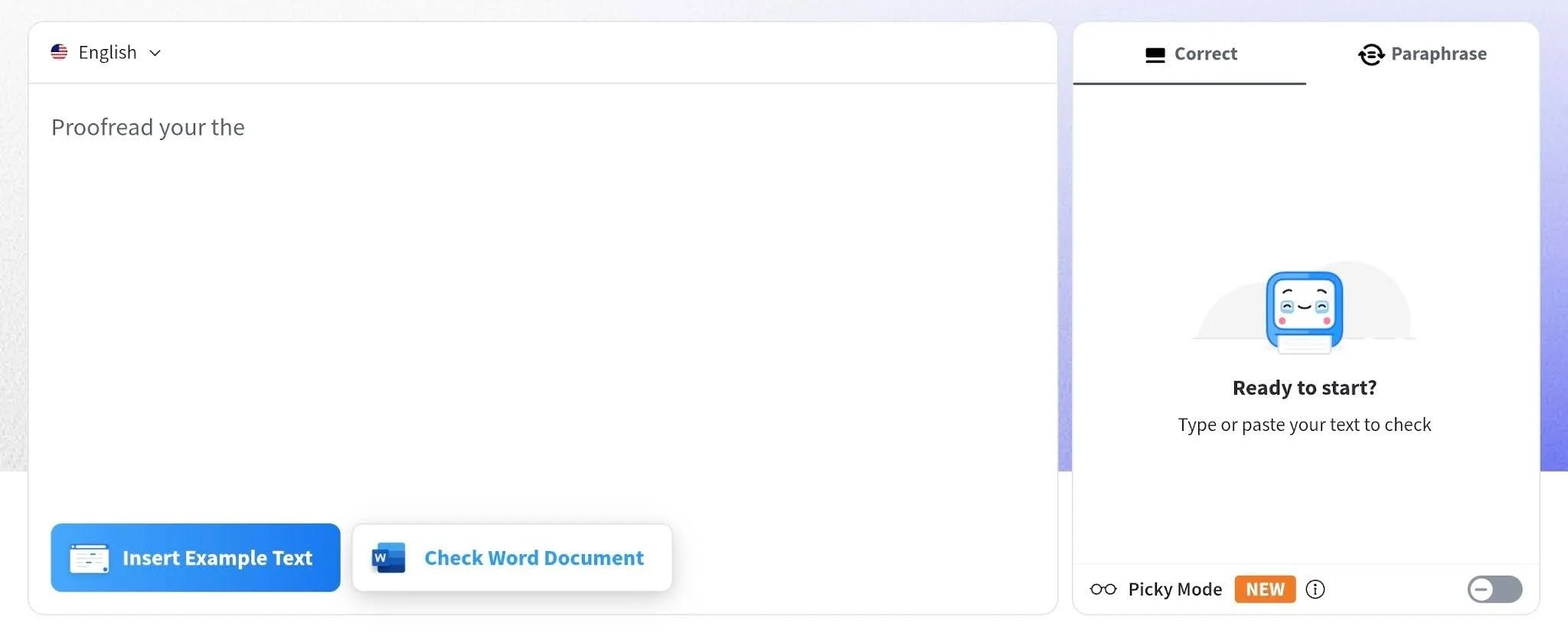
Best for: multilingual teams that want a shared team style guide and dictionary.
LanguageTool checks grammar and style in more than 30 languages, which suits documentation teams that publish in several of them. It’s a grammar, spelling and style checker with a Word add-in and a browser add-on.
Team plans come with a Team Style Guide and a Team Dictionary. The style guide is where your team writes its own custom rules. The dictionary holds shared terms, so they stop showing up as errors. Managers decide who is allowed to add rules and words.
Language coverage is the real strength, with a self-hosted server as the second. Teams that want checks to run on their own infrastructure can host LanguageTool themselves. For Microsoft style, you would write the rules into that Team Style Guide yourself.
Key features
Team Style Guide: custom rules your team writes and shares.
Team Dictionary: shared terms that stop showing up as errors.
Word add-in: check documents where they are written.
30+ languages: one tool for multilingual documentation.
Self-hosted server: run checks on your own infrastructure.
Pros
Multilingual
Shared team rules
A self-hosted route exists
Cons
It has no built-in Microsoft Writing Style Guide. The Team Style Guide holds rules you write yourself.
The free self-hosted server doesn’t include the premium rules or AI-based features. An on-premise premium version exists, but only for larger business customers.
Pricing
LanguageTool sells per-user team plans on annual billing, with a separate business option for larger organizations. Check LanguageTool's pricing page for current prices.
5. Microsoft Editor
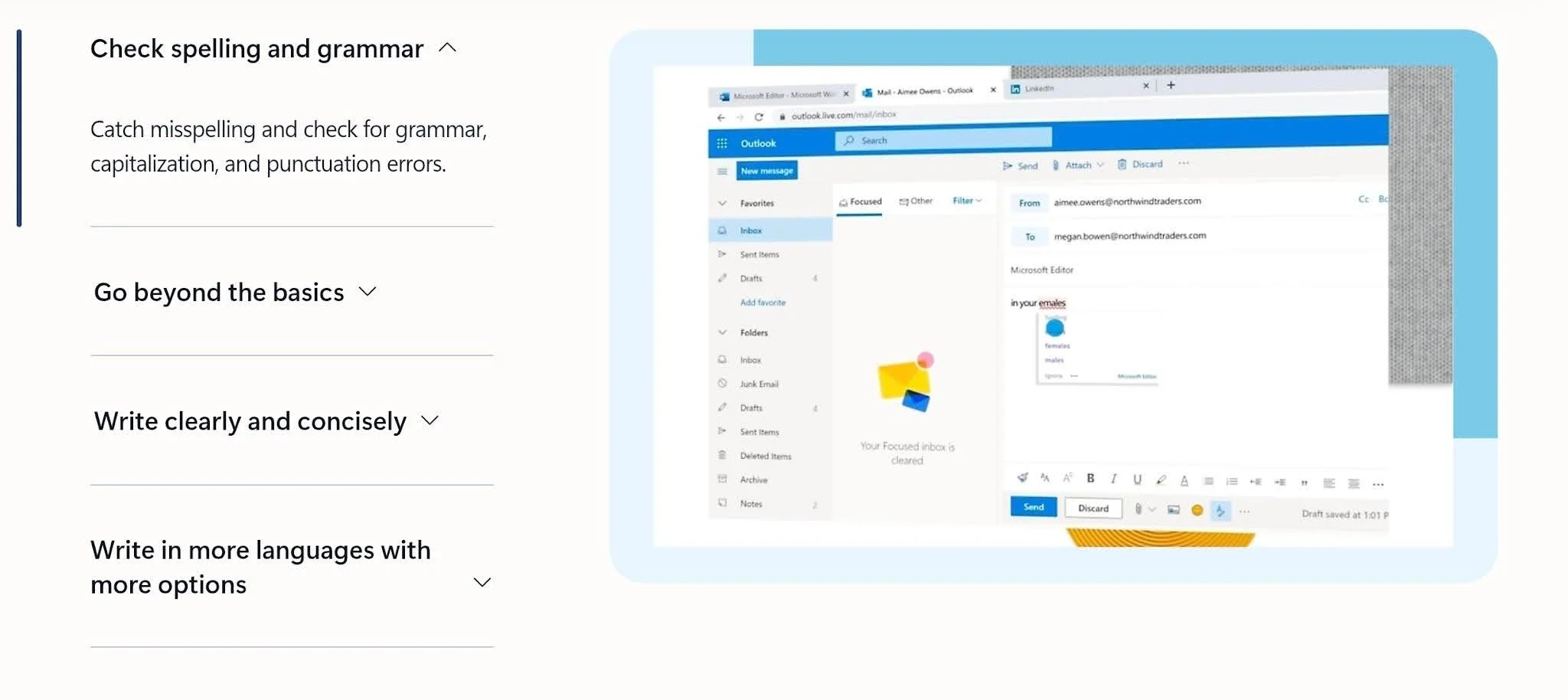
Best for: basic spelling, grammar and clarity help already included in Word for Microsoft 365.
Although Microsoft Editor comes from Microsoft, it doesn’t enforce house styles, and that includes the Microsoft Writing Style Guide. What it offers is everyday spelling, grammar and clarity help, built into Word for Microsoft 365.
Besides spelling and grammar, Editor offers refinements such as clarity, conciseness and formality. Suggestions appear in the Editor pane, and you choose which categories to switch on.
Its real strength is how little it asks of a team already on Microsoft 365. There’s nothing extra to buy or install, and everyone has it the moment they open Word.
Key features
Spelling and grammar: corrections in the Editor pane as you write.
Clarity and conciseness refinements: suggestions for tighter, simpler sentences.
Formality suggestions: guidance on tone and register.
Customizable check categories: switch each category on or off in settings.
Pros
Included with Microsoft 365
Already inside Word
Easy to switch categories on or off
Cons
It has no option to check a document against the Microsoft Writing Style Guide.
You can switch categories on or off and add words to a custom dictionary, but Editor has no way to hold house style rules beyond that.
Its advanced checks run through an online service, so refinements need an internet connection.
Pricing
Editor comes with Microsoft 365, so there is no separate price.
Official vs Approximated Microsoft Writing Style Guide Rules
Official Microsoft Writing Style Guide rules come from the guide itself. PerfectIt worked with Microsoft to build the Microsoft Writing Style Guide into a style that checks for around 3,000 individual issues, and it applies those rules the same way every time.
An approximated Microsoft Writing Style Guide is what you get when you ask an AI to follow it. You go to ChatGPT or Claude and type something like, "Edit this document and follow the rules of the Microsoft Writing Style Guide." AI is helpful for drafting and revising, but here it works from what it already knows about the guide, not from a set of rules built with Microsoft.
That matters for compliance with the Microsoft Writing Style Guide, because it tells you how far you can trust results.
An approximated Microsoft Writing Style Guide falls short in three ways:
It approximates the guide rather than enforcing it, so it can miss rules or apply rules that aren’t in the guide.
It drifts across long documents, and the same document can come back with different edits each time you ask.
Your document goes to an outside model, which security teams may not approve for confidential documentation and proposals.
PerfectIt works differently. It checks terminology from the A to Z word list, bias-free language and phrasing to avoid, and flags each location for you to review. You decide what to change. PerfectIt is not AI, so it applies the same rules the same way every time, and PerfectIt for Windows works entirely offline.
Using Microsoft Style With Your Own House Style
Most teams follow the Microsoft Writing Style Guide as a base and then define where they differ, so the checker has to hold that combined style. A tool that knows only the Microsoft Writing Style Guide leaves your own rules unchecked, and the reverse is just as true.
Everything else follows the base guide, so nobody has to restate rules Microsoft has already written. If you’re building or revising yours, what every technical writer should include in their style guide covers what belongs in it.
With PerfectIt, you build your house style in Styleworks and combine it with PerfectIt’s Microsoft Writing Style Guide. Styleworks is free to use. You then select that style and start the checks, and you can use it on every document.
PerfectIt checks one style at a time, and the style you build holds both the Microsoft Writing Style Guide rules and your own.
The table below sets out what a documentation team usually needs and how PerfectIt covers it.
| What your team needs | Why PerfectIt is a strong choice |
|---|---|
| Official Microsoft Writing Style Guide rules | Built through an official partnership with Microsoft |
| Documents that stay confidential | Works on your computer, and entirely offline on Windows, no AI |
| Microsoft Writing Style Guide as the base for your house style | Lets you combine your preferences with the Microsoft Writing Style Guide |
| Proposals with dense use of acronyms | Acronym definitions check and a table of acronyms |
How to Choose a Tool for Checking the Microsoft Writing Style Guide
Three questions decide it: where your documents live, whether the tool can hold your house style next to Microsoft style, and where your documents go during a check. Each one is easier to answer once you have your team's workflow in front of you.
Where do your documents live?
If your team writes in Word and PowerPoint, PerfectIt is the better fit, because it checks inside both. PowerPoint checking comes with the Elite, Team and Enterprise plans.
Many technical writing teams work elsewhere, though. They may write in LaTeX or in a custom authoring tool built for technical writers, and PerfectIt can’t check those. Teams that write Markdown in a repository can use Vale for that part.
Can it hold the Microsoft Writing Style Guide and your house style together?
PerfectIt can if you build your house style on top of the Microsoft Writing Style Guide in Styleworks. With Grammarly Enterprise and LanguageTool, the house style is there, but you write the Microsoft Writing Style Guide rules yourself.
If your house style is still taking shape, what makes a great corporate house style covers how to build one.
Will security approve PerfectIt?
Approval is quicker for a tool that checks on your computer and sends nothing anywhere. Compliance teams will ask where your text goes. PerfectIt for Windows works entirely offline, and PerfectIt Mac Edition keeps documents on your computer.
PerfectIt is also not AI, so your documents are never used for training. Grammarly Enterprise processes text in Grammarly's cloud, and LanguageTool does the same by default. Those tools may face a longer internal review before anyone signs off.
If those are the priorities for your team, PerfectIt is the strongest Microsoft Writing Style Guide proofreader to consider.
Frequently Asked Questions
What is the Microsoft Style Guide?
The Microsoft Writing Style Guide is Microsoft’s guide to style and terminology for writing about technology, and it replaced the Microsoft Manual of Style. Writers outside Microsoft follow it too, because it keeps IT content clear, consistent and inclusive for readers around the world. PerfectIt is its only official proofreading software.
Is there an official Microsoft style checker?
Yes. PerfectIt is the only official proofreading software of the Microsoft Writing Style Guide, and it worked with Microsoft to build the guide into its checks.
Does Microsoft Editor check Microsoft style?
No. Microsoft Editor checks spelling, grammar and refinements such as clarity and formality, and it has no support for house styles (including no Microsoft Writing Style Guide option). PerfectIt checks the official Microsoft style inside Word.
Can Vale check Microsoft style in Word documents?
Vale works on plain-text formats such as Markdown and AsciiDoc, and it does not list Word documents among its supported formats. For Word documents, PerfectIt checks the official Microsoft style inside Word.
Can we use Microsoft style and our own house style together?
Yes. PerfectIt lets you combine your preferences with the Microsoft Writing Style Guide. After combining, select that style in PerfectIt and use it on every document you check.
Is PerfectIt safe for confidential documentation?
Yes. PerfectIt for Windows works entirely offline, and PerfectIt Mac Edition keeps documents on your computer. PerfectIt is not AI, so it never uses your documents for training.
Final Verdict
PerfectIt is the best Microsoft Writing Style Guide checker for documentation and proposal teams that write in Word. PerfectIt worked with Microsoft to build the official Microsoft Writing Style Guide into its checks, and you can also build your house style on top of it.
It checks the same way every time. Your documents stay on your computer, so it’s easier to get approved.
Vale suits docs-as-code teams that keep their writing in a repository. Grammarly Enterprise gives general writing help across the apps your team already uses, and LanguageTool suits teams that write in many languages. Microsoft Editor covers basic spelling and grammar if you already have Microsoft 365.
Try PerfectIt for yourself. Its 14-day free trial gives you full access and asks only for an email address. You can book a demo or a consultation to see how PerfectIt works with your team.
