
7 Best Manuscript Editing Software for Medical Publications Teams
The best manuscript editing software for a medical publications team is PerfectIt.
In order to make the best impression at peer review, every detail in a journal submission needs to reflect the same precision as the trial data itself.
Manuscripts are rarely rejected outright over a single mechanical oversight. But when a peer reviewer encounters dozens of small inconsistencies, such as an abbreviation defined twice, a drug name capitalized two different ways, or clinical terminology shifting between the methods and discussion sections, they begin to question the care and rigor of the overall research.
Most software in this space focuses on sentence-level polish or basic grammar. But PerfectIt does something different: it checks consistency and house style across an entire document, flags every conflicting instance, and leaves the editorial decisions in your hands.
This comparison evaluates seven tools based on how they handle abbreviations, terminology consistency across sections, journal and AMA house style rules, and document privacy during review. It’s written for publications teams inside pharmaceutical companies, CROs, biotech firms, and medical communications agencies preparing manuscripts for journal submission.
Here’s how the seven tools compare in a real publications workflow:
| Rank | Tool | Best for |
|---|---|---|
| 1 | PerfectIt | Enforcing journal and house style preferences across a full manuscript, offline |
| 2 | Writefull | Academic language suggestions grounded in published research writing |
| 3 | Trinka AI | Academic language checking aimed at journal submission |
| 4 | Paperpal | AI-assisted academic language editing |
| 5 | ProWritingAid | Deep style and readability reports for improving the prose |
| 6 | Grammarly | General grammar and tone help across a team and across apps |
| 7 | Microsoft Editor | Spelling, grammar, and light style help already included with Microsoft 365 |
1. PerfectIt
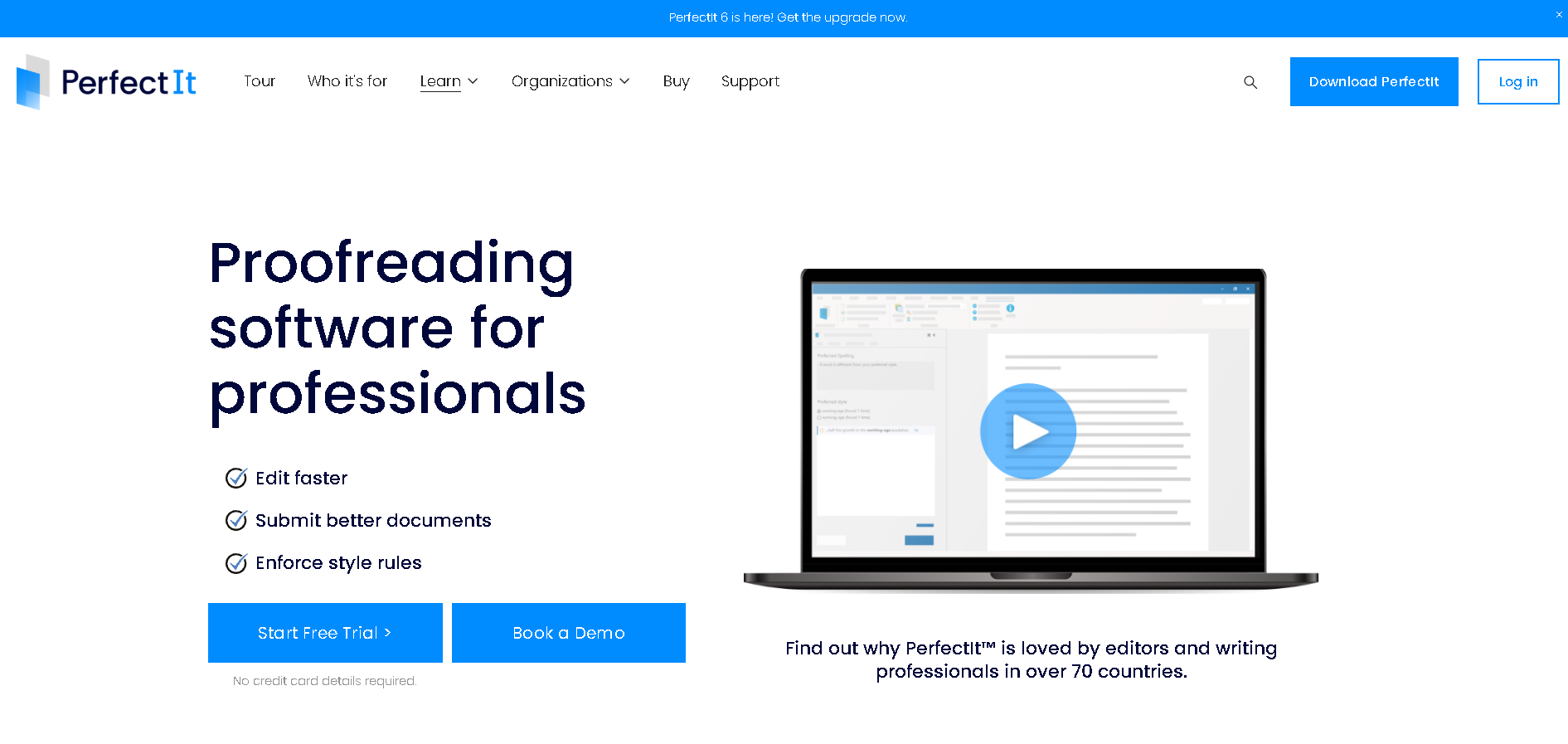
Best for: Checking consistency and enforcing style preferences (like AMA and journal rules) across a full manuscript. PerfectIt for Windows works entirely offline, which means your unpublished clinical trial data stays securely on your local computer and never goes to an external server.
PerfectIt tops this list for a reason: it checks a manuscript for consistency and house style across the entire document. You build your rules into PerfectIt (e.g. you can build in preferences from any guide such as AMA, CSE and others). Then PerfectIt applies those rules the same way every time, no matter who's editing or how many revisions the manuscript goes through.
PerfectIt isn't a grammar checker, it doesn't rewrite your text, and it isn't AI. It flags locations that need attention and leaves the editorial decisions to you.
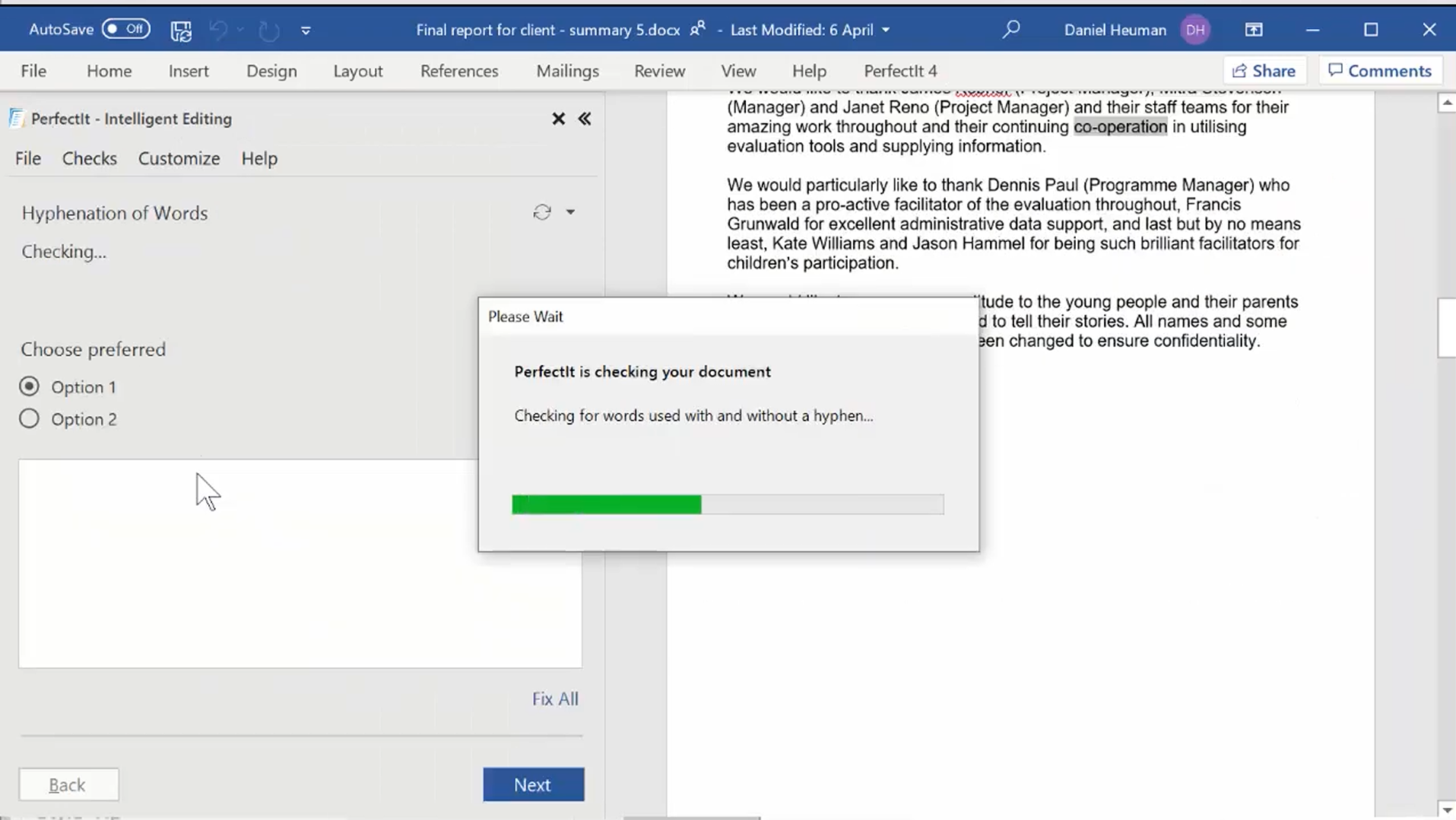
You launch PerfectIt inside Word, and it works through your document one location at a time. It shows you each conflicting instance in its original context. You decide what should change and what should remain.
Acronym Checking
Acronyms are one of the key reasons why medical writers buy PerfectIt. It finds acronyms used before they are defined, acronyms defined twice, and acronyms that haven't been defined, reaching over 90 percent accuracy without using any AI.
It can also generate a table of acronyms for the manuscript, which is useful both for review and for the acronym list many journals require at submission. PerfectIt helps you spend less time on mechanical fixes so you can focus on the science.
The Rest of the Consistency Checks
Capitalization: PerfectIt flags a term with initial capitals in one location but lowercase in another.
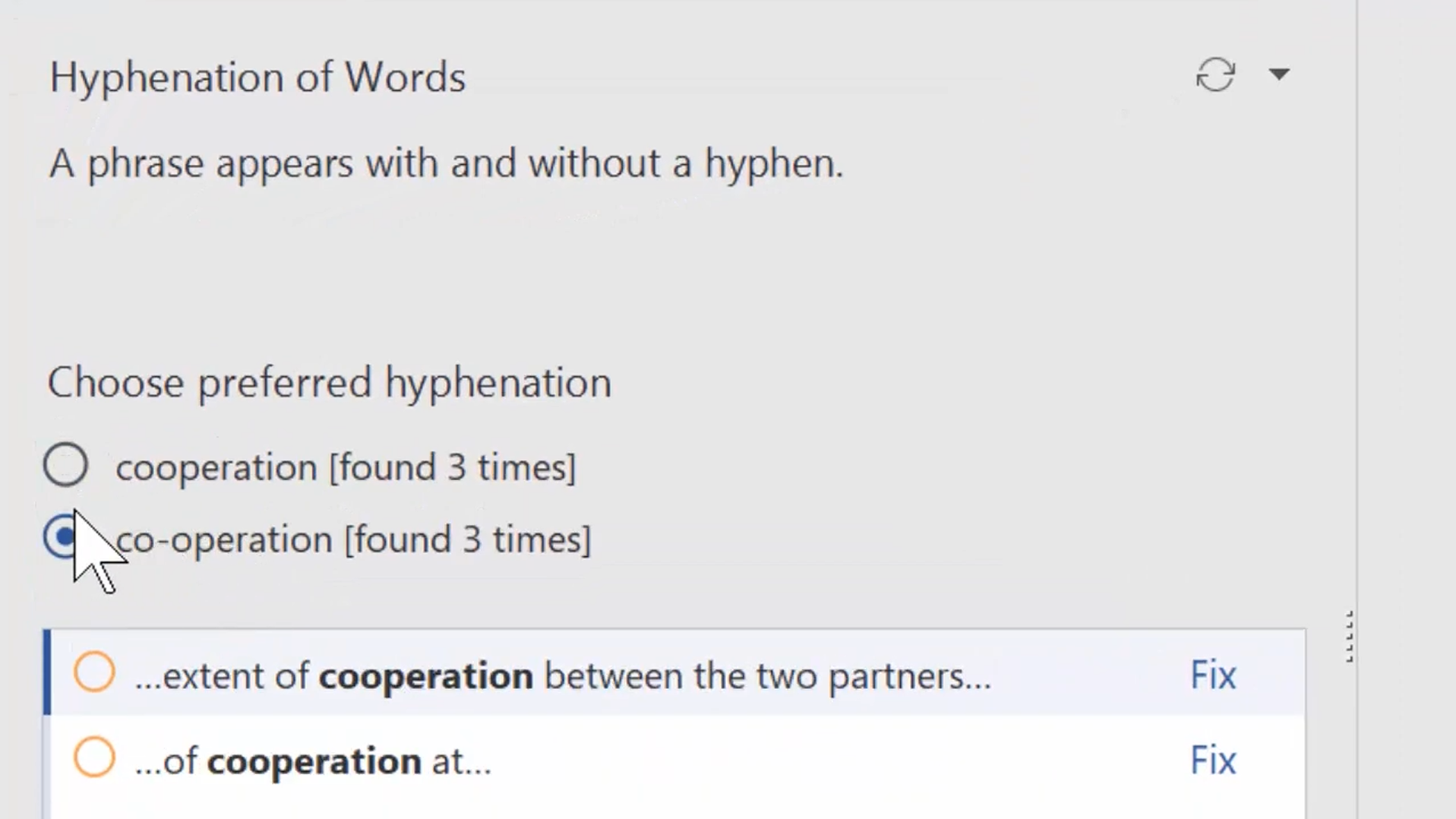
Hyphenation: It finds words and phrases that are hyphenated in one location but not in another, such as “in vitro” and “in-vitro”.
Bullet and list capitalization and punctuation: It checks that items in lists are consistent in their opening capitalization and closing punctuation.
Spelling: PerfectIt catches mixed US and UK spellings such as “anaesthetic” in the same document as “anesthetic”.
Numbers in sentences: It flags numbers in the middle of sentences if spelled out forms are mixed with digits, such as “six” in one location, but “7” in another.
Tables and figures: PerfectIt checks that tables and figures are titled consistently and appear in numerical order.
Building Journal and AMA Preferences into PerfectIt
PerfectIt has built-in styles for The Chicago Manual of Style, the Microsoft Writing Style Guide, the World Health Organization, and more. If you're working with other guides, such as AMA, you build in the preferences you want. You can add rules from style manuals, your house style, or the journal submission guidelines of any journal that you're working with. Build your style in Styleworks (a free app for building styles for PerfectIt), and the rules will work in any version of PerfectIt.
Set the rules up once, and then they’re available for every manuscript your team works on.
You won’t want to change every location PerfectIt flags. A term of art might look inconsistent but needs to stay exactly as written, or you might be reviewing quoted material. In those cases, you just leave the text unchanged.
PerfectIt always leaves the final decision to you.
Work Offline
There's also a practical reason publications teams choose this route: your team handles unpublished, confidential trial data, and getting corporate approval for a cloud-based AI tool can be a slow process on its own.
Because PerfectIt isn't AI, that part of procurement is simpler. PerfectIt for Windows runs entirely offline; your documents are never sent anywhere.
PerfectIt’s track record backs this up.
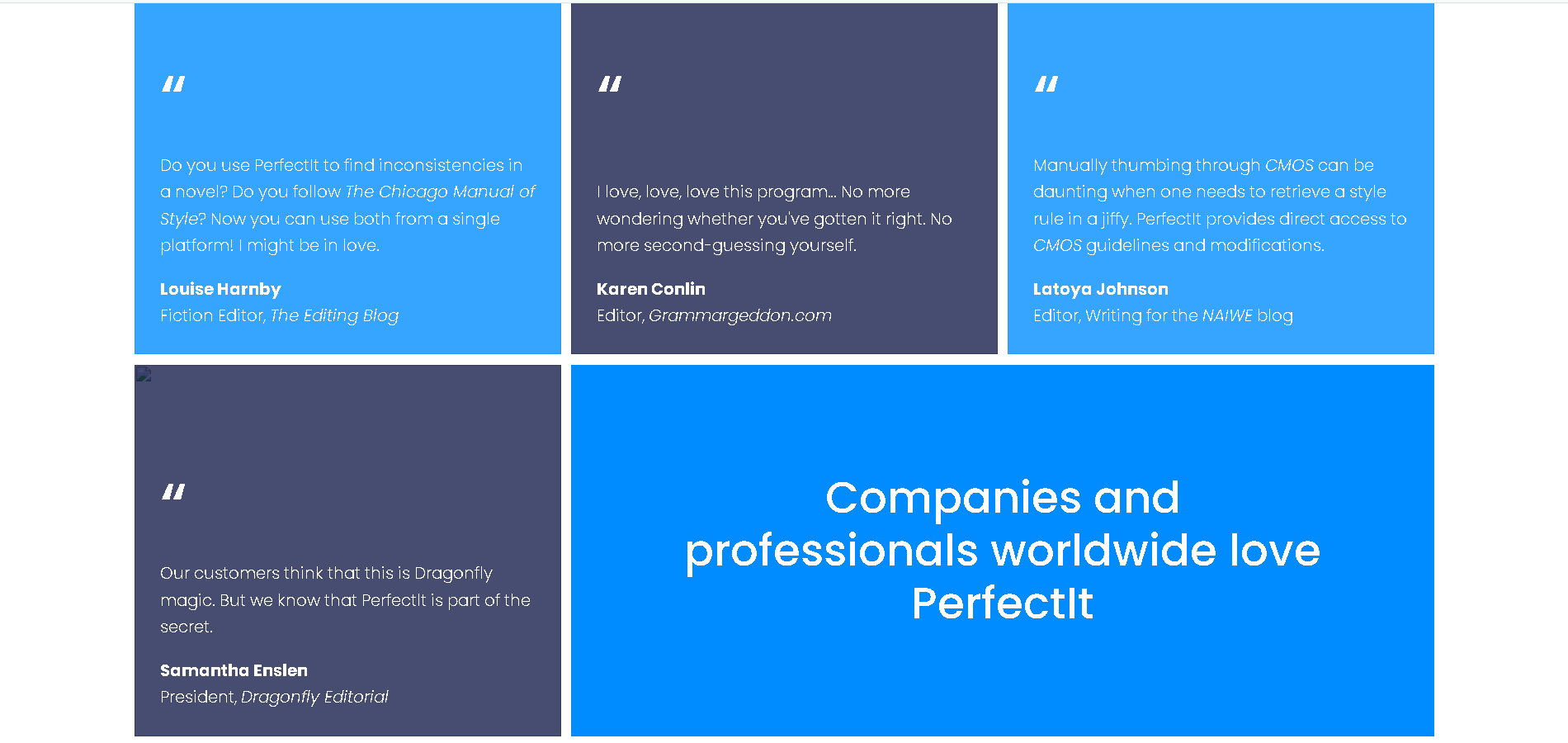
Medical writing teams at over 80 percent of the world's top pharmaceutical companies and CROs use PerfectIt, as do medical writers at Cancer Research UK's Centre for Drug Development.
More broadly, over 20,000 users use it. It holds 4.9/5 on Capterra (371 reviews) and 4.8/5 on G2 (164 reviews).
Who It Is For
Medical publications teams inside pharmaceutical companies, CROs, and biotech firms
Medical communications agencies handling publications work
Any team where several authors contribute to one manuscript
Pricing
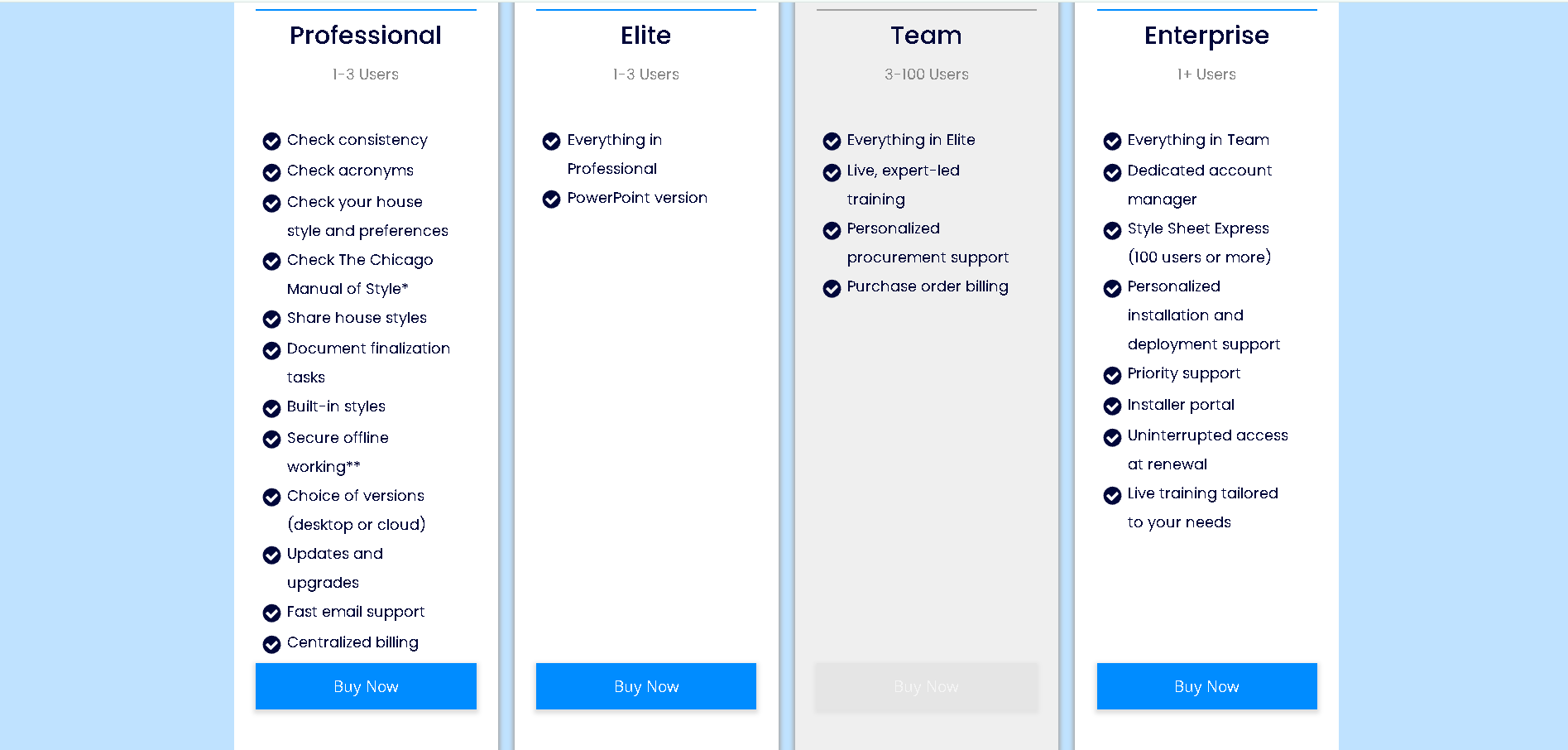
PerfectIt runs on an annual, per-user subscription across four plans: Professional, Elite, Team, and Enterprise. All pricing on the site is transparent, including the enterprise pricing.
A 14-day free trial gives full access and only requires an email address (no credit card required).
The Honest Limits
PerfectIt doesn't offer a Google Docs add-in. If your authors draft collaboratively online, you have to download the document as a Word document, run the consistency checks in desktop Word, and re-upload the polished version.
PerfectIt for Windows runs on the desktop, PerfectIt Mac Edition extends that to Mac, iPad, and Word Online and keeps your documents on your computer, and PerfectIt for PowerPoint is available on Elite, Team, and Enterprise plans. PerfectIt for PowerPoint runs on Windows only.
2. Writefull
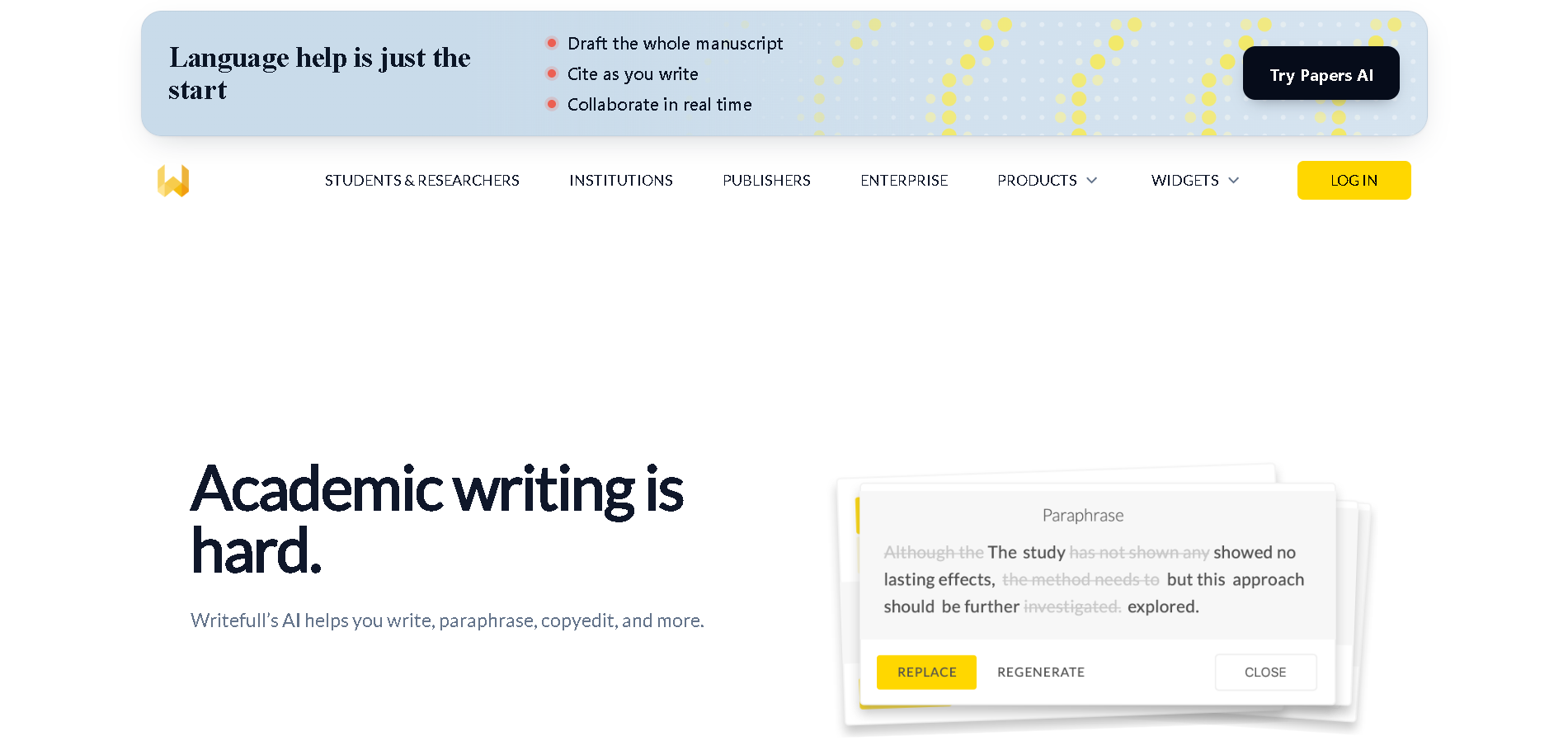
Best for: Academic language suggestions grounded in published research writing.
Writefull's language suggestions are trained on published research writing, which makes it genuinely useful for authors whose first language isn't English. It integrates with Word, Overleaf, and its own web interface, Writefull Revise.
Features:
Language feedback and copyedits tailored to academic and research writing
AI widgets for paraphrasing and rewriting text to be more scientific or concise
LaTeX-specific feedback and code generation for equations and tables in Overleaf
An AI assistant for academic writing and referencing questions
A citation-checking widget (Writefull Cite) that flags sentences that may need a reference
Pros:
Trained on published journal literature rather than general web text
Integrates directly into Overleaf for authors writing in LaTeX
Writefull states that texts aren’t stored or used to train public AI models
Cons:
Introduces subtle phrasing shifts in technical text because suggestions rely on language models rather than fixed rules
Generates abstracts and text rewrites that require constant human supervision
Pricing: Free tier available; Premium Individual is $150/year; Group plans cover 2 to 100 seats, priced on their site.
3. Trinka AI
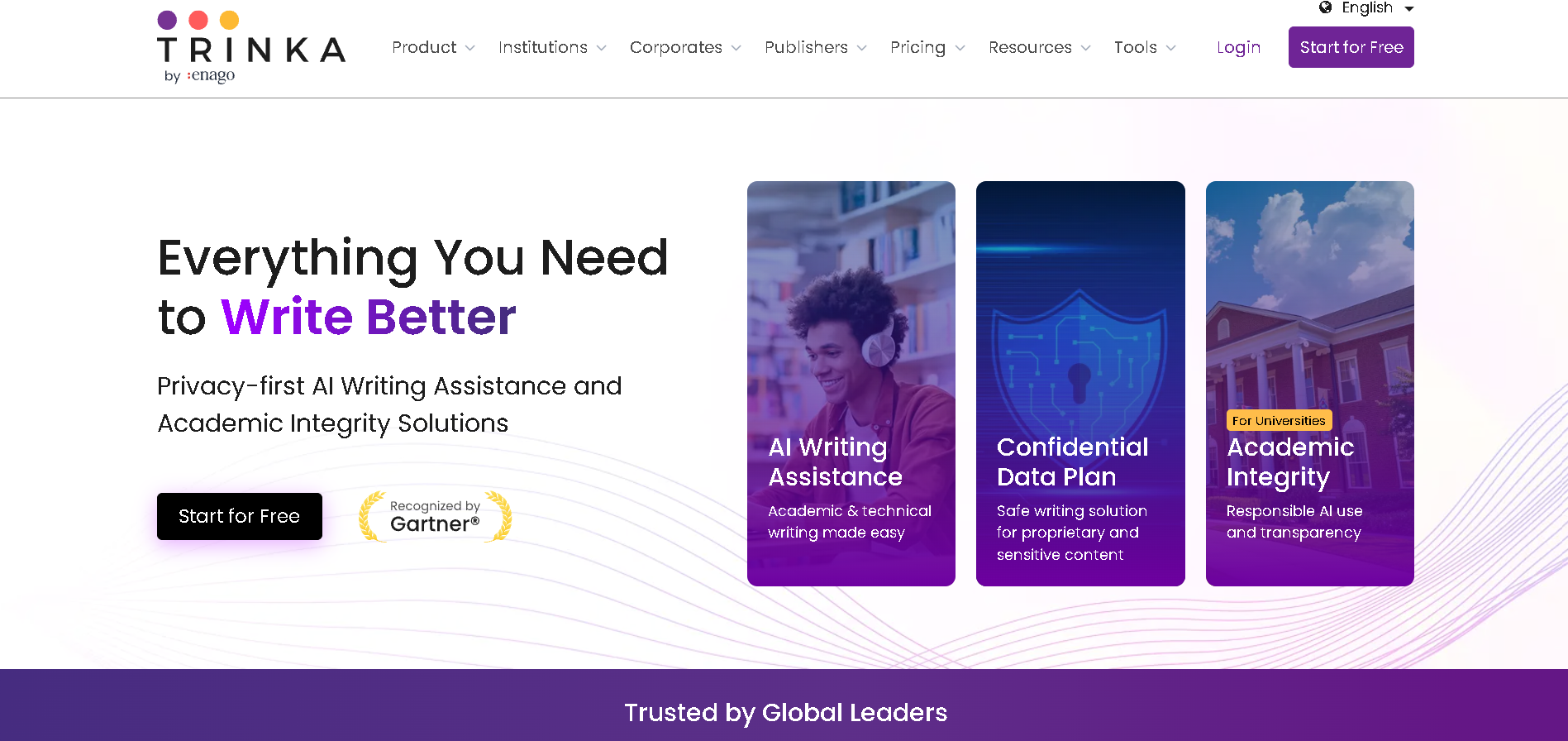
Best for: Academic language checking aimed at journal submission
Trinka AI advertises built-in support for style guides like AMA. However, it relies on an uninspectable AI model approximation rather than explicit, user-defined rules. The platform is built primarily for sentence-level academic language checking and technical terminology validation before journal submission.
Features:
Checks text against general style-guide approximations, including AMA and APA formats
Flags inconsistencies in hyphenation, number formats, and UK/US spelling
Includes a technical spell check for clinical and medical vocabulary
Acts as an abbreviation checker to catch undefined terms
Proofreads Word and LaTeX files without stripping existing formatting
Pros:
Catches specialized medical terminology errors that generic grammar checkers miss
Offers an offline desktop app on its top-tier Confidential Data plan
Preserves document structure and table formatting intact during checking
Cons:
Relies on AI model approximations for style-guide checking rather than explicit rules you define and control
Requires IT compliance approval for cloud data processing of unpublished trial data
Restricts high-volume checks and reporting behind a credit system on lower plans
Pricing: Free plan available; Premium Plus at $125/year; Confidential Data plan at $300/year.
4. Paperpal
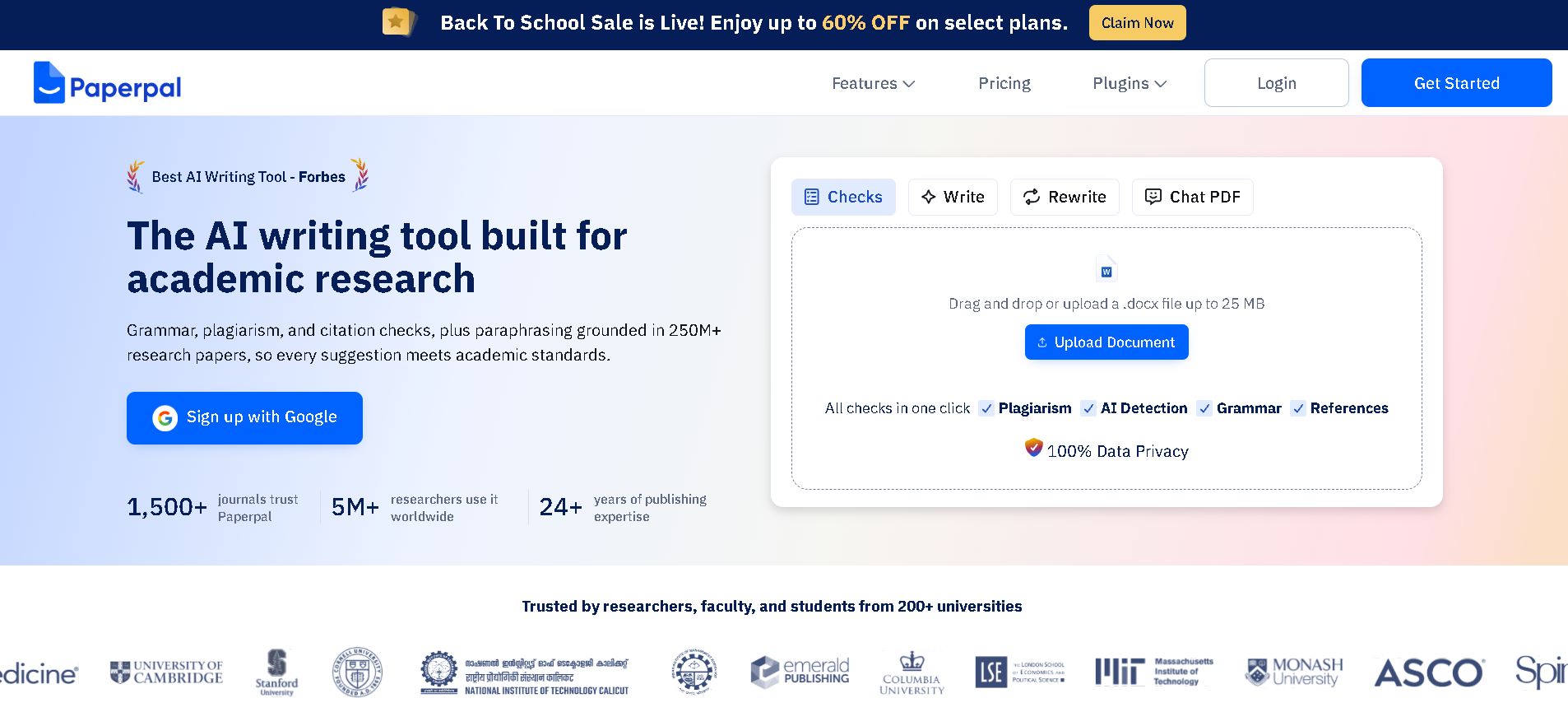
Best for: AI-assisted academic language editing
Paperpal is built to help researchers trim a draft to a strict journal word count and get it into publication-ready shape faster.
Features:
Rephrases and translates dense scientific text toward a publication-ready tone
A submission readiness check covering formatting and language across roughly 30 criteria
Generates and validates citations against a large database of published articles
Checks for accidental plagiarism
Lets you query uploaded PDFs to extract data or summarize methodology, useful for early drafting
Pros:
Cuts real time off trimming and rephrasing to hit journal word limits
Works as an add-in inside Word and web browsers
Flags broken URLs and some retracted journal references
Cons:
Approximates style based on training data rather than enforcing your house style
Requires manual verification for every AI rewrite, citation, and PDF summary before submission
Sends unpublished trial data to cloud AI servers, triggering IT compliance reviews
Pricing: Free plan available; Prime is $25/month or $144/year; Pro is $59/month or $348/year.
5. ProWritingAid
Best for: Deep style and readability reports to help you improve prose
ProWritingAid is built to improve style, flow, and readability, with deep reports that catch repetitive phrasing and overused words. It's aimed at improving an author's own prose rather than enforcing an organization's house style across a publications team, useful for a different job than the one this list is mainly solving for.
Features:
More than 25 writing reports covering pacing, transitions, and sentence structure
A Rephrase tool with reworded alternatives for tone and length
Integrates across Word, Google Docs, Chrome, and Edge
Pros:
Helps solo authors spot repetitive phrasing and awkward sentence flow
Doesn’t feed your text into model training
Customizes report filters to ignore or flag specific terms
Cons:
Clutters the review interface when running dozens of reports at once on a long manuscript
Pushes readability rules that clash with objective scientific writing
Built for one author's manuscript rather than a shared house style your whole team applies across every future submission
Pricing: Free tier available; Premium is $30/month or $120/year; Premium Pro is $36/month or $144/year; Lifetime licenses available at $399 or $699.
6. Grammarly
Best for: General grammar and tone help across a team and across apps
Grammarly's strength is broad, fast general grammar and tone help across almost any app your team uses: Word, Google Docs, Slack, email.
Features:
Works across Word, Google Docs, Slack, and standard email clients
A generative AI assistant for drafting quick responses and adjusting tone
Real-time multilingual support and paragraph rewrites for several languages
An admin console with centralized billing, analytics, and SSO
Meets strict corporate IT requirements with 256-bit AES data encryption and SOC 2 certification. HIPAA compliance is available through a Business Associate Agreement (BAA), which requires the Business Enterprise plan with a 100-seat minimum
Pros:
Deploys instantly across a team with zero training required
Cleans up daily operational writing like emails, vendor updates, and quick messages
Provides documented security certifications (SOC 2, ISO 27001) that simplify IT review
Cons:
Flags precise clinical terms as passive or overly complex
Misinterprets scientific tone because suggestions favor general business writing
Restricts HIPAA compliance to the Enterprise tier with a 100-seat minimum
Built for general writing help, not for enforcing an organization's house style or checking consistency across a long specialist document
Pricing: Free tier available; Pro at $12/user/month billed annually or $30 monthly; Business tier around $33/member/month (HIPAA BAA requires Business Enterprise with a 100-seat minimum).
7. Microsoft Editor
Best for: Spelling, grammar, and light style help already included with Microsoft 365
Microsoft Editor is already sitting inside Word for most teams, with no separate IT approval needed. Its real strength is being free, familiar, and instant.
Features:
Native inside Word, Outlook, and browsers as part of Microsoft 365
Real-time grammar, capitalization, and spelling checks
Style suggestions for active voice, conciseness, and formality
A similarity checker that flags close matches to online sources, closer to a plagiarism-style check than a citation manager
Pros:
Adds no extra cost for teams already using Microsoft 365
Operates inside your corporate network without requiring new IT approval
Catches everyday typos instantly while drafting in Word and Outlook
Cons:
Underlines most of your clinical vocabulary until you add each term to the dictionary by hand
Prompts writers to oversimplify scientific detail to fit standard business style rules
Lacks automated abbreviation checking and cross-document consistency checks across long manuscripts
Pricing: Included with Microsoft 365 subscription (Business Standard is $14/user/month as of July 1, 2026)
What Gets a Medical Manuscript Sent Back
There are many reasons why a manuscript may get a desk reject. The topic may not fit the journal, the study may not offer enough to the existing literature, or the methodology may have a gap that needs to be addressed.
Consistency issues usually come later in the process. Getting them right helps to make the best impression at peer review. Then once a manuscript has cleared the bigger scientific and editorial hurdles, reviewers and copyeditors start to pick up on the smaller things: an abbreviation defined twice, a drug name that changes from generic to brand, or a term that's capitalized in one section and lowercase in another.
These issues don't change the findings, but they create extra work during review and editing. A reviewer may flag them for correction, while a copyeditor may send queries back to the authors before the paper can move into production.
Drug names are a common example. Medical styles (such as AMA style) generally use generic drug names throughout a manuscript, with brand names used only when they're relevant to the study.
So if a paper refers to a drug by its generic name in the introduction and switches to the brand name later, the research itself hasn't changed. But these inconsistencies can make the manuscript look less carefully checked. Knowing how to spell brand and generic drug names correctly can help prevent that kind of error.
It gets harder to keep things consistent when several authors are working on the same paper. One author may capitalize a drug class while another doesn't. Someone may define an abbreviation in the methods and then use a different version of it in the results.
The same thing can happen with multilingual authors. International research teams often bring together contributors with different writing styles, and those differences can show up in everything from terminology to sentence structure and formatting.
The person preparing the final manuscript has to catch those inconsistencies before submission, then check them again when revisions come back from the reviewers.
A final consistency check won't fix a weak study or a problem with the methodology. It can, however, help to make the best impression. Moreover, it prevents small errors from creating unnecessary questions during review.
Where AI Fits in Publications Work
While generative AI has already found a place in publications workflows, the most useful question isn't whether to use it, but where its help should stop. This section looks at what a general AI tool is genuinely good for, and where a specialist package like PerfectIt is doing a different job entirely.
Generative AI is genuinely useful for early drafting, and for helping multilingual authors find natural English phrasing. Whether an AI tool should be the final check before a manuscript goes to a journal is an entirely different question.
As more teams draft with AI assistance, terminology drift becomes a bigger risk: a tool might use one clinical term in the introduction and shift to a synonym three sections later without anyone noticing.
General assistants like ChatGPT or Claude are useful for brainstorming and rephrasing, but they can invent acronym definitions, miss small formatting inconsistencies, and aren't built to track precise detail across a long document.
PerfectIt applies the same rules the same way on every check, and with PerfectIt for Windows an unpublished manuscript never goes to an outside model or server.
How to Choose Manuscript Editing Software for a Publications Team

Evaluating tools for a medical publications team calls for a different lens than picking software for general writing.
Is the tool built for the prose, or for the document?
Tools built for novelists focus on narrative pacing and sentence flow. A medical publications team needs document-level quality control instead: consistent trial terminology, acronyms that match their definitions, tables in numerical order.
Can it carry your journal and style manual preferences across every manuscript?
Publications teams rarely submit to just one journal. A general grammar checker applies generic rules and leaves your team to clean up style discrepancies by hand each time. Purpose-built tools let you store your organization's AMA and journal-specific rules once and apply them to every draft.
Where does an unpublished manuscript go?
Data security sits at the top of every pharmaceutical procurement review. Cloud-based AI tools send text to external servers, which tends to trigger a compliance review from IT. Desktop tools like PerfectIt for Windows keep unpublished clinical trial data on your own machine.
If those are the priorities for your team, PerfectIt is the strongest option on this list to consider first.
Frequently Asked Questions

What is the best manuscript editing software for a medical publications team?
PerfectIt stands as the best manuscript editing software for a medical publications team because it systematically checks consistency and house style across complex documents. Used by medical writing teams at over 80 percent of the world's top pharmaceutical companies and CROs, it functions as a reliable abbreviation checker and terminology validator before journal submission.
Is manuscript editing software the same as book writing software?
No. Manuscript editing software for medical publishing checks document consistency, journal rules, and technical terminology. Book writing software like Scrivener or Atticus helps fiction authors draft prose and structure chapters.
Does PerfectIt support AMA style?
Not out of the box. You build your American Medical Association (AMA) preferences into PerfectIt, then apply them across every draft.
Can you use manuscript editing software on an unpublished manuscript?
Yes, as long as the platform protects that data appropriately. PerfectIt for Windows runs entirely offline as a Word add-in, so an unpublished manuscript never travels to an outside server.
Will it check references against the journal's citation style?
PerfectIt doesn't; that stays a job for a dedicated reference manager like EndNote or Zotero. Some AI writing tools claim to generate or validate citations automatically; treat those outputs as a starting point that still needs independent verification, especially in medical publishing.
Can software replace a medical editor?
No. Tools like PerfectIt handle repetitive mechanical checks, which frees your team to focus on scientific clarity, data interpretation, and structure.
Final Verdict
For a medical publications team preparing a manuscript for submission, PerfectIt is the best manuscript editing software because it carries your journal and house style preferences across every section and leaves each decision to you.
It also catches the consistency errors that general writing assistants miss, and it applies your rules the same way on every check, across every contributor and every revision.
You can test it on your own documents with a 14-day free trial: full access, no credit card required.
