
The Best Grammarly Alternative
TL;DR:
PerfectIt is the best Grammarly Pro and Grammarly Enterprise alternative for medical writers, proposal writers, government publications teams, and professional editing teams. It's built to help maintain consistency and house style across high-stakes documents, especially in regulated industries, and it does all of its work without any AI.
Grammarly Pro checks spelling, grammar, punctuation, wordiness, tense, and clarity, among other things, and it's expanded well beyond that: a plagiarism checker, an AI rewriter, a paraphraser, a style checker, and an AI humanizer are all part of the suite now.
PerfectIt focuses on two tasks: consistency and house style. It checks a long specialist document for inconsistencies in terminology and style: acronyms, capitalization, hyphenation, spelling, numbers, lists, tables, and figures.
It also checks every document against your organization's house style, helping you apply the same terminology and editorial rules across contributors and revisions. PerfectIt is not AI, which matters for confidential documents under security review: nothing in your document is sent anywhere or used to train a model.
This guide compares PerfectIt and five other Grammarly alternatives for medical writers, proposal and bid teams, government publications teams, and other professional editing teams working on long specialist documents.
You can also book a demo or consultation to see how it works with your documents.
A Quick View
| Tool | Best for |
|---|---|
| PerfectIt | Consistency and house style for specialist documents in Word and PowerPoint (with offline running available for Windows users). |
| ProWritingAid | Deep style and readability reports for improving an author's own prose. |
| LanguageTool | Multilingual grammar and style checking, with a self-hosted option. |
| Writer | Enterprise brand terminology and style-guide governance. |
| editGPT | AI drafting and rewriting tool that shows exactly what text was added or crossed out, keeping all edits intact when importing and exporting to and from Word. |
| Microsoft Editor | Spelling, grammar, and light style help included with Microsoft 365. |
Why Do Teams Consider Alternatives to Grammarly?
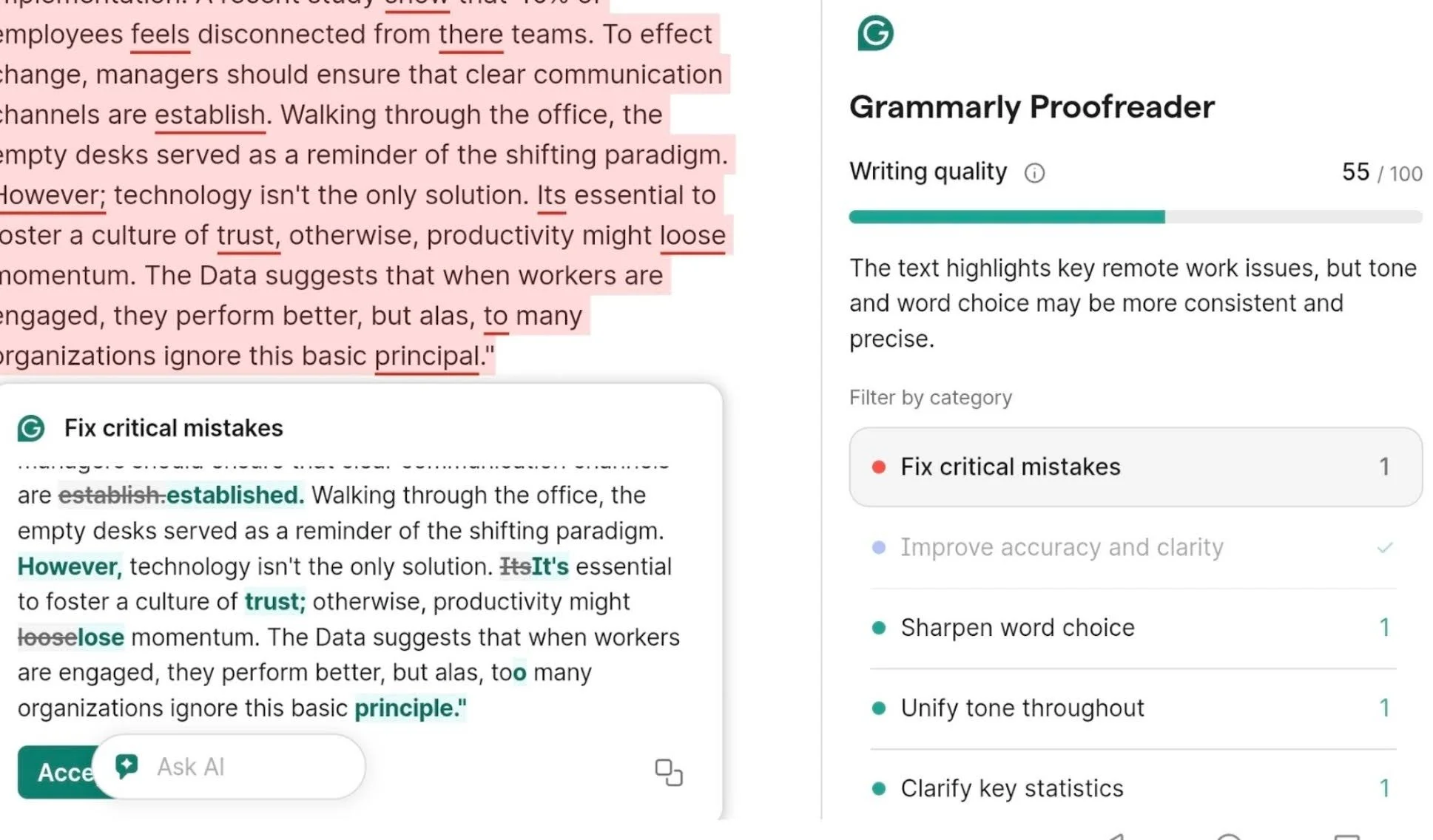
Grammarly Pro is good at what it does: flagging spelling and grammar mistakes. It also offers many other writing tools in its suite, which makes it one of the most widely used editing tools in the world. However, professionals in regulated industries don't benefit much from AI writing help, and Microsoft Editor already covers grammar and spelling for most teams.
What teams handling high-stakes documents need is a focus on the issues that actually come up in their work. In particular, that means checking consistency and house style.
Grammarly does have a style checker, but it's one check among many others, easy to miss while sorting through everything else Grammarly is flagging at the same time. That's an issue when you only want to check a document’s consistency and house style, especially against a deadline.
In pharmaceuticals, government, and proposal work, medical writers, proposal teams, and publications teams run into the same issues:
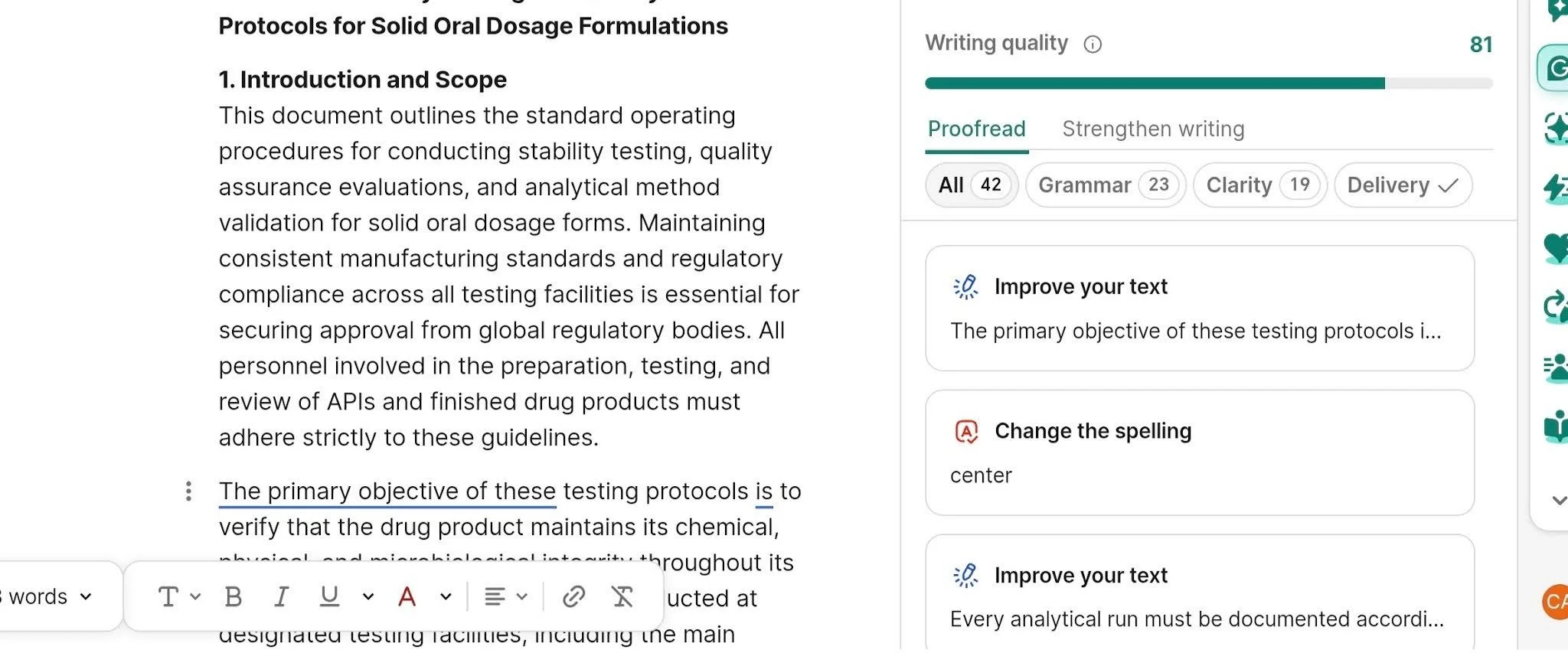
Consistency checking shares space with everything else. Grammarly shows spelling, grammar, wordiness, tone, clarity, and consistency suggestions together. A user checking for inconsistencies has to read through all of that feedback to find them, which can be distracting and time consuming.
Acronyms confuse readers. Grammarly doesn’t automatically flag acronyms that have been used before they were defined or never defined at all.
Confidentiality and approvals. Clinical study reports, government submissions, proposals, documents like these often can't go through a tool that sends text to an outside AI model. Security and confidentiality requirements rule it out before anything else.
Kimberli Balfour, Senior Proposal Manager at Microsoft Corporation, put it plainly: "PerfectIt's inexpensive pricing and security model made it easy to get corporate approvals." With PerfectIt, your document never leaves your computer.
Top 6 Grammarly Alternatives
PerfectIt
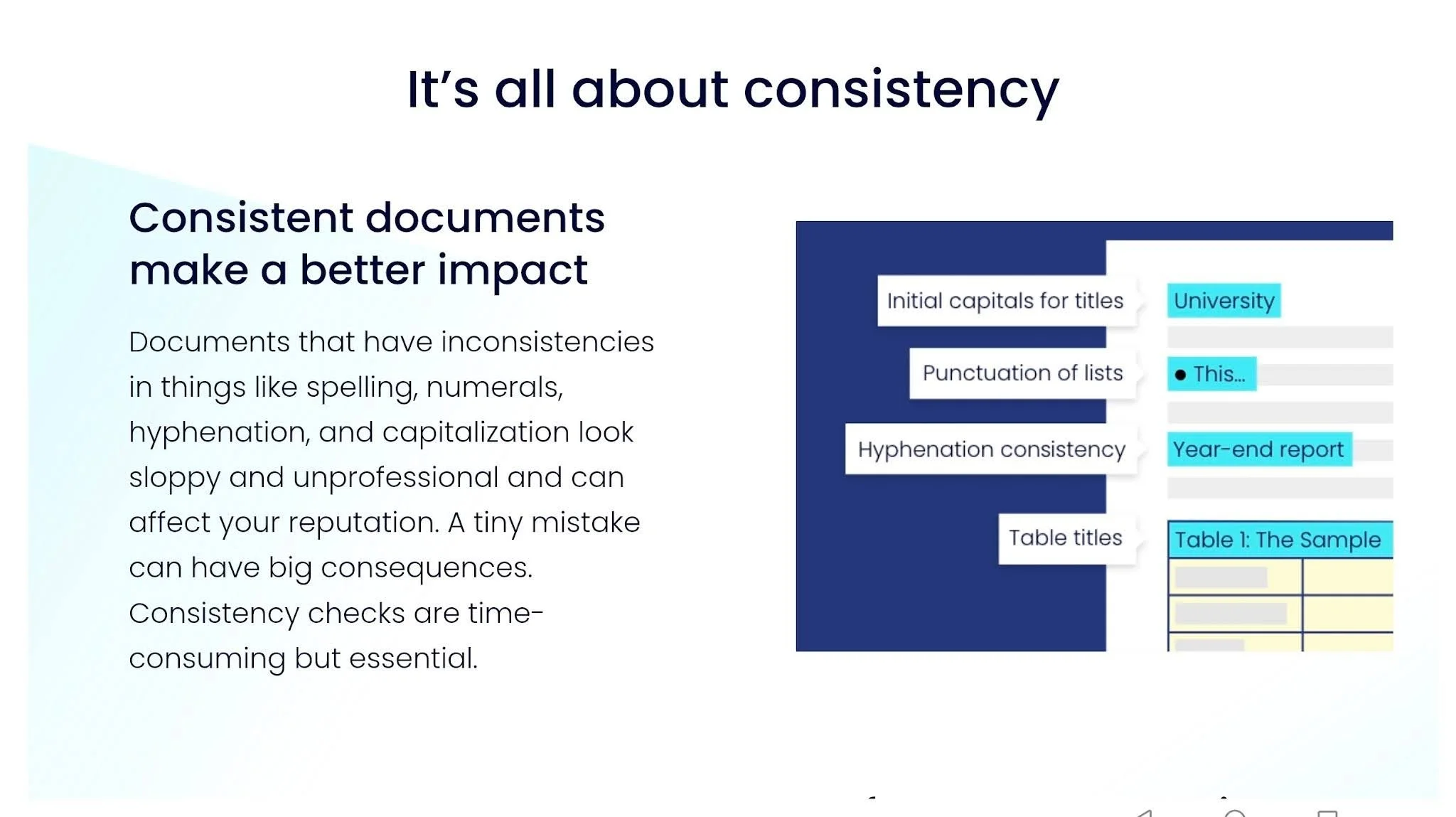
PerfectIt focuses on the tasks that matter most to teams and professional users: making sure your entire document is consistent and follows your house style. It jumps straight to the hardest mistakes (inconsistencies) without weighing you down with AI writing assistance and general grammar.
You build your house style into PerfectIt once, using Styleworks, and it checks every document against those preferences from then on.
It works in both Word and PowerPoint (PowerPoint checking is on the Elite, Team, and Enterprise plans). PerfectIt for Windows doesn't need an internet connection to run a check, and since it isn't AI, nothing in your document gets sent anywhere or used to train a model.
PerfectIt is also the only official proofreading software of The Chicago Manual of Style and of the Microsoft Writing Style Guide.
Features:
Consistency checks: Flags capitalization, hyphenation, lists, spelling, numbers, tables, and figures
Acronym definitions: Flags acronyms used before they’re defined, defined twice, or never defined.
Acronym table: Generates a full table of every acronym in your document
Custom house style: Lets you start from a number of built-in or published styles, then add only the points where your organization differs or where something isn’t covered (such as how to spell brand names)
Works straight out of the box: Consistency checking needs no customization and no settings configuration at all
Pros:
The same rules, same result, every single time
Checks your document without sending it online
Made for long specialist documents
Rated 4.9 on Capterra (371 reviews) and 4.8 on G2 (164 reviews)
Con:
No Google Docs add-in, so if you’re working in Google Docs, you'll need to save as Word, check it, then re-upload
2. ProWritingAid
ProWritingAid is built for deep style and readability reports, suited to authors revising long manuscripts. It digs into sentence-level craft: pacing, word choice, repetition, the kind of feedback writers use to tighten a draft before it gets submitted.
Features:
Style and readability reports: Breaks down sentence variety, pacing, and flow across more than 25 categories
Readability analysis: Flags dense or repetitive passages line by line
Native integrations: Works directly inside Scrivener, Microsoft Word, and Google Docs
Pros:
Analyzes sentence structure and prose far deeper than a basic grammar checker
Offers a lifetime license option so you can avoid a monthly subscription
Delivers detailed feedback for authors working through a full draft
Cons:
Its reports are built around improving an author's own prose, while professional and regulatory teams need consistency and house style checked across many contributors
3. LanguageTool
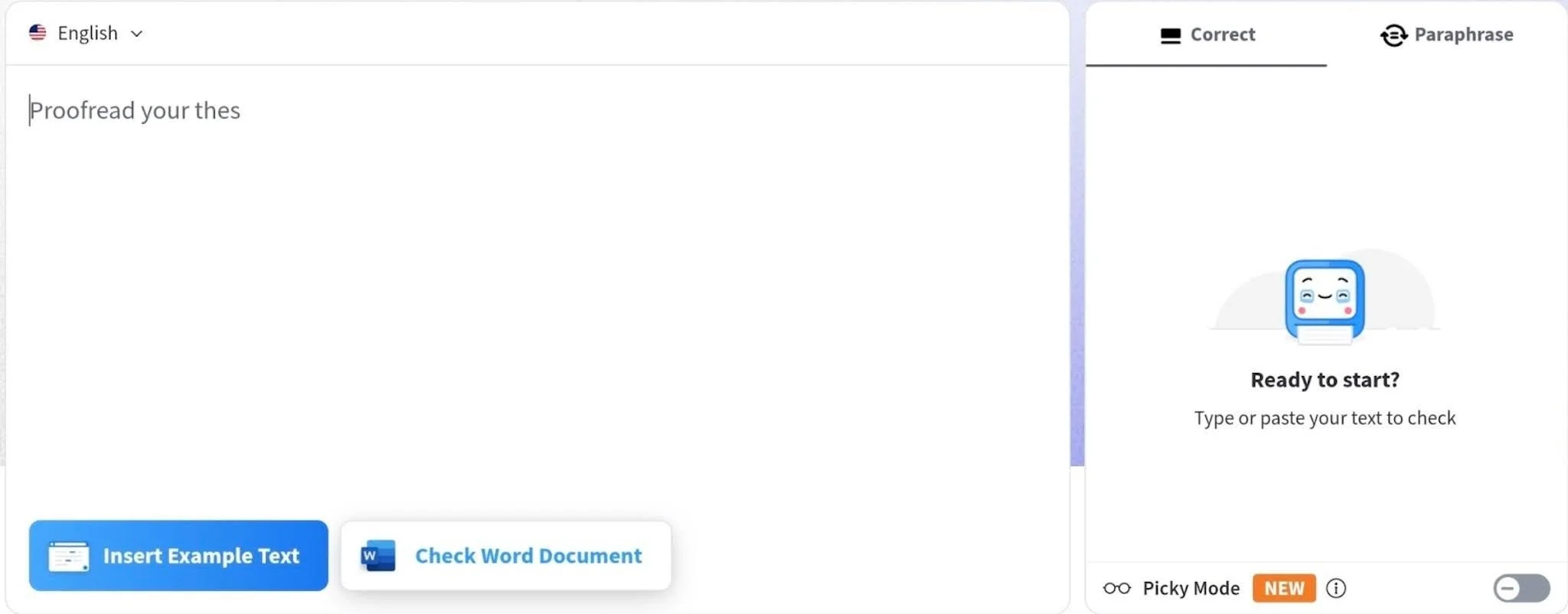
LanguageTool is good for teams handling multi-language drafts or managing sensitive documents in-house. It catches typos and awkward phrasing in more than 30 languages. Turning on "Picky Mode" flags extra rules like passive voice, long sentences, and wordy sections. It also includes an AI rephraser to tweak sentence length or tone.
You can run its open-source core on internal servers to keep your confidential documents off external networks if your team has strict security requirements.
Features:
Multilingual editing: Corrects grammar and spelling across 30+ languages
Picky Mode: Flags passive voice, repetitive words, and complex sentence structures
AI rephraser: Generates alternative sentence options to change tone or shorten text
App integrations: Plugs into Google Docs and Microsoft Word
Self-hosted engine: Runs on private servers so documents stay off third-party cloud infrastructure
Pros:
Handles non-English grammar well with over 30 languages
Gives you control over data security through self-hosted setups
Catches subtle style issues alongside standard mechanical typos
Cons:
Self-hosted servers rely on open-source rules, reserving advanced AI features for cloud accounts
4. Writer
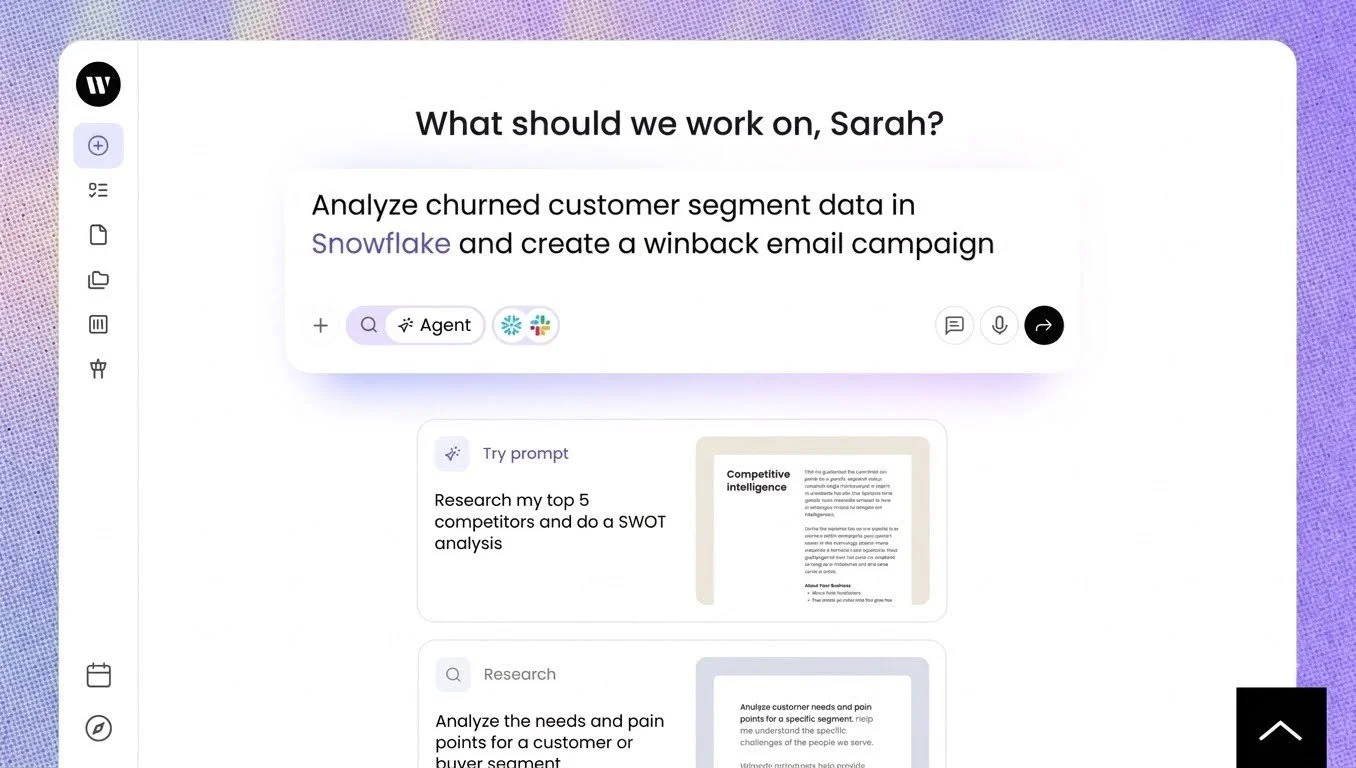
Writer is built for marketing organizations where hundreds of people need to sound like one brand, not for a single reviewer checking a single document. It runs on its own proprietary language model called Palmyra, and applies an organization's style guide two ways: automatically to content its own AI agents generate, and as real-time suggestions in a sidebar for anything a person writes directly.
Features:
Style guides and voice profiles: Sets approved terminology, custom tone rules, and banned phrase lists for your team
Knowledge Graph: Grounds generated content in your company's actual internal facts, products, and messaging
Security and compliance: SOC 2 Type II, HIPAA, GDPR, and PCI
Pros:
Applies brand rules automatically to content its own AI agents generate
Scales across large content teams
Backed by enterprise-grade compliance certifications like SOC 2 Type II
Con:
Its style guide features sit inside a broader AI system, so a team that only needs a consistency check takes on far more than it needs
5. editGPT
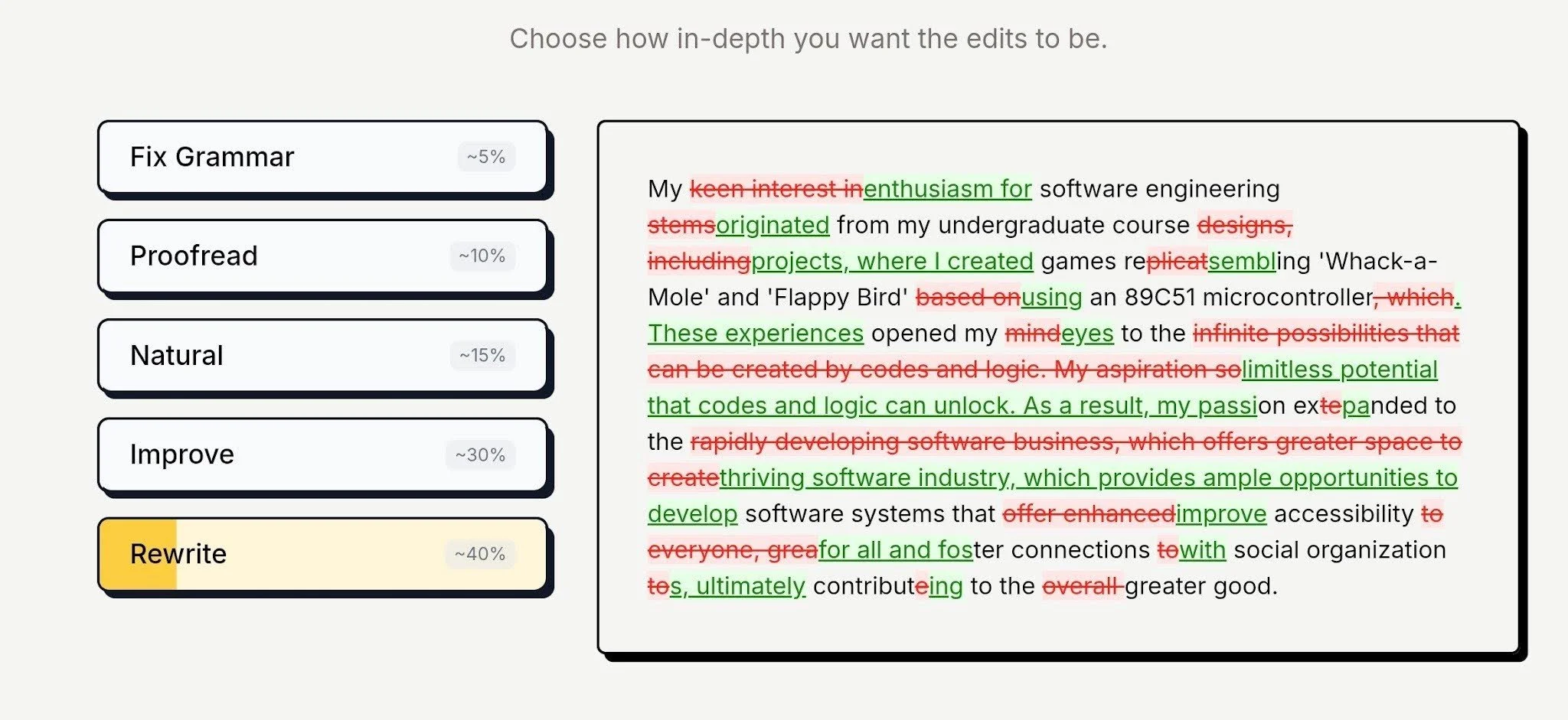
editGPT works as a browser extension and an online editor built around contextual editing, aiming to preserve your original tone and voice instead of rewriting your text into a generic AI style.
You can upload a Word document directly in its web editor, and editGPT revises it while keeping your original tone intact. Exporting returns a .docx file with the changes shown as native Word track changes so you have the choice to accept or reject them.
Features:
Writing modes: Different editing modes, from Fix Grammar and Proofread at the lighter end, to Natural, Improve, and Rewrite for heavier changes
Custom prompt controls: Set specific instructions to control how aggressively the AI rewrites your text
Track changes: Every suggestion appears as a strikethrough or highlighted insertion
Multilingual support: Edits and proofreads across more than 80 languages
Pros:
Keeps every edit visible and reversible rather than applied automatically
Contextual editing aims to preserve your original tone and voice
Low cost to try, with a free plan covering 20,000 words a month
Cons:
It's AI-based, so it approximates a style rather than enforcing one consistently
Document text goes to an outside AI model, which rules it out for teams that can’t send documents off their own network
6. Microsoft Editor
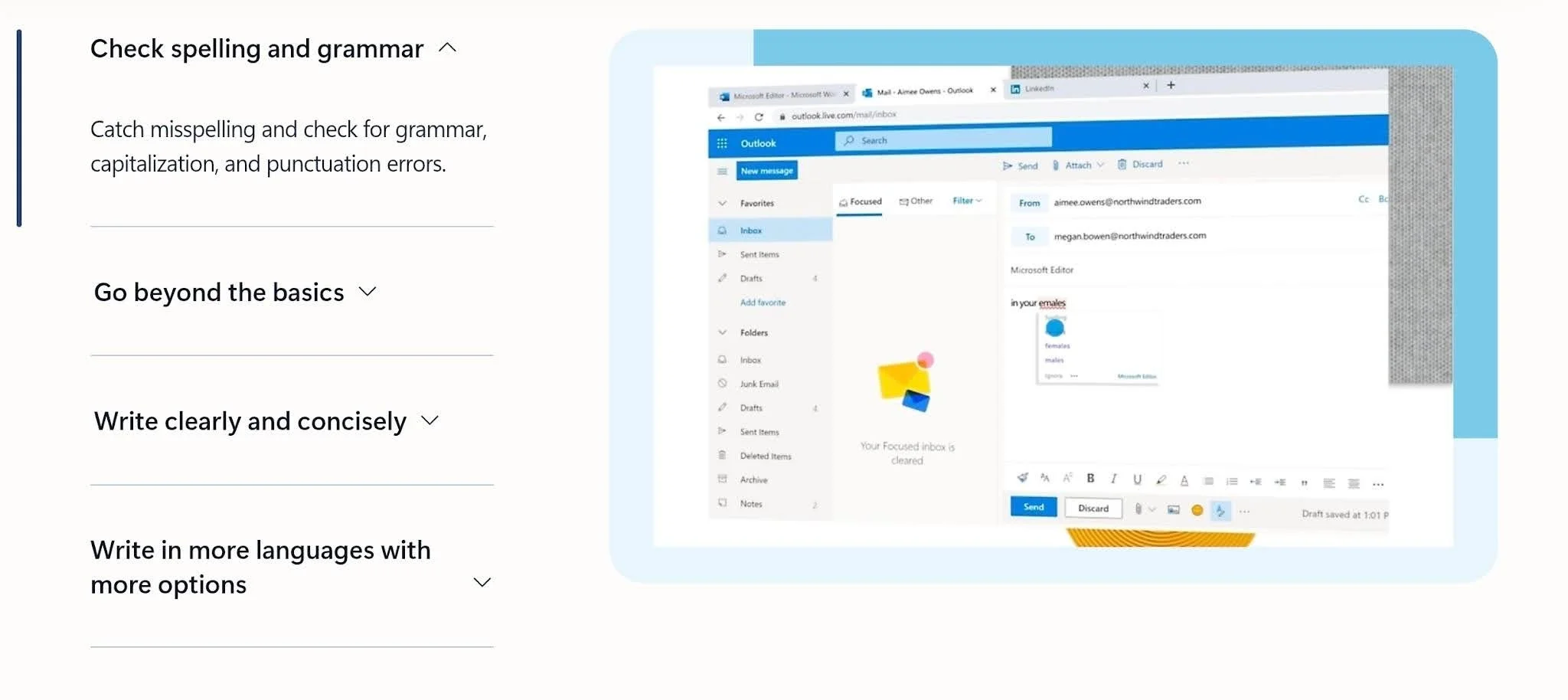
Microsoft Editor is built directly into Microsoft 365, handling spelling, grammar, and light style fixes across Word desktop, Word for web, and Outlook. It delivers live suggestions and calculates a readability score, flagging things like passive voice and wordy phrasing along the way.
Features:
In-app proofreading: Flags standard typos and grammar issues directly in Word for desktop, Word for web, and Outlook
Editor Score metrics: Tracks document readability, word counts, and overall quality scores
Copilot AI support: Helps you draft new text or rephrase full paragraphs right inside the document page
Native workspace setup: Works inside the Microsoft 365 suite without requiring separate downloads
Pros:
Already included with standard Microsoft 365 setups, so you don't need new software approvals
Fast for catching everyday typos and basic grammar mistakes
Adds no separate vendor account or monthly bill
Copilot integration speeds up first drafts and basic rewrites
Cons:
Not built for systematic consistency checking or reliable house style across long documents
Why PerfectIt Ranks Best for Style, Security, and Overall Consistency
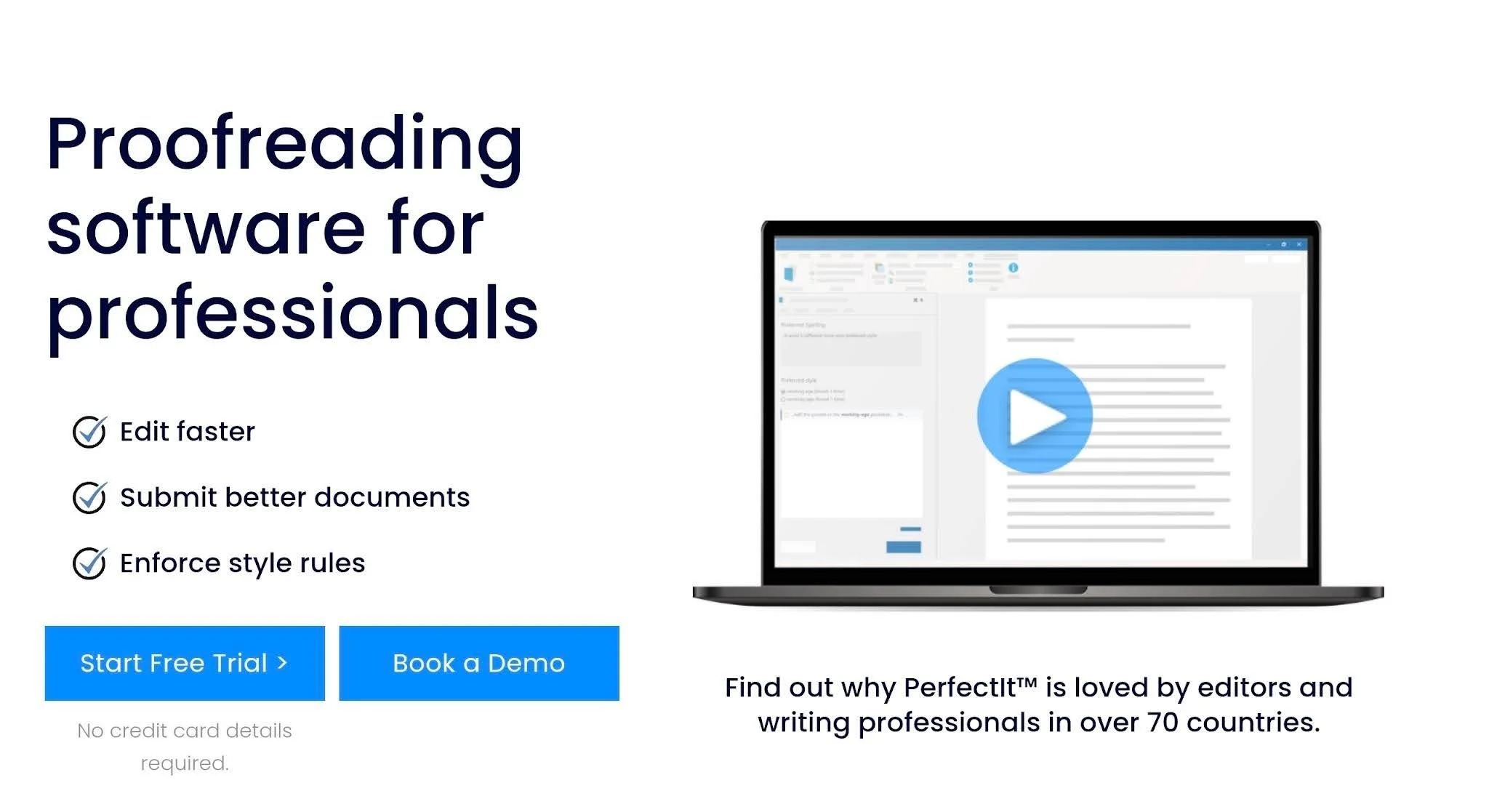
What sets PerfectIt apart, and makes it the best Grammarly alternative for professionals and teams in regulated industries is how consistency and house style are its entire focus. Users aren’t inundated with grammar suggestions, AI rewriting, and everything else a general writing tool tries to do at once.
PerfectIt is rules-based and deterministic. That means that it will give you the same result with the same document every time.
How PerfectIt works
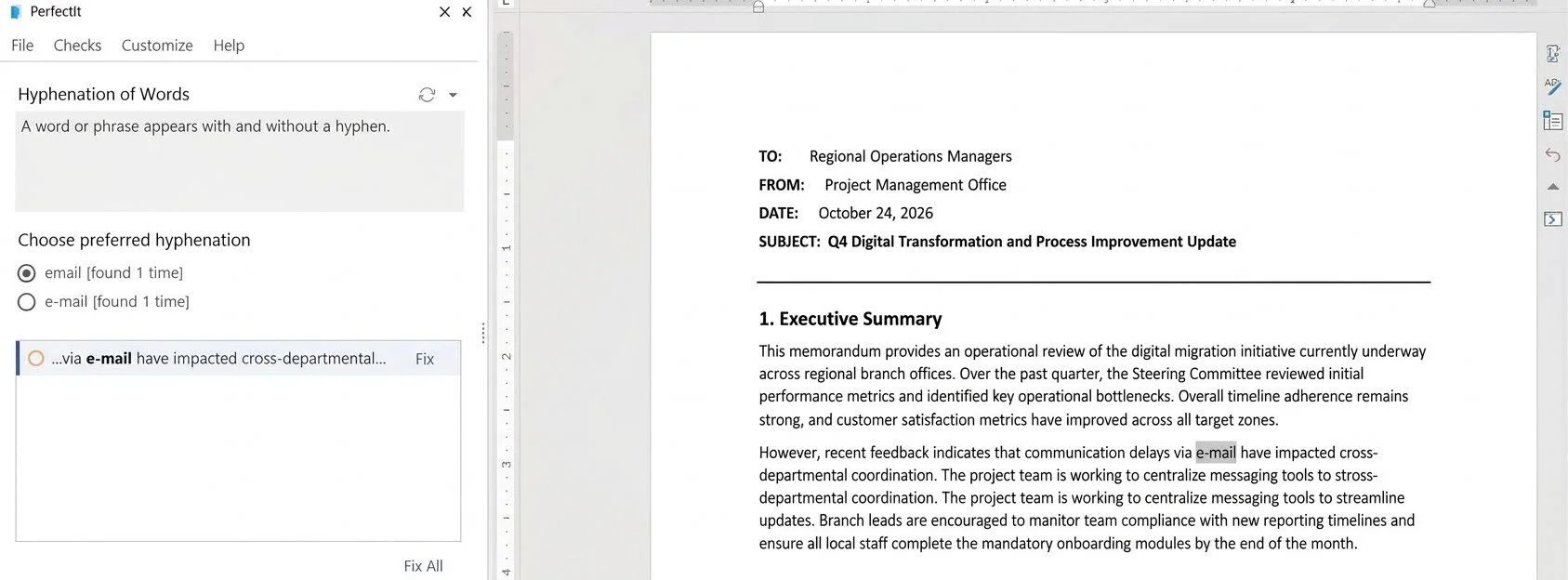
You launch PerfectIt inside Word and start its checks. It checks the whole document at once and flags each issue in the sidebar, showing every location in context so you can decide what to change. It never rewrites the text on its own and the decision to change or keep ultimately stays with you.
The checks in action
Acronym definitions: With over 90% accuracy, it flags acronyms used before they are defined, defined more than once, or never defined at all.
Capitalization: Checks for inconsistent capitalization across the document.
Hyphenation: Flags inconsistent use of hyphenated and non-hyphenated terms.
Bullets and lists: Checks that bullets and lists are capitalized and punctuated consistently.
Spelling variations: Flags different spellings of the same word used within a document.
Preferred spelling: Checks wording against your chosen spelling preferences.
Numbers in sentences: Flags numbers inside sentences when spelled-out numbers and digits are mixed, such as ‘six’ in one place and ‘7’ in another.
Tables and figures: Checks that tables and figures are titled consistently and appear in numerical order.
Who it is for
PerfectIt began as an app for professional editors. Many teams now rely on it and it’s the best Grammarly alternative for teams like:
Medical writers in pharmaceutical companies, CROs, and biotech
Proposal and bid teams
Government publications teams
Medical writers in pharmaceutical companies, CROs, and biotech
In a clinical trial, “patient,” “participant,” and “subject” are not interchangeable. PerfectIt helps keep terminology like that consistent across a clinical study report or regulatory submission.
It flags each location and leaves the decision to you, so you spend less time on mechanical fixes and more on the science. Medical writing teams at more than 80% of the top global pharmaceutical firms use PerfectIt.
Proposal and bid teams
Large proposals often have several contributors who define acronyms and capitalize terms differently. PerfectIt flags acronyms used before they’re defined, defined twice, and never defined. That helps the team write with one voice and catch inconsistencies before the document gets submitted.
More than 20,000 users in 72 countries use PerfectIt, including Microsoft’s global proposal team.
BidExecs reports that PerfectIt cut its proofreading time by 30%. Manisha Kaneri, Publishing Team Lead at BidExecs, said it plainly: "For proposal work, PerfectIt is the best in its class."
Government publications teams
Government publications often have to follow a particular style guide, and many authors write to it. PerfectIt checks every document against that style. It has a partnership with The Chicago Manual of Style. It also includes built-in styles for the US Government Publishing Office, the European Union, the United Nations, the Australian Government, and American Legal, and you add your agency’s own preferences on top.
Pricing
PerfectIt is an annual, per-user subscription with four plans: Professional, Elite, Team, and Enterprise. Check the live store for current prices. The 14-day free trial gives full access and asks only for an email address: no purchase, no credit card, and no other personal information.
Rules-Based Checking Versus AI Writing Tools
PerfectIt is rules-based, so it follows exactly what you told it to check, rather than a model approximating what your house style probably looks like.
Many teams now draft with AI, and the more content gets written that way, the harder terminology is to keep consistent. PerfectIt works as the quality control step after AI drafting, catching that drift before a document gets submitted.
ChatGPT and Claude are helpful for drafting, brainstorming, and revising. They approximate a style rather than enforce it, and are unreliable for consistency, acronyms, and long documents, so they don’t provide a reliable final check.
For teams that handle confidential documents in pharmaceutical companies, government, and proposal work, not being AI makes PerfectIt easier to get approved.
How to Choose the Right Grammarly Alternative
Three questions help you narrow the list.
Where does your reviewed document go?
Find out where a tool sends your document. Some process it on their servers. Others pass it to an AI model. This is a question your organization’s security or compliance team may need answered before approving the software. Tools that work offline and don’t use AI keep your document on your computer. PerfectIt for Windows is one example.
Do you need a broad writing assistant or a focused consistency checker?
Many teams already have grammar and spelling checks in their word processor. Broad writing assistants add AI rewriting, paraphrasing, and plagiarism checks. These suit everyday writing. A long specialist document needs a different check. It needs a tool that flags inconsistent terms, acronyms, capitalization, and spelling variations against your house style. Pick a tool that fits the task you need and won’t distract you with anything else.
What kind of documents do you write?
Match the tool to the document. Short, everyday writing usually needs a general assistant. Long high-stakes documents need a dedicated consistency and house style checker, since several people often write them.
Final Verdict
PerfectIt is the best Grammarly alternative for medical writers, proposal writers, government publications teams, and professional editing teams where consistency and house style matter most.
Broad writing tools like Grammarly Pro check consistency alongside grammar and AI suggestions. PerfectIt focuses on consistency and house style and nothing else. It isn’t AI, so your document doesn’t get sent to an outside model or used to train one.
See how PerfectIt works for organizations around the world or book a demo or a consultation today.
Frequently Asked Questions
What is the best alternative to Grammarly Pro for professional editing?
PerfectIt is the best alternative to Grammarly Pro for consistency and house style checking in specialist documents like proposals, clinical study reports, and regulatory submissions.
Is there a Grammarly substitute that doesn't use AI?
Yes, PerfectIt. It applies your rules the same way every time. It doesn't generate or rewrite text, and PerfectIt for Windows works offline.
What is the difference between Grammarly Pro and PerfectIt?
Grammarly Pro is a broad writing assistant. It does grammar, spelling, punctuation, wordiness, tense, tone, style, and clarity checks together. It also includes AI rewriting. PerfectIt only checks consistency and house style across a whole document in Word and PowerPoint, and it doesn’t use AI.
Is there a Grammarly alternative that works offline?
After installation, PerfectIt for Windows works offline and never sends your document anywhere.
Which Grammarly alternative is best for a regulated industry?
PerfectIt is the best Grammarly alternative for medical writers. It isn't AI, so it's easier to get approval for when you handle confidential documents.
Can PerfectIt replace a human editor?
No. People are the best editors. PerfectIt helps with the repetitive mechanical checking so you can spend your time on meaning and structure.
