

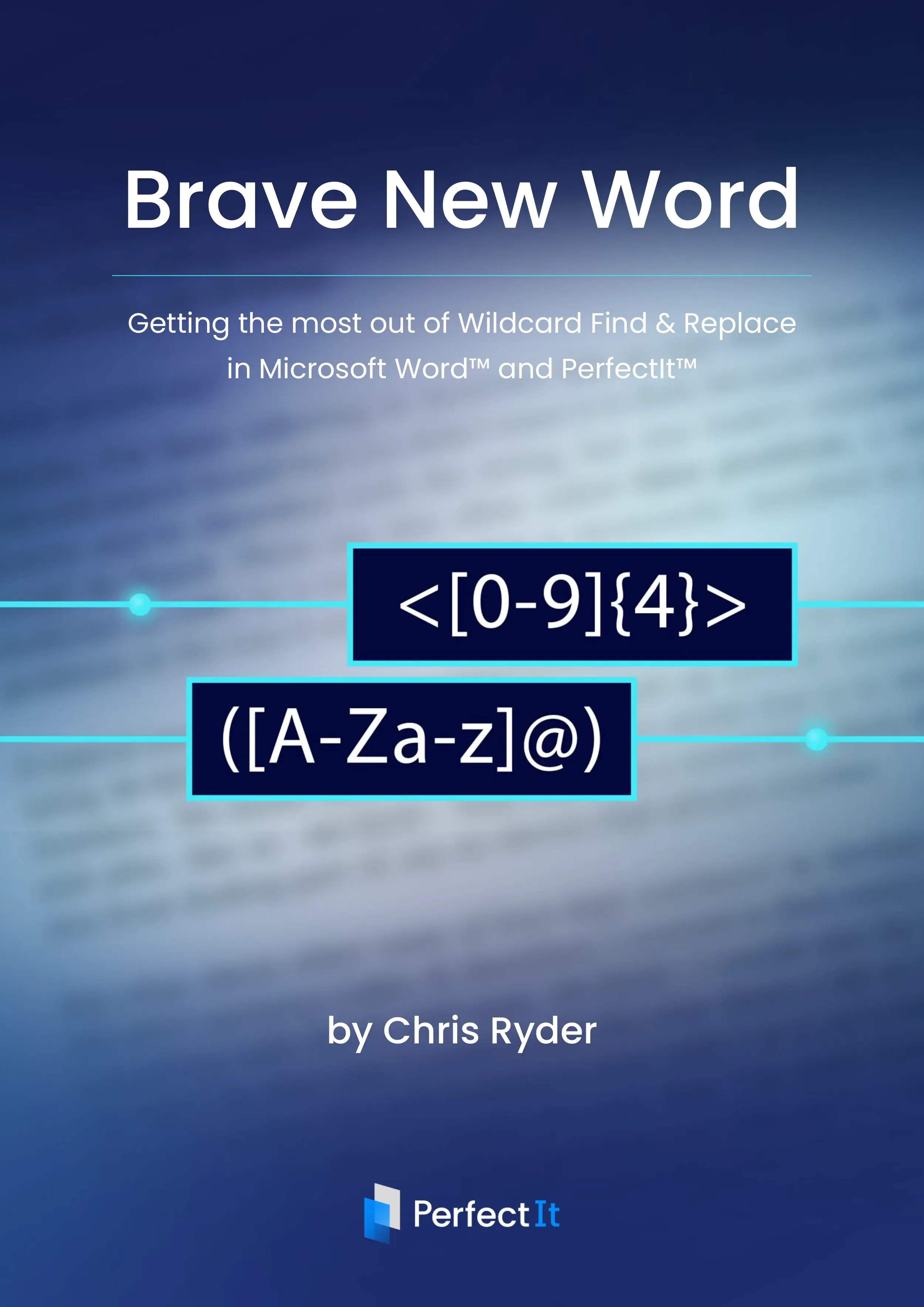
Master Word wildcards.
Fix inconsistencies in seconds.
Learn the tool most people never use. Wildcard search is one of the most powerful features in Microsoft Word, but it is often overlooked. This free ebook shows you how to use it properly to find patterns, fix errors, and make changes across entire documents in seconds.

Wildcard search lets you:
Find patterns instead of individual words
Fix multiple variations of the same issue at once
Make changes across a document in seconds
But it can feel complicated without the right guidance.

Learn how wildcards actually work
Brave New Word explains:
What wildcard characters are and how to use them
How to build effective wildcard search strings
How to use Find and Replace with wildcards
How to troubleshoot when searches do not behave as expected
It is designed to make wildcards clear, practical, and usable.

Use wildcards with PerfectIt
The ebook also shows how to use wildcard Find and Replace checks in PerfectIt, so you can:
Store your searches
Run them automatically
Review results and decide what to change
Download the ebook and start using wildcards today

About the author
Chris Ryder works as an Analytical Linguist at Intelligent Editing, getting to play around with words and language to help enhance what PerfectIt and Draftsmith can do. Before this, he undertook teaching and research at the University of Reading while studying for his PhD in Linguistics.